Zoom - Access token is expired - code 124
Status: Closed · Asked by Digital Team on · 0 views
Hello!
We are facing this below issue everyday so we can notify the registrations. Please help to resolve. Details given below for reference:
{
"code": 124,
"message": "Access token is expired.",
"OAuthException > reason": "Invalid Token!",
"OAuthException > error": "invalid_grant",
"OAuthException > ErrorTip": "Try creating a new connection to resolve the OAuthException error. Learn more: https://forum.pabbly.com/threads/how-to-solve-oauthexception-error.18724/"
}
Hey @Zycus
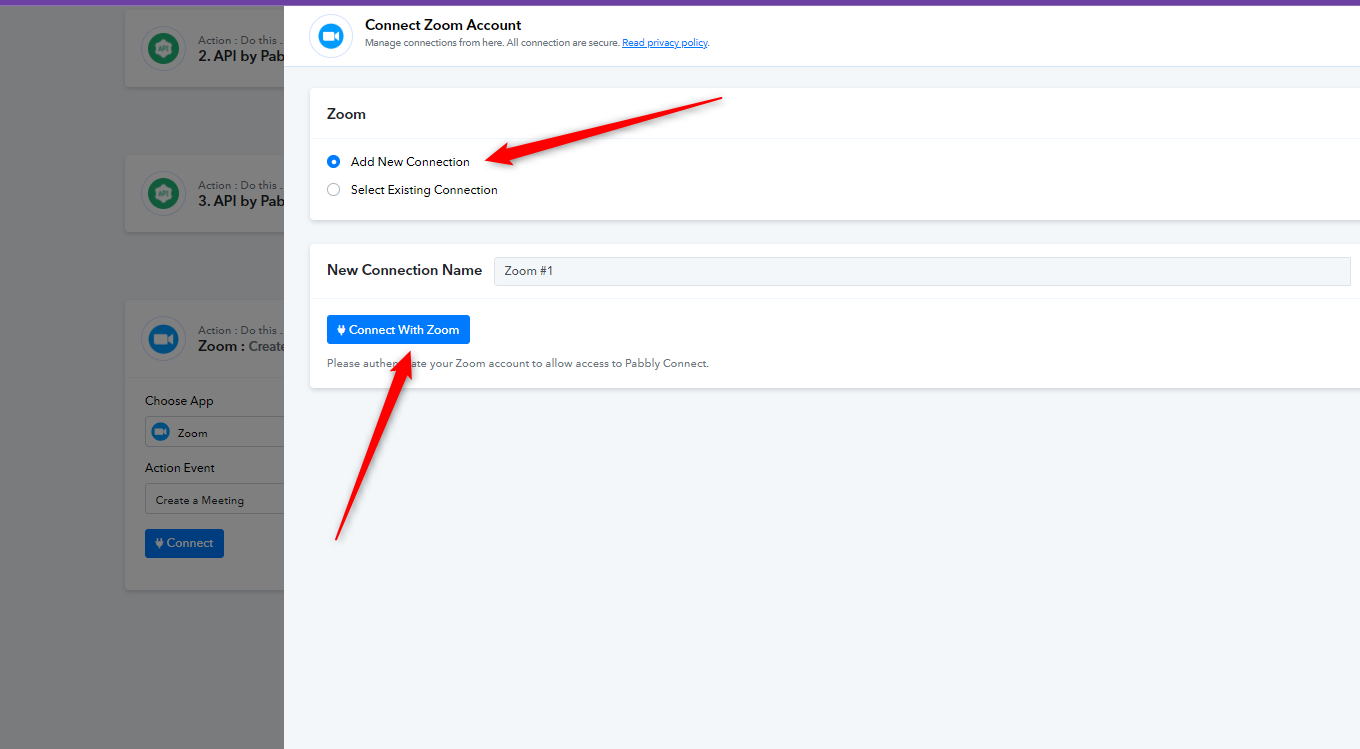
Can you please make a new connection once with the Zoom application and then try again?
Hello,
I've tried that option and now I'm creating daily one new connection. But please provide some long term solution for this.
We have repled to you on ticket #49436. Kindly please check and reply on the same ticket for any concerns.
please share the ticket system link
You must have received an email from support@pabbly.com to your email address [email hidden]. Kindly please check your inbox.
For your reference, here is the ticket ID #49436
Ok thanks