Zoom date not changing
Status: Open · Asked by Himanshu Huria on · 0 views
My first webinar was on April 19 at 7 pm and now next is on May 2, 11 am.
The date and time is not changing itself.
Attachments
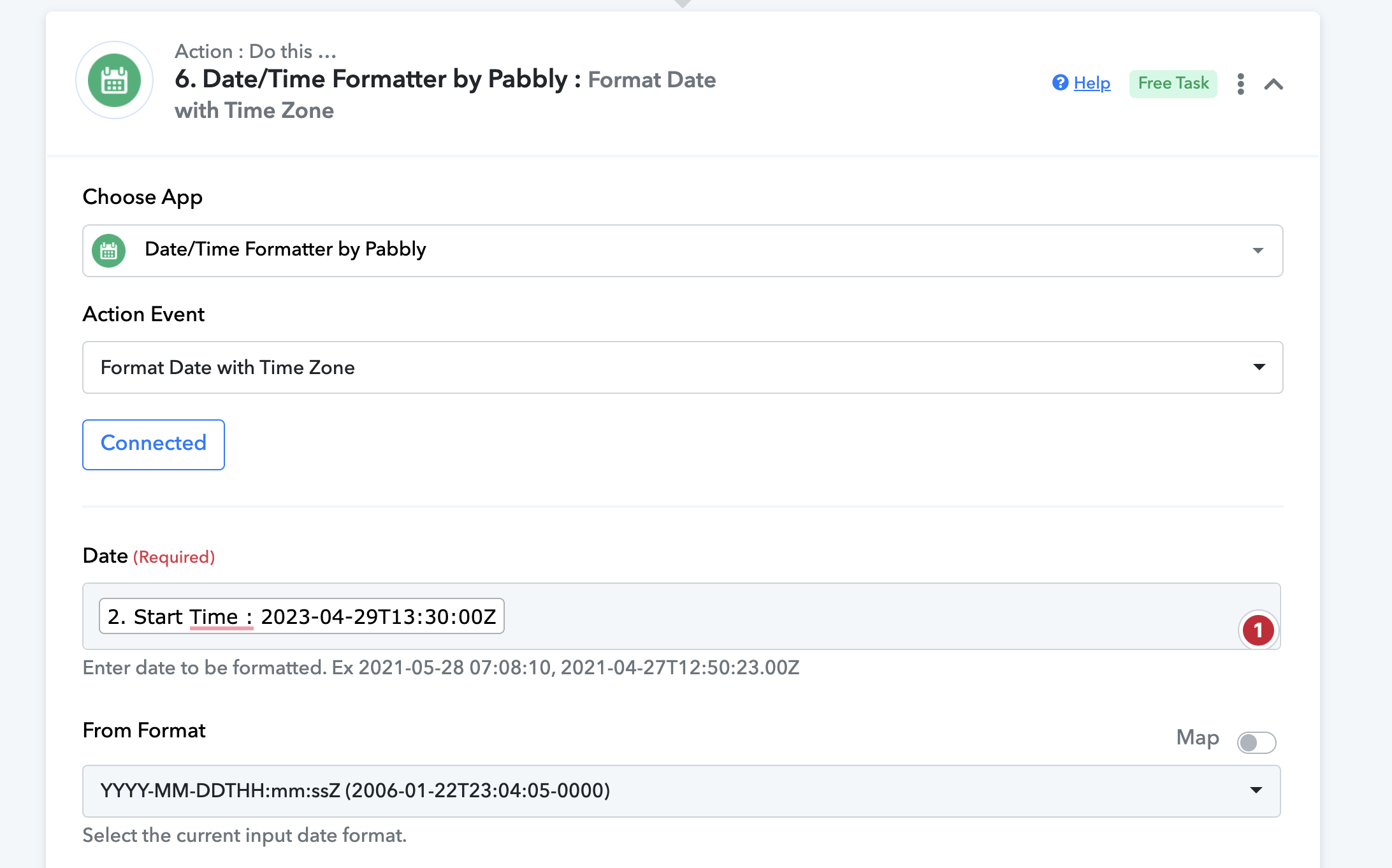
Hi @Himanshu Huria,
Please share your workflow with us at the provided email address (Add Team Member) so that we can gain a better understanding of your issue.
Once you have added me as a Team Member, do let us know the name of your workflow.
Email: arshil.ahmad@pabbly.com
Also, remember to revoke access once your query has been resolved.
Attaching a video for your reference:
I believe you guys are just there to fool others.
I have been writing since so many days but you people deliberately do not want to understand.
workflow is also shared already but as usual you do not want to do anything.
just waste time
Your Workflow URLLead Connector - Zoom - AiSensy
Please add me as a Team Member, otherwise I won't be able to access your workflow.
Sure will do that. Give me some time.
you have been added.
Hey @Himanshu Huria
As we can see from your workflow, you have incorrectly mapped the date time in the reminder time action step(1 day, 10 min, 1 hour).
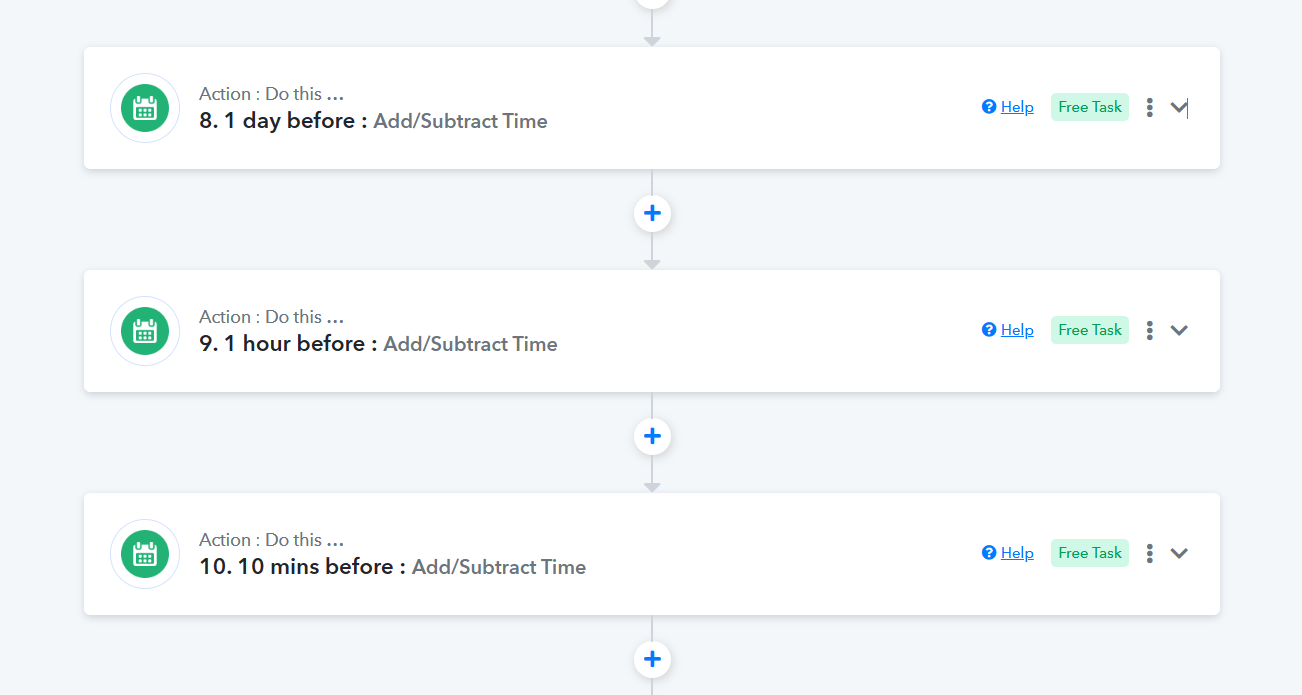
Whereas you should have mapped the data from the 6th action step.
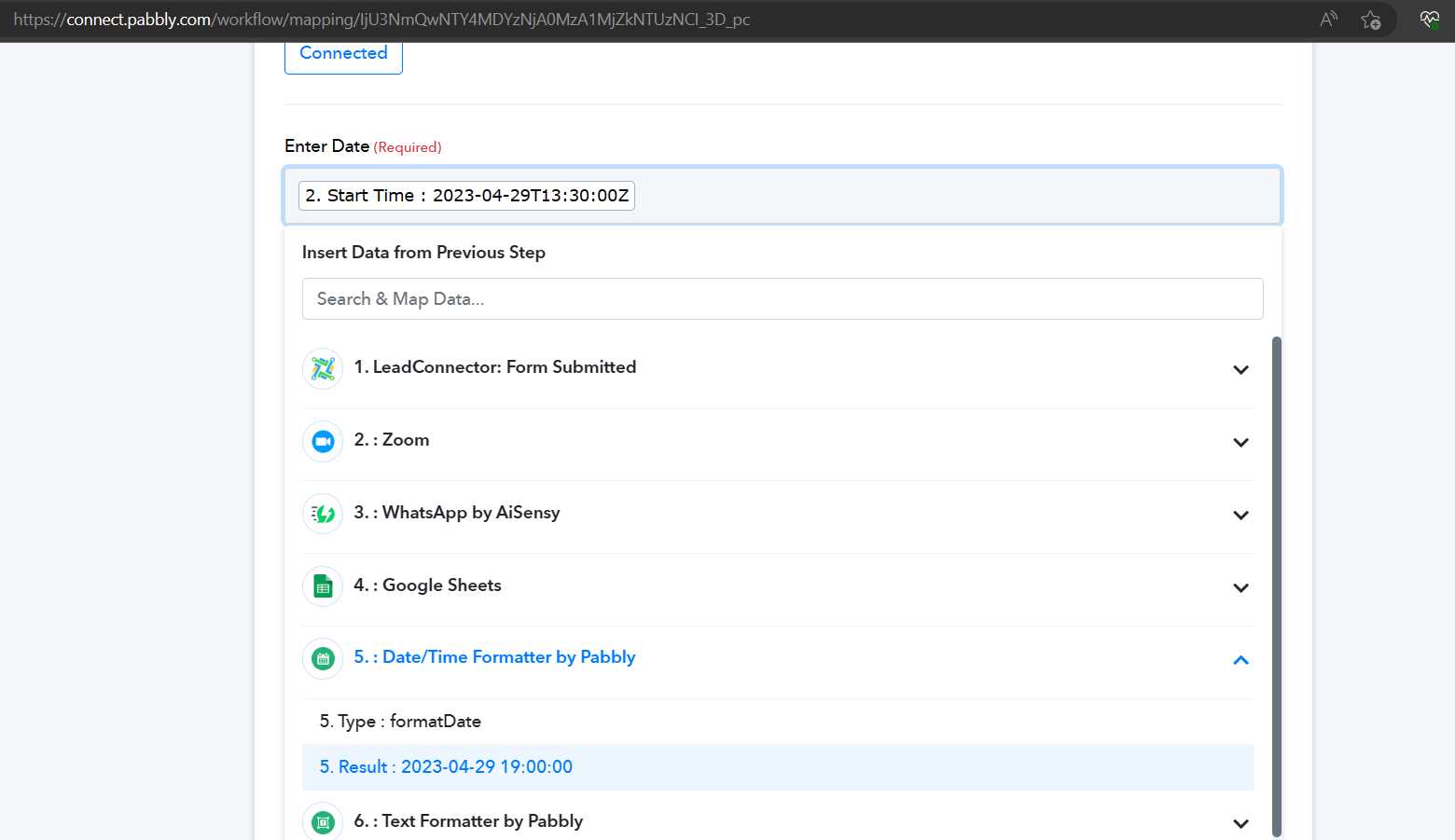
I have done the needful in step 6
Do I need do anything in step 9
We have already done the changes for you.
Please recheck step 6 again. You never mentioned earlier you made the necessary changes. So I made some changes as I understood.
Hey @Himanshu Huria
I made the changes in the 9,10,11 steps by mapping the step from step 6.
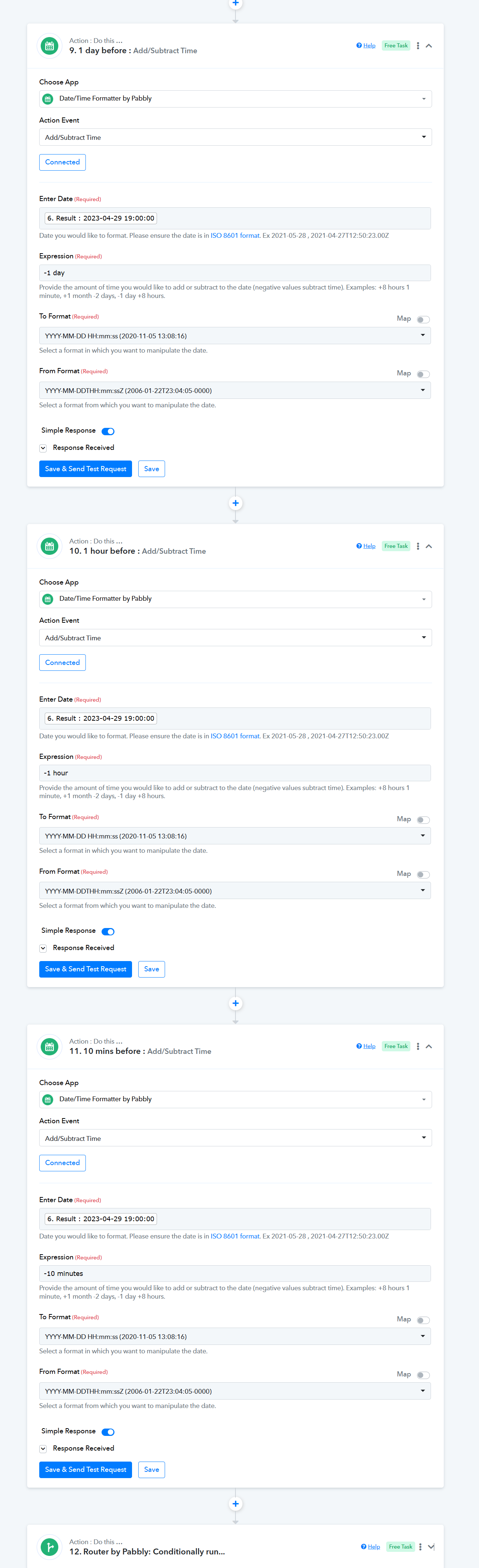
Thank you for helping. Hope you have RECHECKED and corrected step 6 where I di some changes.
can I use the split test results from step 7 in my emails being sent
Attachments
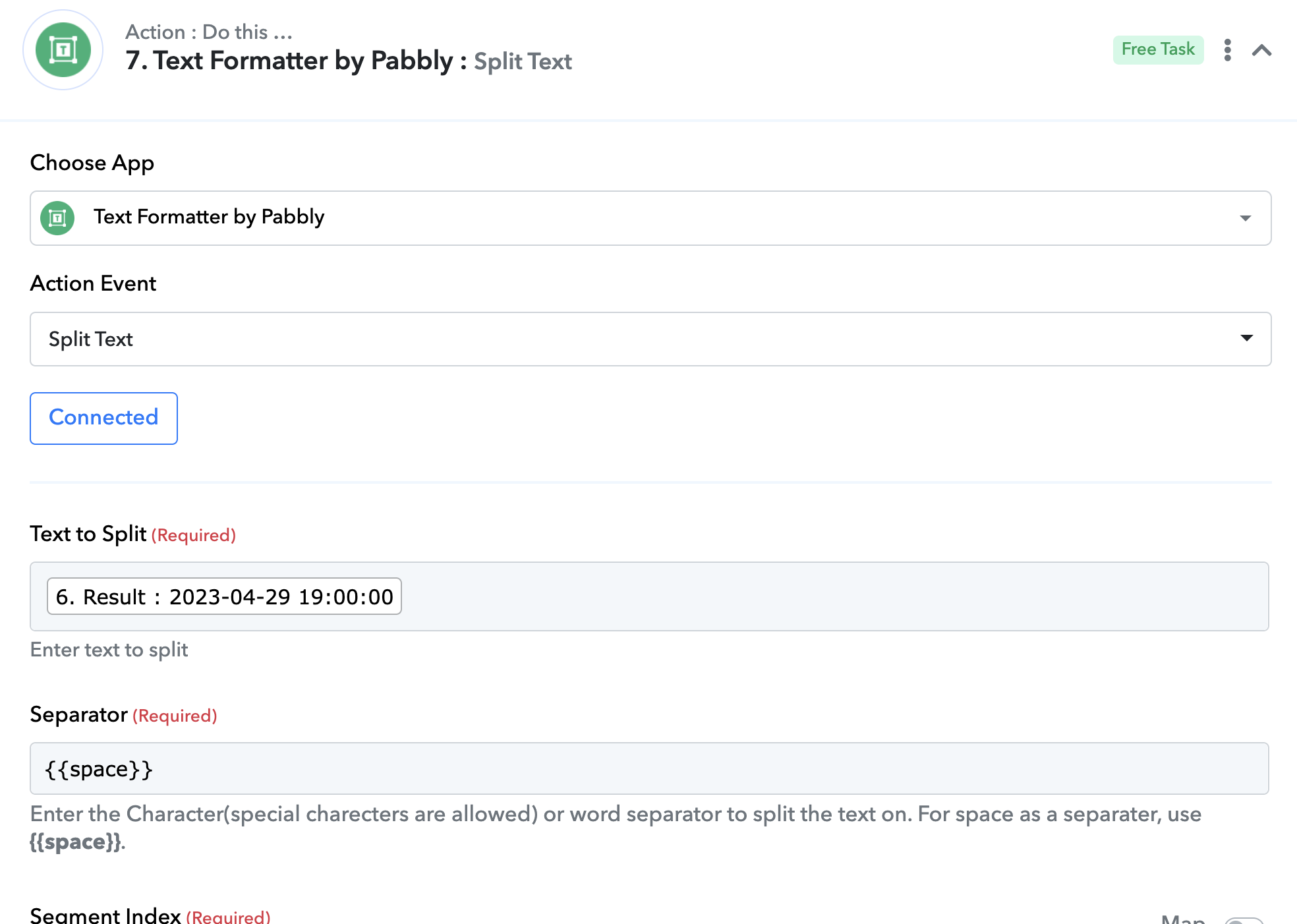
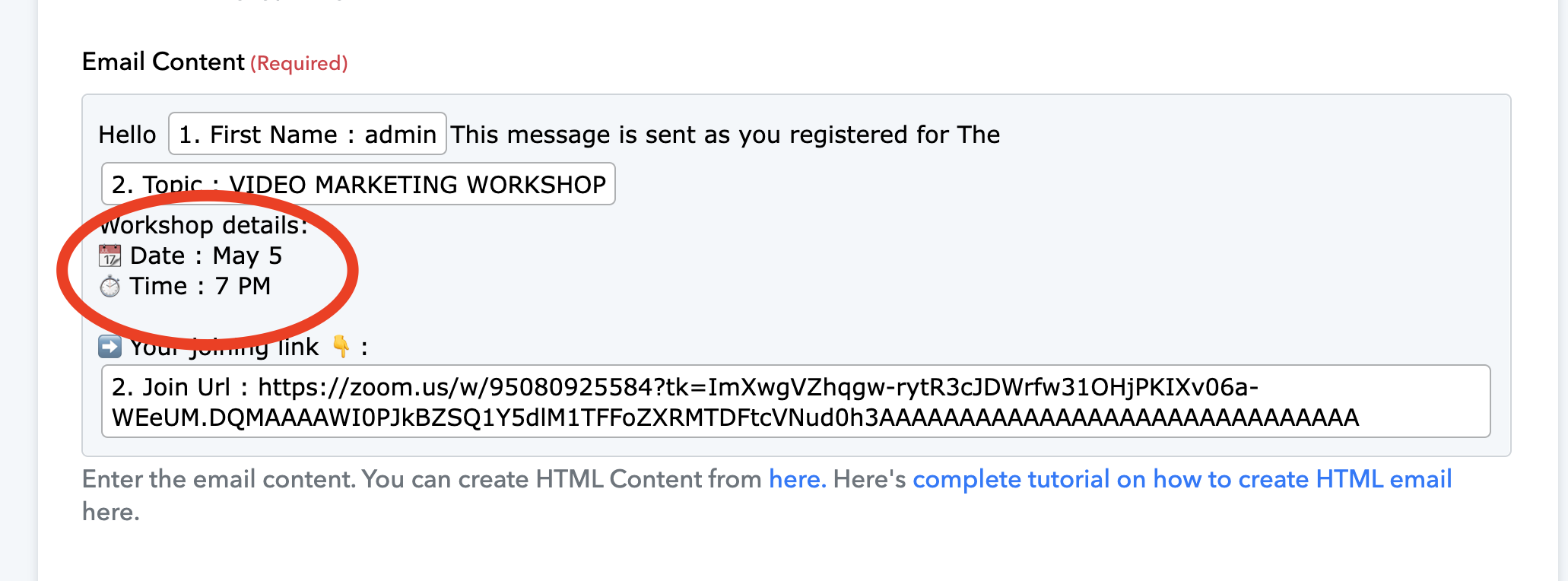
can I use the split test results from step 7 in my emails being sent
Indeed you can use it!
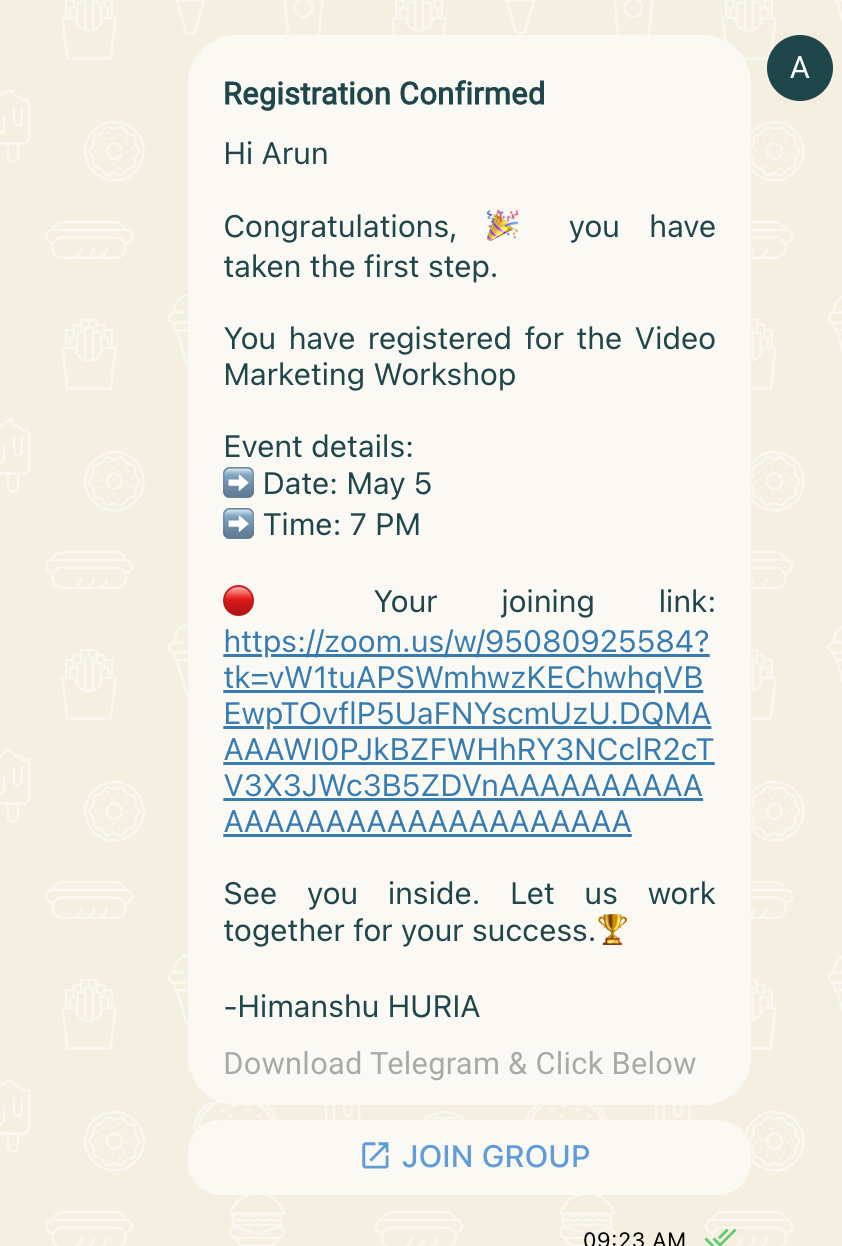
Today I checked the date and was surprised to see it was giving the past date.
I used the split as you told me but of no use.
Serious problem.
Kindly look into this & help get this resolved.
Attachments
Hey @Himanshu Huria
We can see that the date and time you are using were set up earlier you have changed the date and time and because of that show that time in the message.
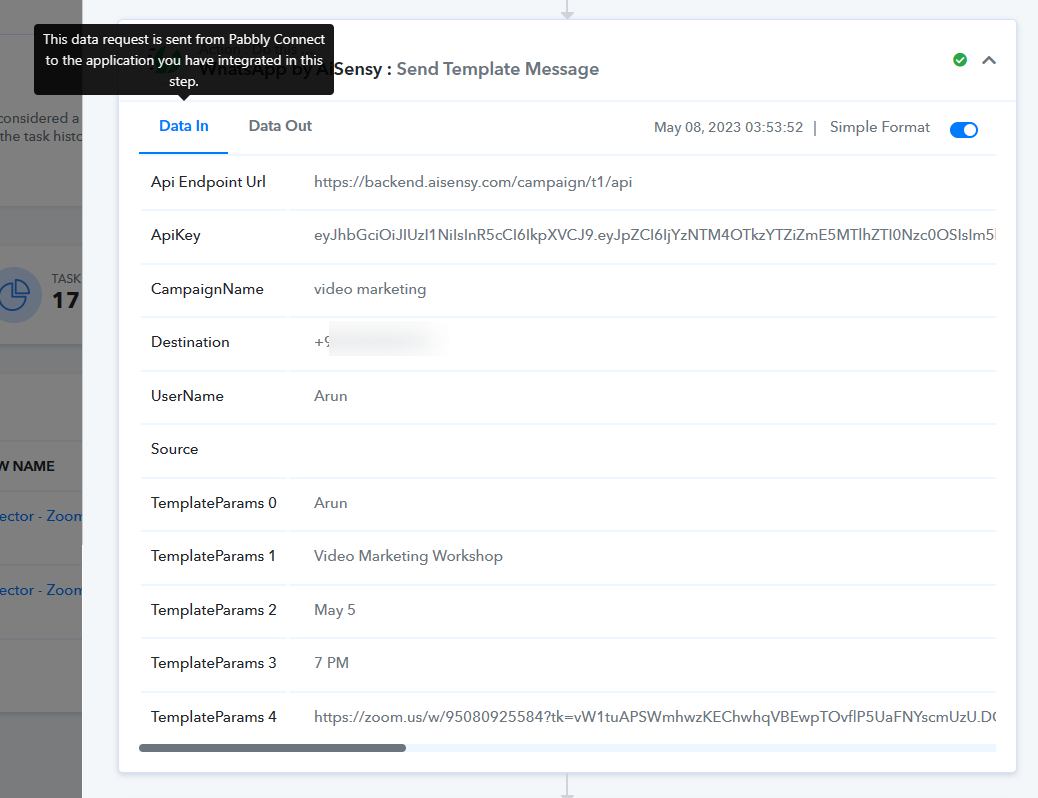
So, if you make any changes in the action step then kindly press the "Save" or "Save & Send Test Request" button.
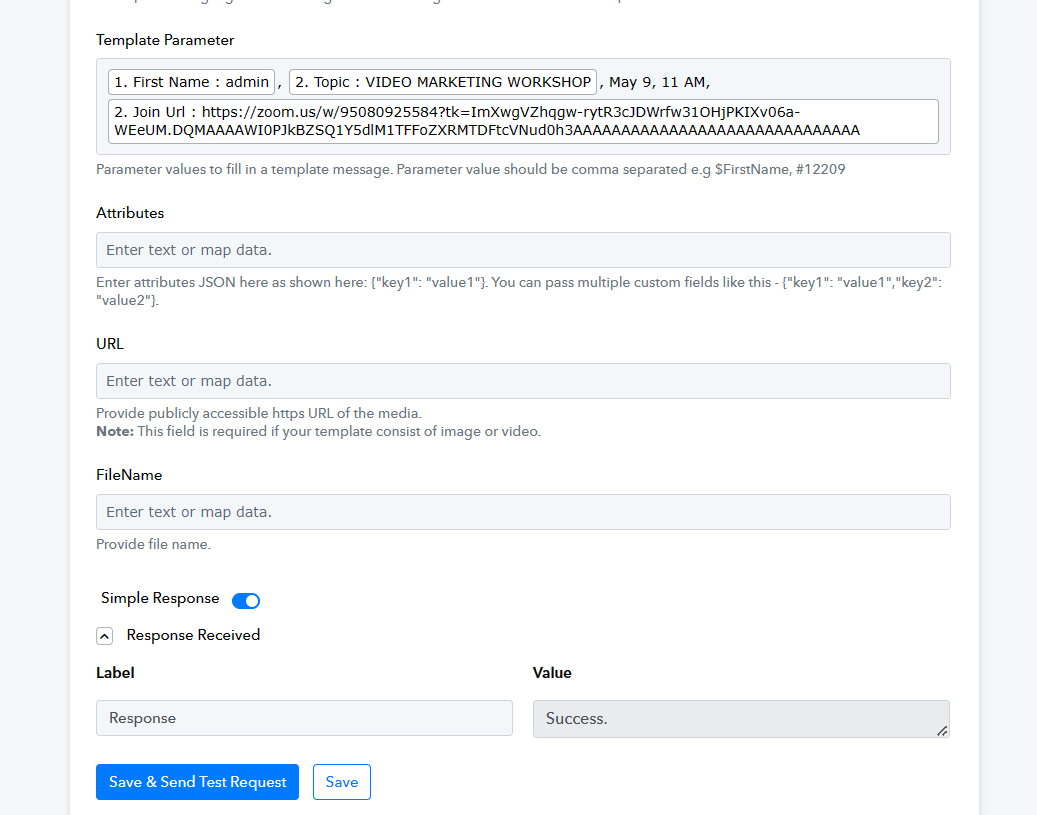
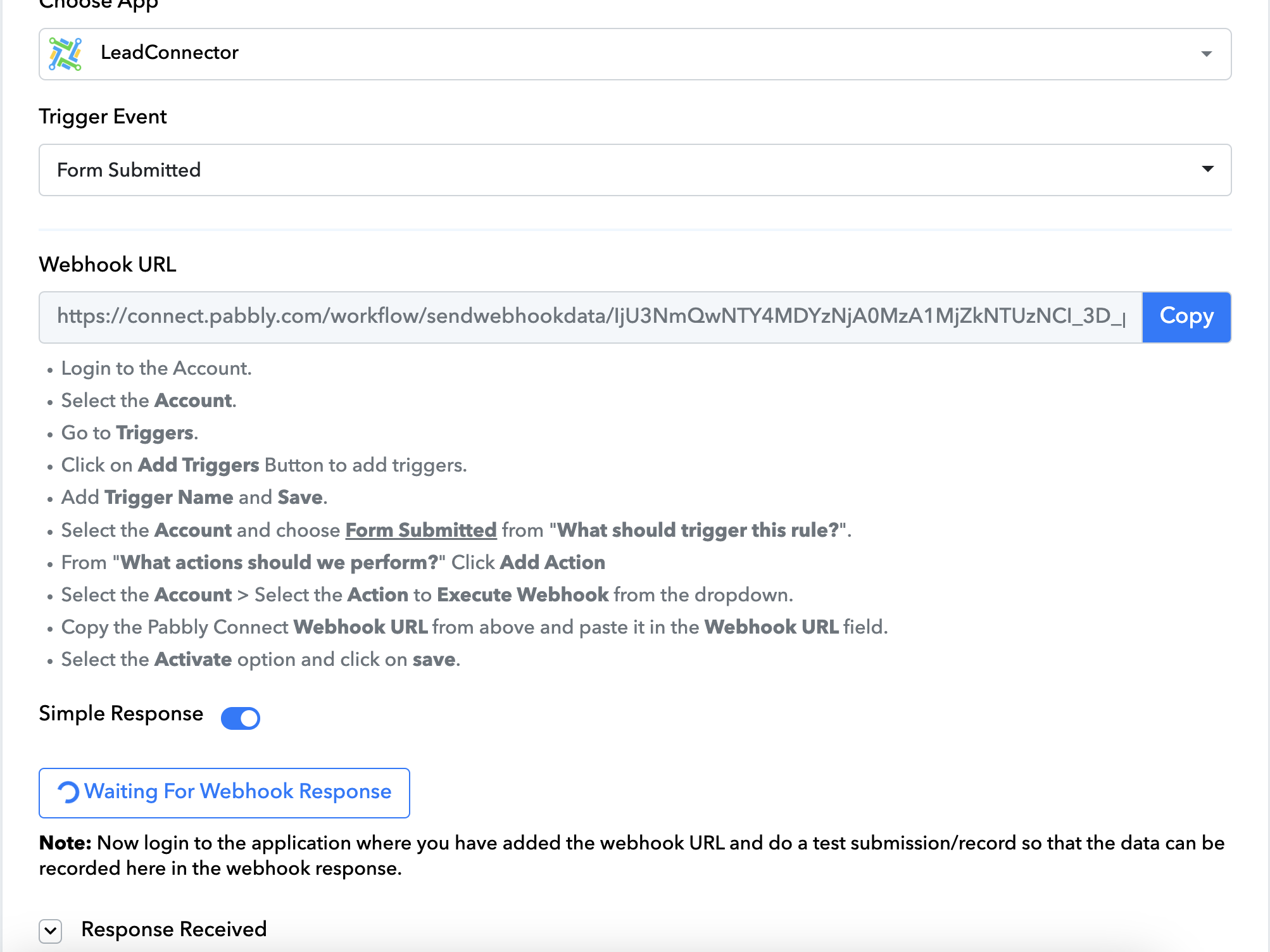
just revolving for so long. I personally entered 2 details in the form. Strange thing is details got captured in funnelsdone but workflow did not got executed in pabbly
Yes, the date was corrected. The date was corrected in the message being sent and not the workflow.
Even if the message date sent is wrong the workflow should work normally as it picks the date from the Zoom event.
BUT IT DID NOT. HOPE YOU AGREE WITH THIS.
Hello @Himanshu Huria
As we can see from your latest history log we can see that your workflow is getting executed accordingly.
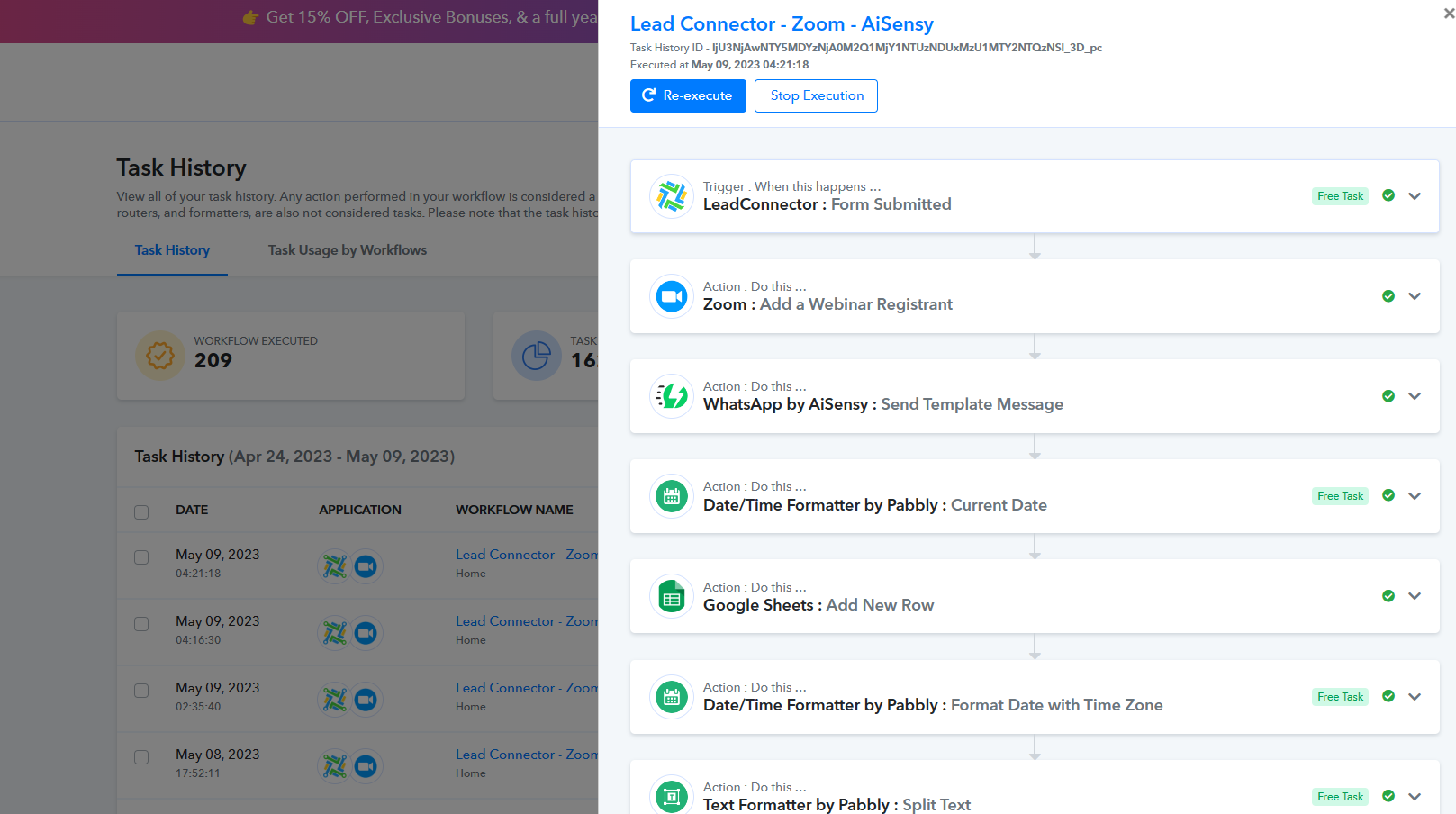
You are always RIGHT!
Please tell me then why the WhatsApp reminders are not sent prior 1 day, 1 hour, 10 mins.
Attachments
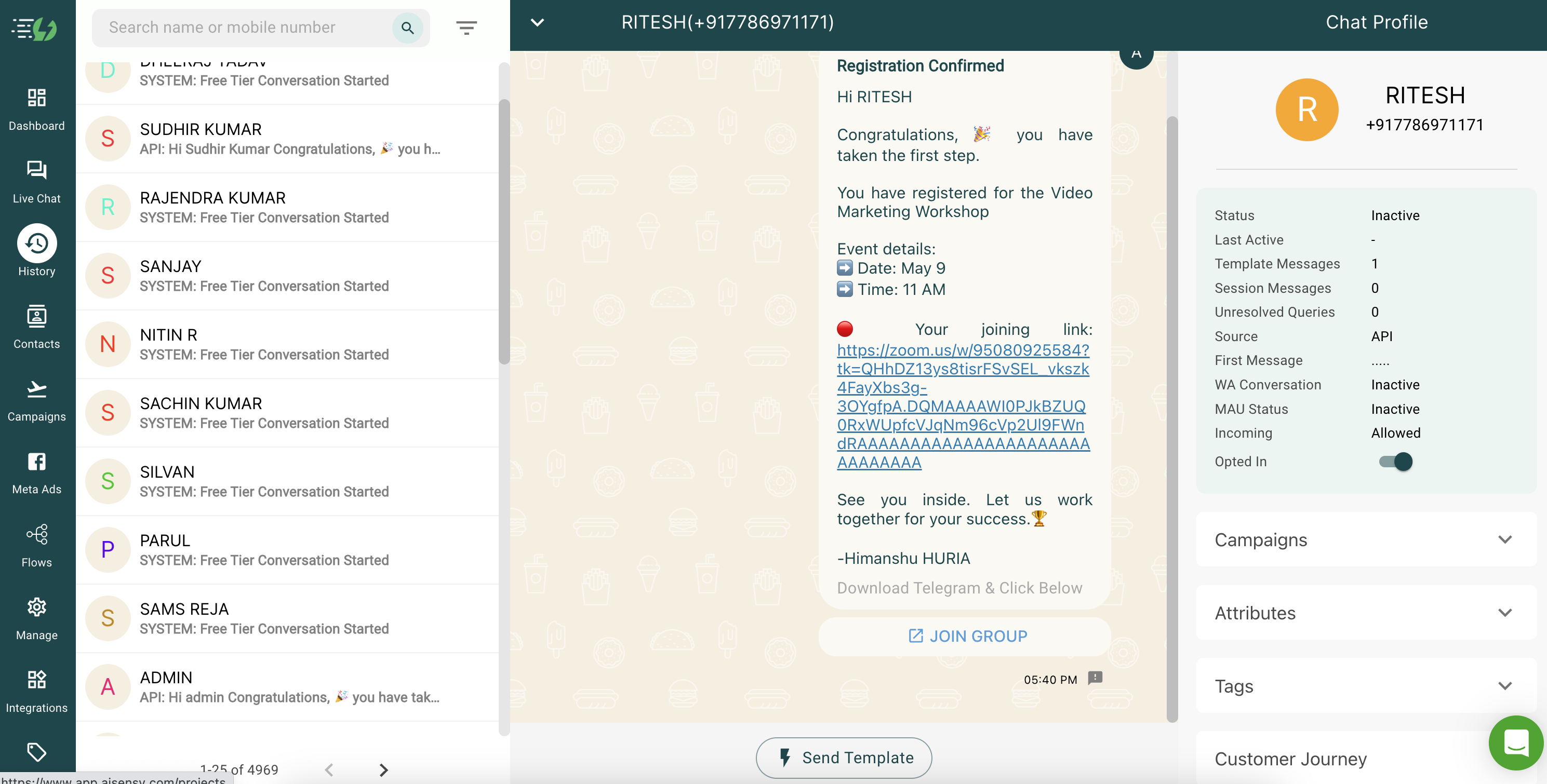
1st thing the screenshot of the execution you shared was from 8/05/2023 at 12:10:00 and at that time the changes we suggested weren't being made hence it has shown the old time.
Being said after the configured action step has sent the date and time to the correct format.
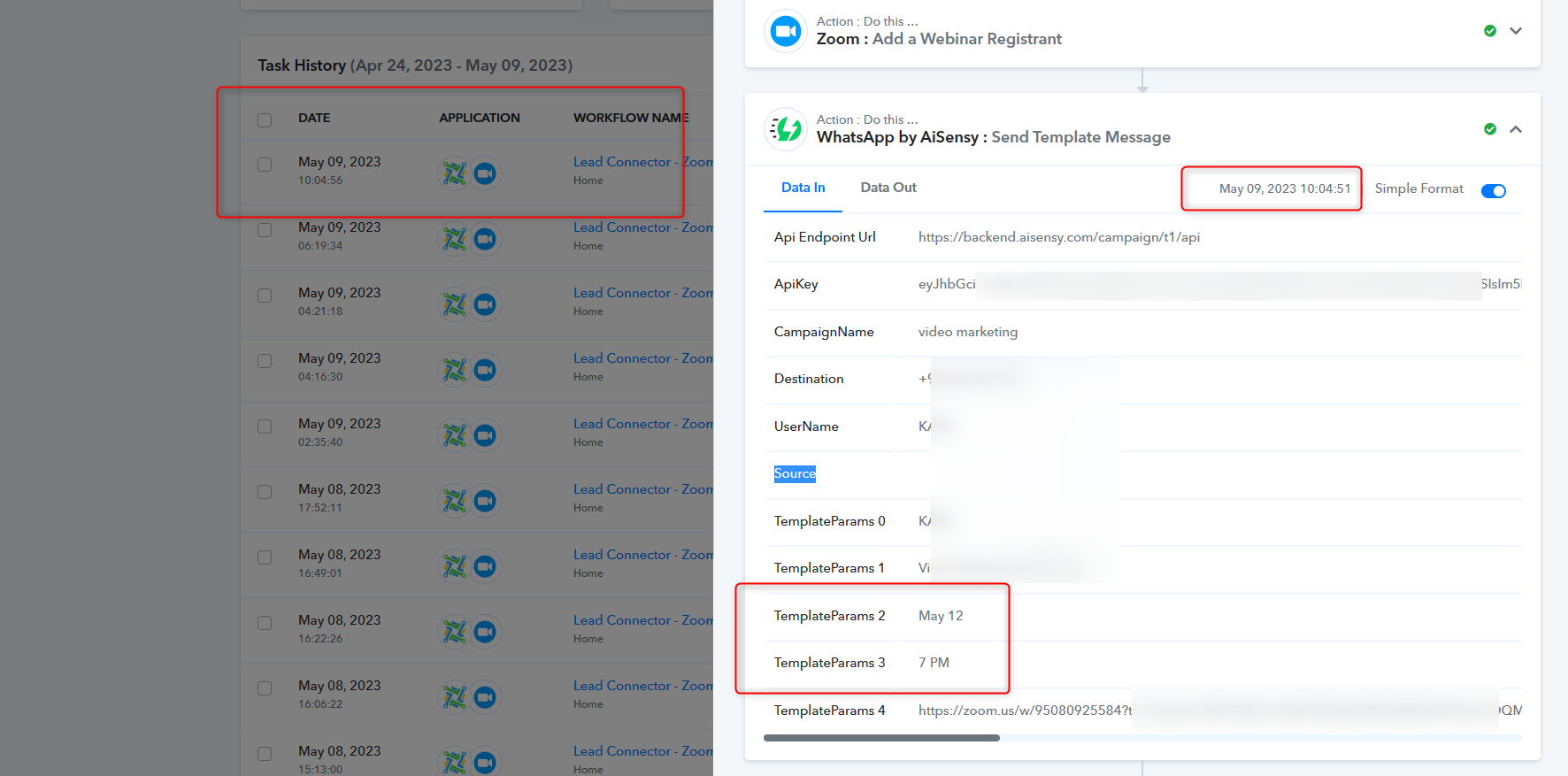
Other than that the from your old and previous sessions messages are being sent to the users before time.
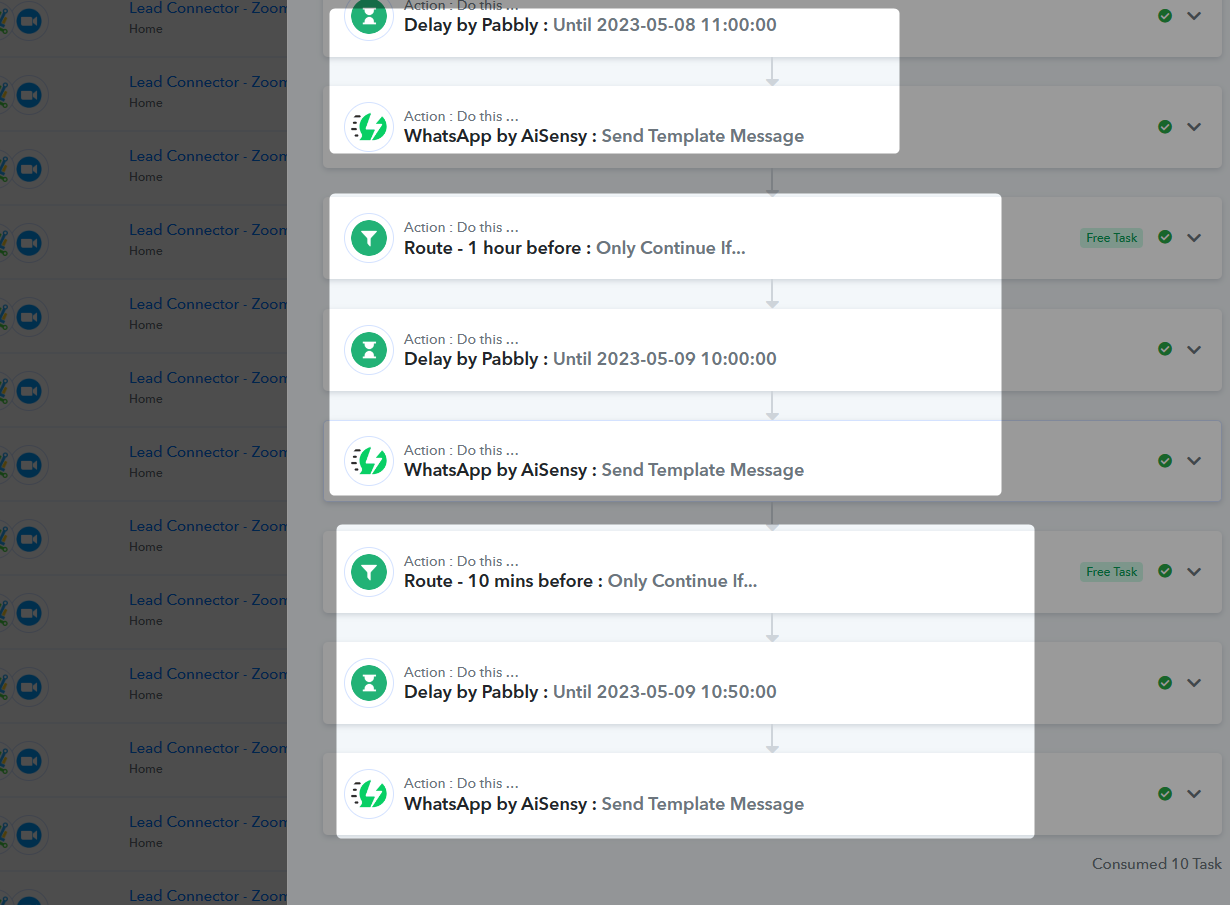
Thanks, Supreme for reverting. Will check the reminders for the upcoming webinar & incase needed would get back to you.