Zoom to Google Drive Problem
Status: Closed · Asked by Risto on · 0 views
Hi everyone!
We have recently subscribed to Pabbly Connect in order to move our existing automations here to Pabbly.
We have started with the following automation:
Zoom recording -> Upload to Google Drive
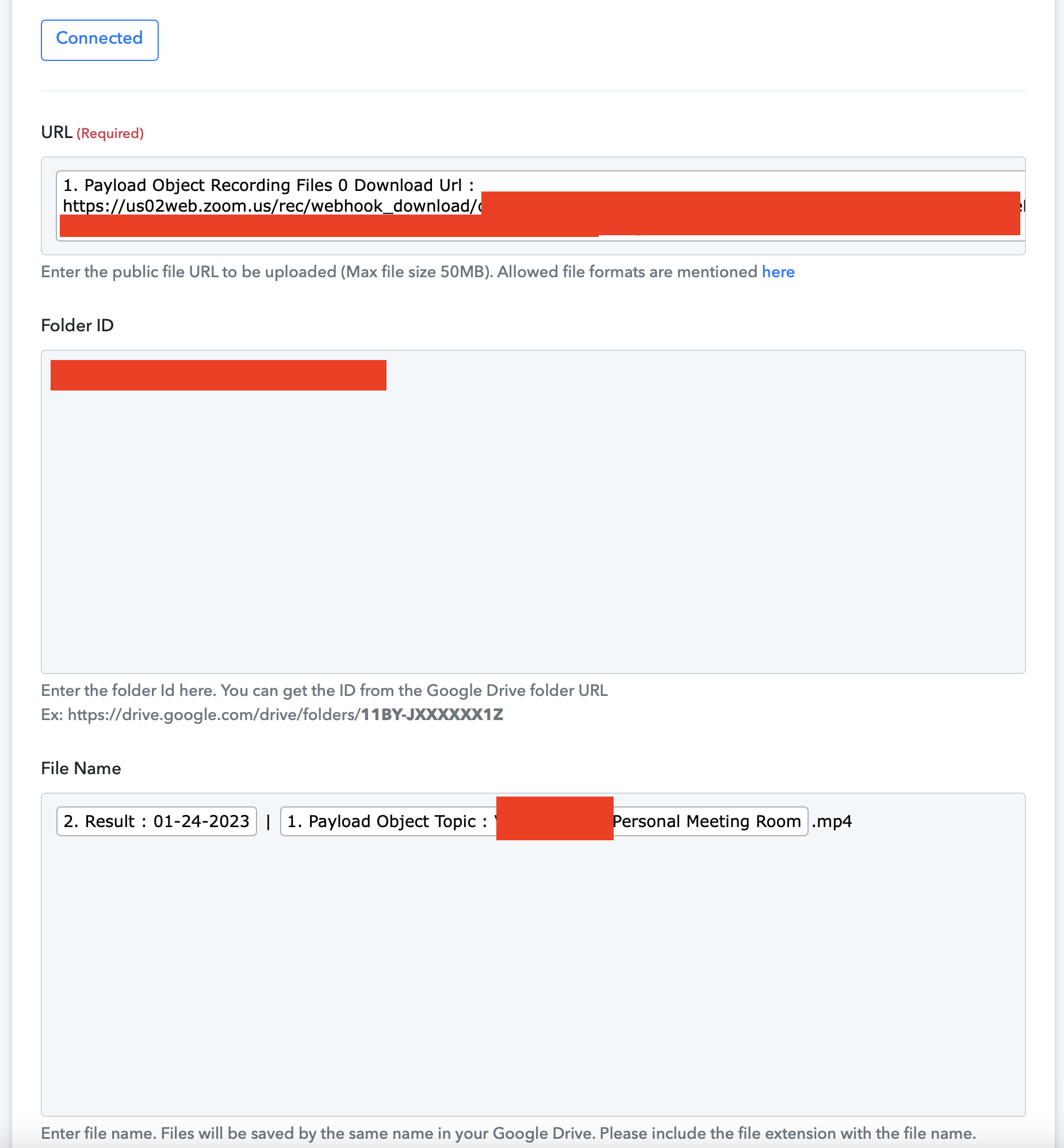
However, all the recordings arrive in Google Drive as an HTML folder and I can't seem to find out why.
Anyone with the same issue?
Attachments
Hey @Risto
It appears that the video URL which you are passing in the Google Drive action step is not a publicly accessible file. So, kindly check your Zoom account once on getting the publicly accessible video URL file.