Ckm
Member
Hi, is there a possibility to change the way we call the email in the automation?
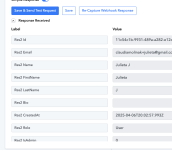
For my automation, I tried to take the Res2 Email, but when I test again, the name changes or the email is not found.
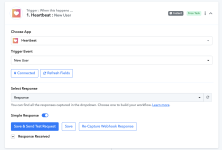
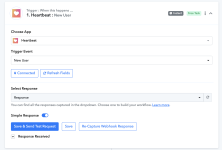
Is there a way to call it simply Email so we know exactly which label we need to map out? See how it is done in Zapier below. I am able to map the email without problem there. It would be nice to be able to do the same in Pabbly Connect.
Thank you!


For my automation, I tried to take the Res2 Email, but when I test again, the name changes or the email is not found.
Is there a way to call it simply Email so we know exactly which label we need to map out? See how it is done in Zapier below. I am able to map the email without problem there. It would be nice to be able to do the same in Pabbly Connect.
Thank you!