


mhassan
Member
Hello,
I have long-form with a lot of questions. Part of my flow is to transfer data to a google doc (using a template). This was working perfectly until a few days back.
When running thru "pabbly connect," sometimes the UI does not bring up all the mapped fields in the template. Other times it shows the mapped fields (to make the association with form inputs), but it does not give me the option to SAVE. Also, I do not get the option to name generated doc files anymore even if/when the field shows up.
Since I can no longer save this section of the flow; if you inspect my work you will not see it as of this point.
The other question/concern I have, we are about to deploy this form into production (employee use only but customer-facing product). Do you have a support number I can call for immediate/faster assistance? We are willing to pay for premium support if this option exists. Thank you
template id: 1CDIy5hiyeCyAtGw2PYHcfMbuMhku9bRg6swZjYNEqqM (name ABBLY_GDOC_POV3.1.0_TEMPLATE)
Link to my form: https://forms.pabbly.com/form/share/qq8w-466964
 connect.pabbly.com
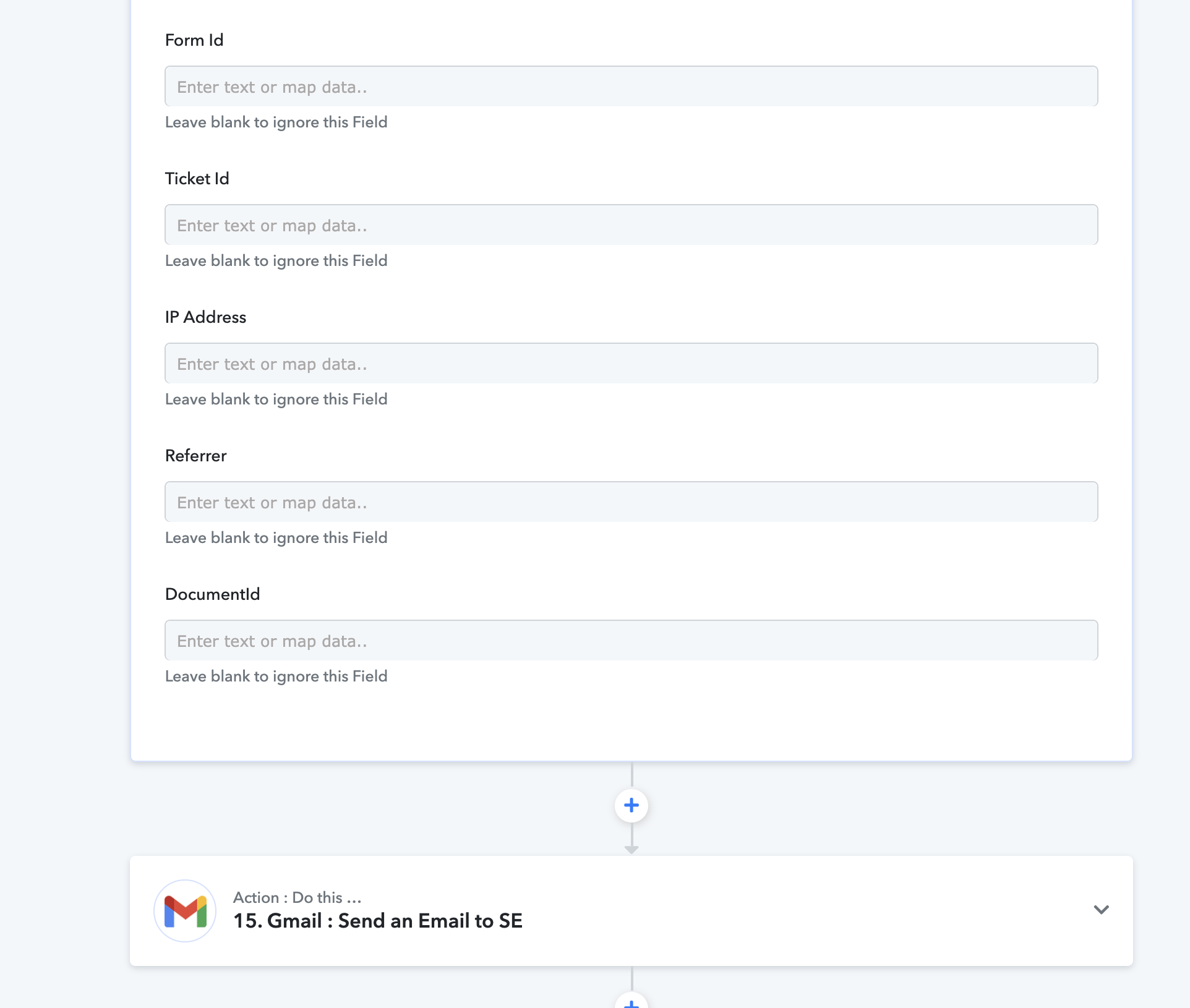
Hers is a screenshot showing the tail end of the "Create from template" flow. As you can see, there is no "save" option.
I have long-form with a lot of questions. Part of my flow is to transfer data to a google doc (using a template). This was working perfectly until a few days back.
When running thru "pabbly connect," sometimes the UI does not bring up all the mapped fields in the template. Other times it shows the mapped fields (to make the association with form inputs), but it does not give me the option to SAVE. Also, I do not get the option to name generated doc files anymore even if/when the field shows up.
Since I can no longer save this section of the flow; if you inspect my work you will not see it as of this point.
The other question/concern I have, we are about to deploy this form into production (employee use only but customer-facing product). Do you have a support number I can call for immediate/faster assistance? We are willing to pay for premium support if this option exists. Thank you
template id: 1CDIy5hiyeCyAtGw2PYHcfMbuMhku9bRg6swZjYNEqqM (name
ABBLY_GDOC_POV3.1.0_TEMPLATE)Link to my form: https://forms.pabbly.com/form/share/qq8w-466964
Pabbly
connect.pabbly.com
Hers is a screenshot showing the tail end of the "Create from template" flow. As you can see, there is no "save" option.
Last edited:


