

• Instructions to Ask a Question

    For any assistance, please click the "Ask a Question" button and select the Pabbly product for which you require support.

    We offer seven comprehensive applications designed to help you efficiently manage and grow your business:

    Our support team endeavors to respond within 24 business hours (Monday to Friday, 10:00 AM to 6:00 PM IST). We appreciate your understanding and patience.

  • Due to Holi celebrations, our team will have limited availability. While we’ll continue to monitor threads, responses may be slightly delayed. Normal operations will resume on Thursday, 5th March 2026.

Dynamic Image in Google Doc

Dear Experts,

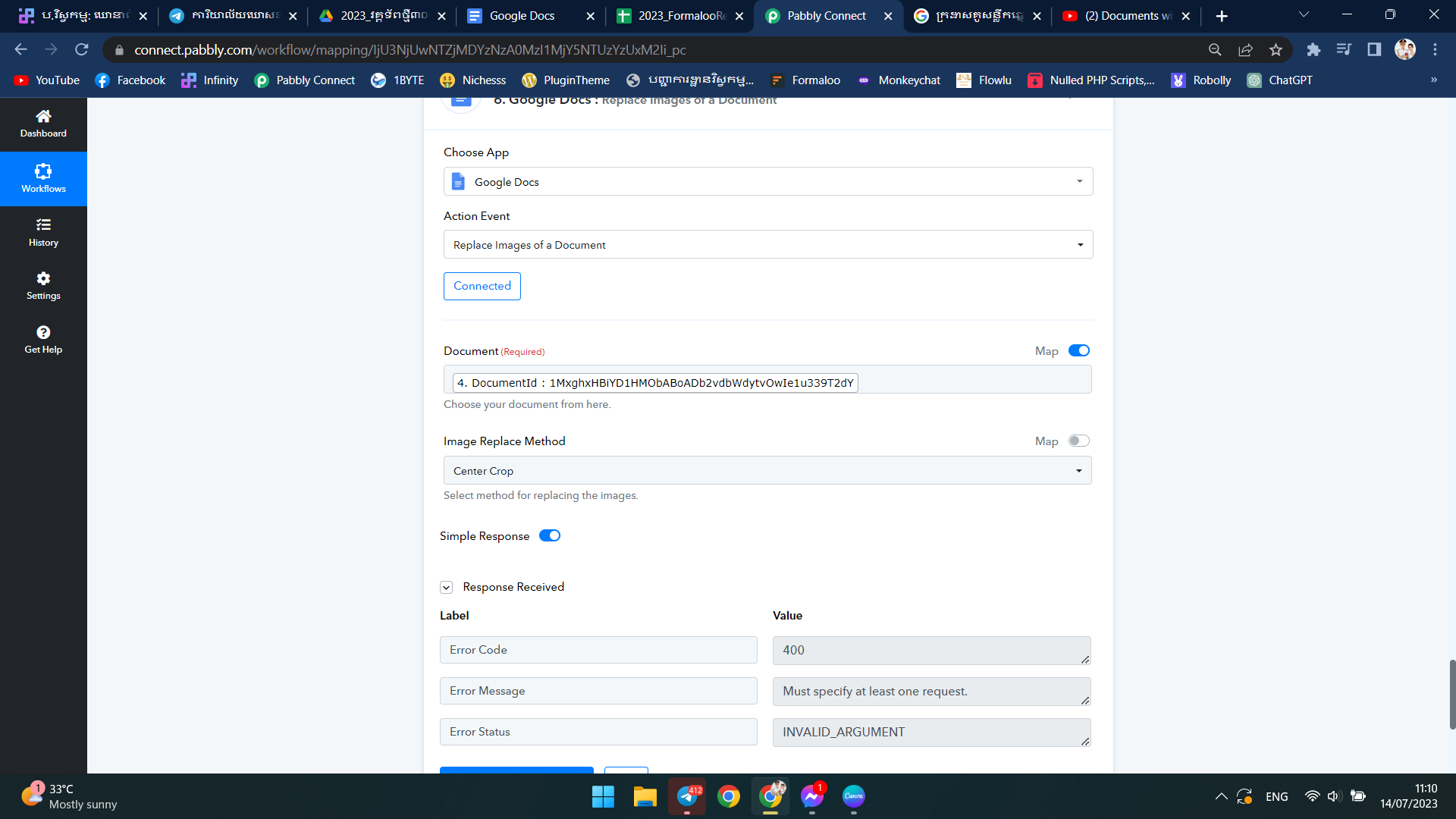
I tried the function to replace image in google doc but I couldn't do it.

Would you mind guiding me for this process for dynamic image?

Regards,
1689307938553.png
 
P

Pabblymember11

Guest
Hey @sokhonsoeng

Can you please cross-check whether in your document you have an image to be get replaced with the help of the "Google Docs: Replace Images of a Document" action step?
 
Hi I have checked it again and it was my side problem. However, but a new problem arise as my image doesn't not replace. Also my 10th step also not working.
I have moved (created) my workflow as below

 
P

Pabblymember11

Guest
Hi I have checked it again and it was my side problem. However, but a new problem arise as my image doesn't not replace. Also my 10th step also not working.
I have moved (created) my workflow as below

In the dropdown field, you need to pass the option's Id if you are mapping data.

1689316577042.png


Example -
1689316591667.png
 
Top