Facebook Lead Gen Testing of Leads is not working
Status: Open · Asked by Twin on · 0 views
Hi,
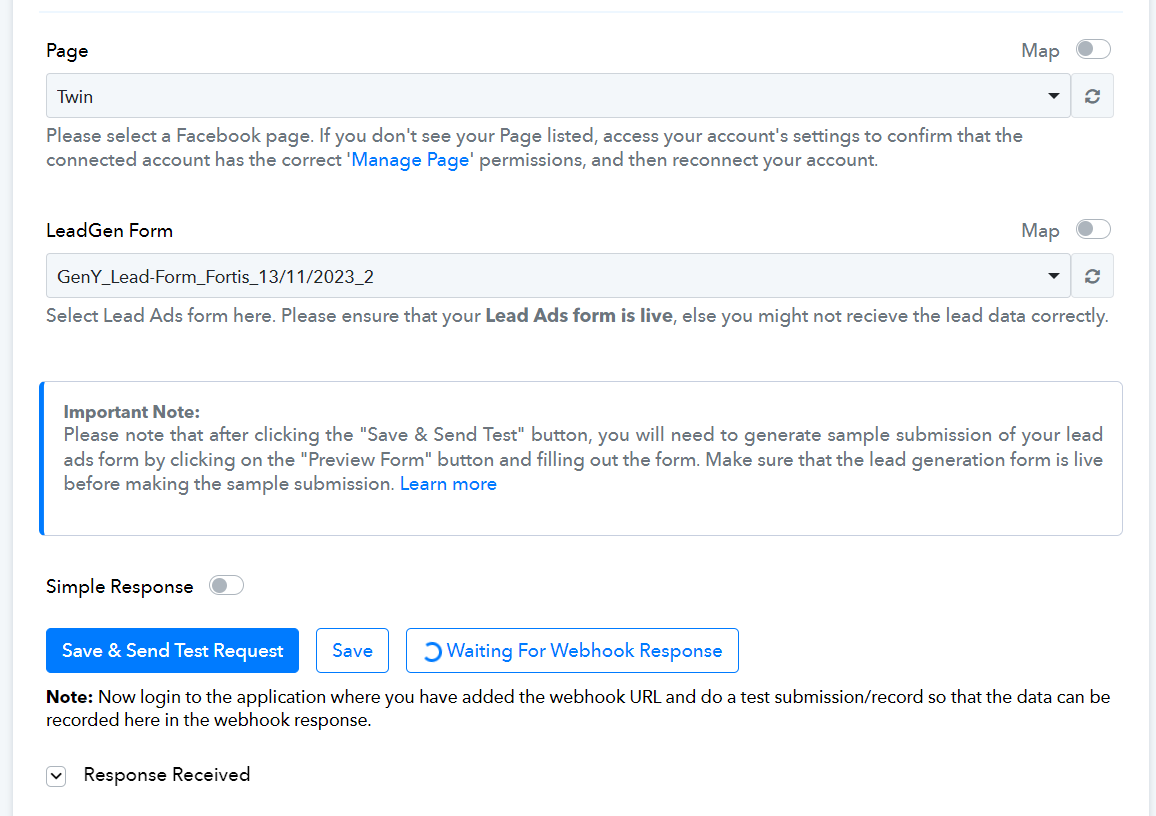
I'm trying to connect Facebook lead gen forms with gsheets. I'm trying to do the test lead but even after following the steps & sending a test lead the test lead is not getting generated. I'm not able to figure out what's the issue. Have attached a screenshot as well. Please check.
Attachments
Hi @Twin,
Please establish a new connection with your Facebook Lead Ads account in an Incognito Tab and follow the steps shared in the video below to set up Facebook Lead Ads as your trigger application.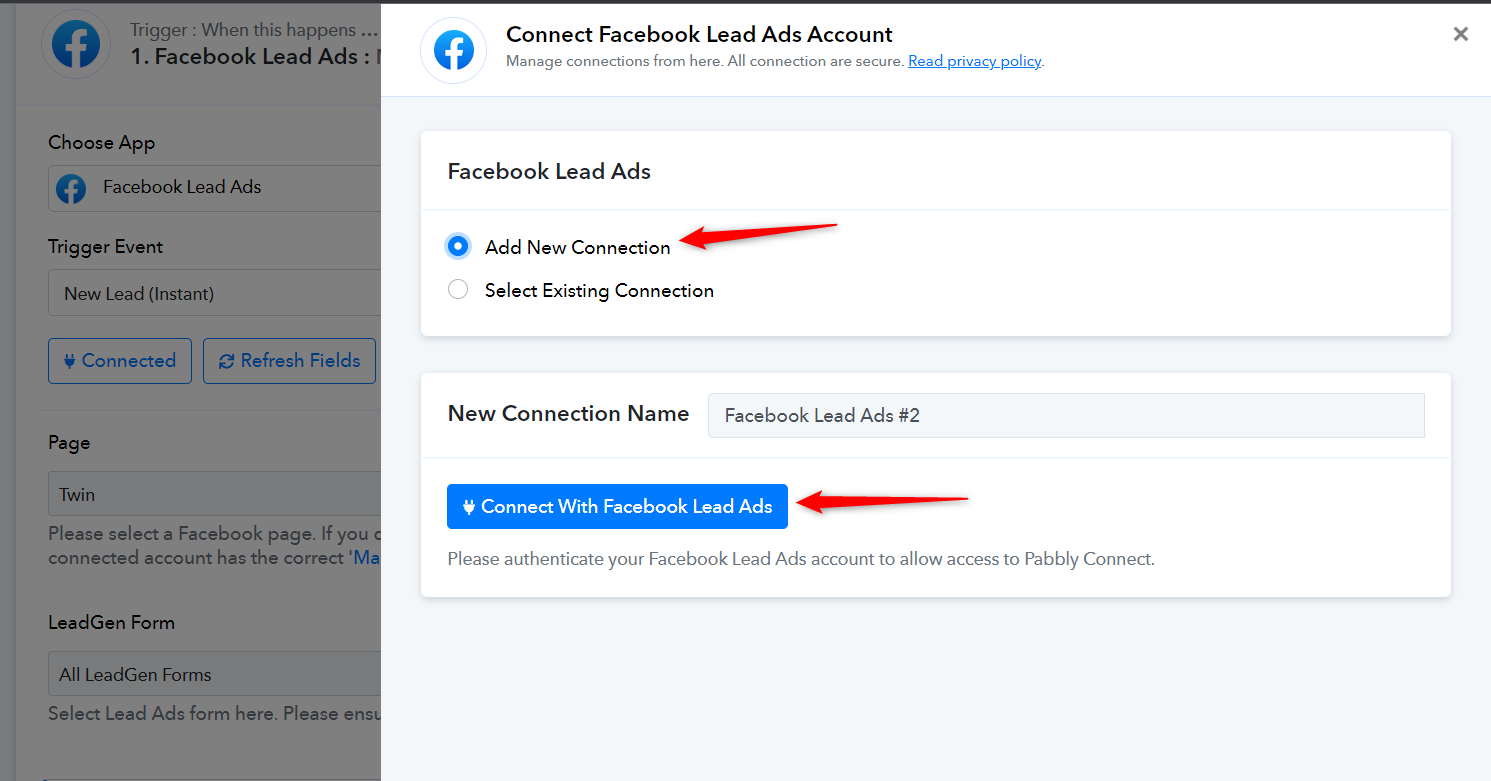
youtube.com/watch?v=zcF8Ilf1ZWE
Also, try to capture a real lead, just as you would when a customer fills out your LeadGen form.
Hi,
I have followed this exact video in incognito mode by creating another new connection but still, the situation remains the same.
Did you make a new real lead after the new connection from your Lead Ad Form? Since we can see from your List lead data action step we can see you have created only a single lead.
So, please create a new lead from your form and then try again.
youtube.com/watch?v=Mn6RtwtWfQ8
Please check the following threads for more information on the permission that is required to access the Lead ad form.
Ya. I have created a new lead. On the test lead page, I clicked on preview and filled out the form.
Can you please record a short video on the same, so that we can look into it?