Facebook Lead (Instead) throws an error
Status: Closed · Asked by nielsp on · 0 views
Hello,
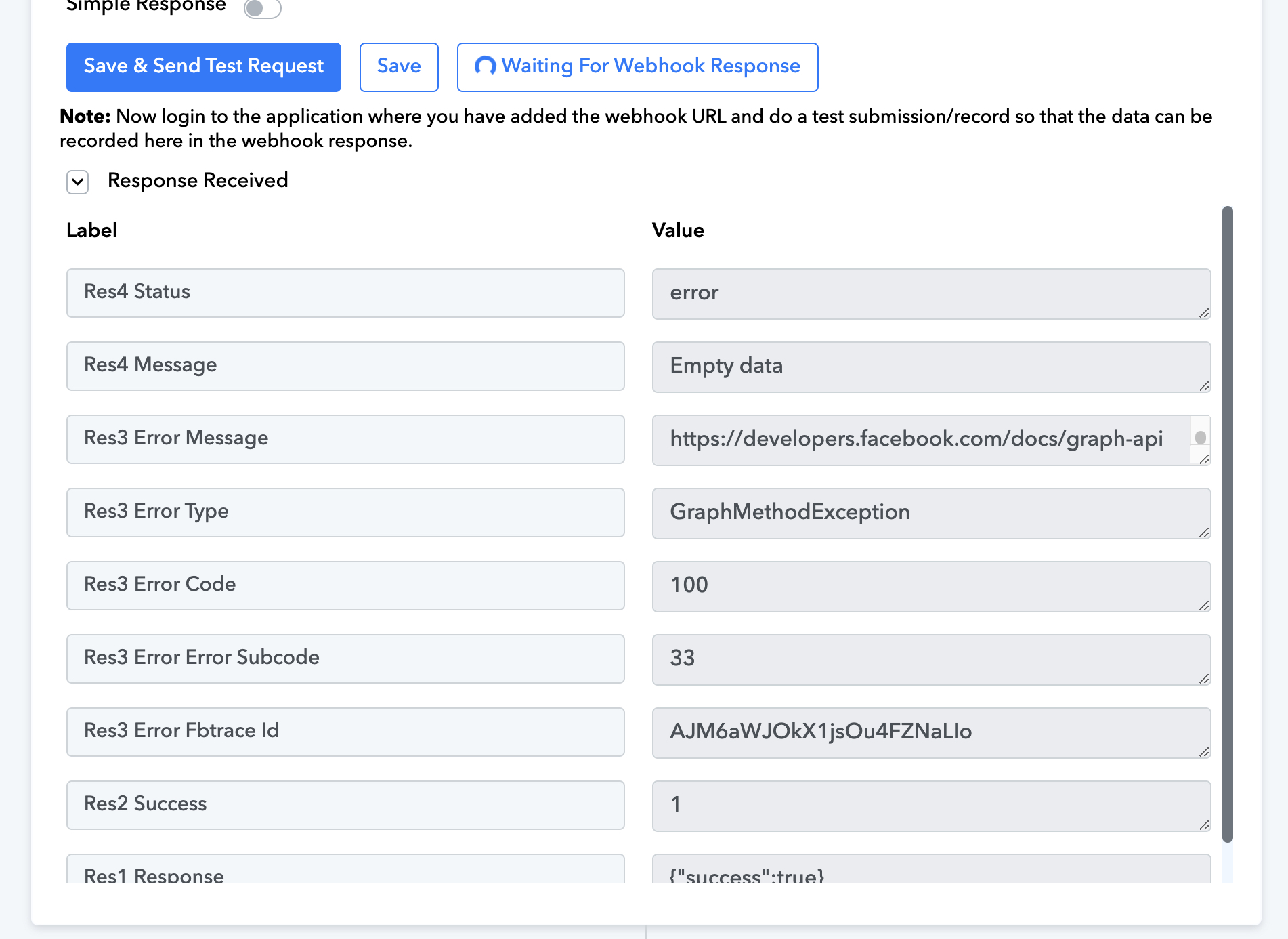
I try to setup the Facebook instant lead. I get this error.
With a standard LeadAd with eight hours trigger time it is working.
How can I solve this ?
THX for your help.
Best wishes
Niels
Hey @nielsp
It appears that you haven't linked the Facebook account that controls the relevant Lead ad form.
Please re-connect the Facebook account from the Facebook Lead ad admin account.
Further, follow the instruction written here to fix the "Empty Data" https://forum.pabbly.com/threads/facebook-lead-ads.2740/
Okay. What I am wondering is, that i use the same facebook account and the "normal" with 8h time schedule works.
I will try again
Actually the problem is that you have to send a test lead in the moment of setting up. Then you get right data
Actually the problem is that you have to send a test lead in the moment of setting up. Then you get right data
If you do not want to send the real data from the Lead Ad form then you can use the non-instant version of the trigger event which will get the new data by clicking on the "Save & Send Test Request" button.
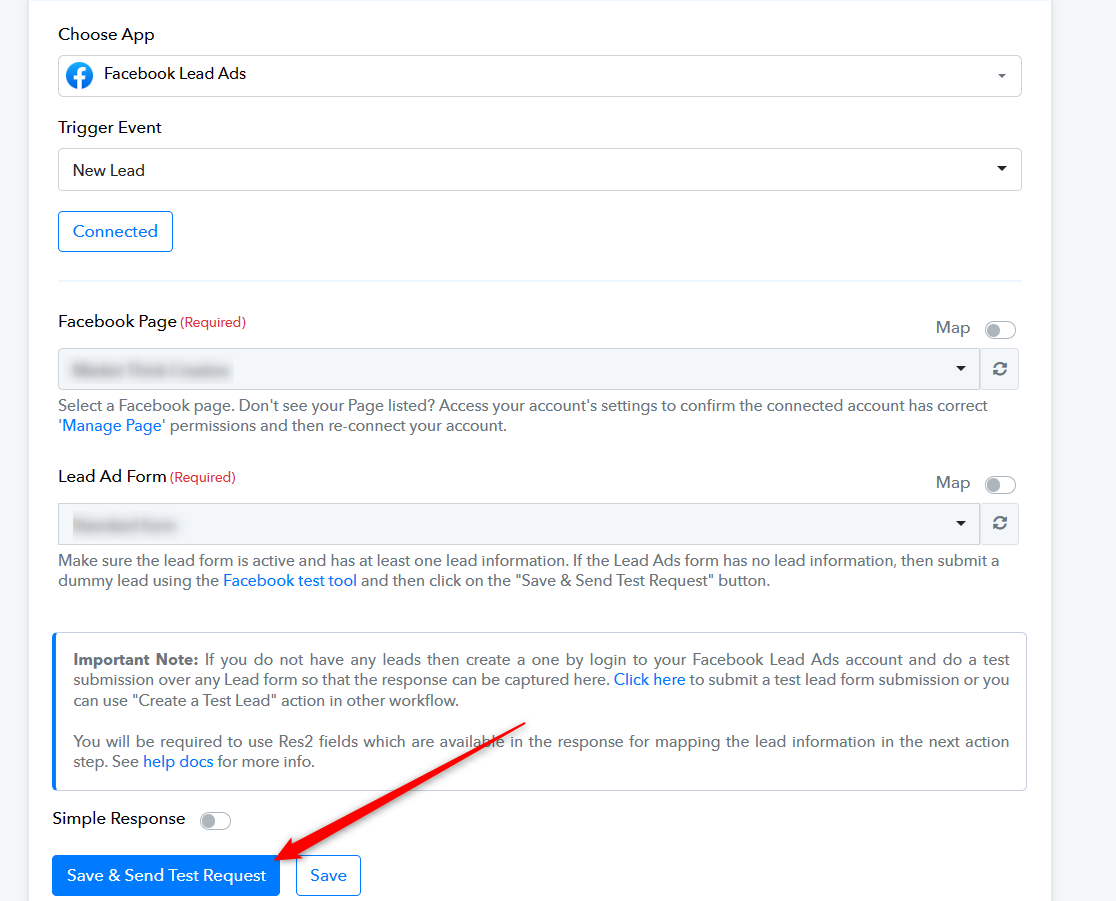
Actually the problem is that you have to send a test lead in the moment of setting up. Then you get right data
Hi, can you please explain me in detail because I too facing the same problem
Hi, can you please explain me in detail because I too facing the same problem
Helo @Raja087 - You can use the Test Tool from Facebook to send you a lead: https://developers.facebook.com/tools/lead-ads-testing
Then you do not get this error.
Best wishes
Niels