Facebook offline connection
Status: Closed · Asked by Gynette on · 0 views
I set up a Pabbly automation to send back Shopify orders to the pixel as both an offline event and purchase conversion event.
However, the offline event set on Facebook doesn't populate. It still says that no activity was detected.
I'm also unsure if purchase conversion events are being sent back
I've set up a similar automation with Zapier and also Pabbly before , and it worked flawlessly. How do I troubleshoot the Pabbly automation and ensure that both the conversion event and offline event sets? It said it can not find business.
workflow - Viajecito FAAT Framework
Hey @Gynette
Seems like you haven't passed any data value in the action step, please pass the desired fields once and then try agian.
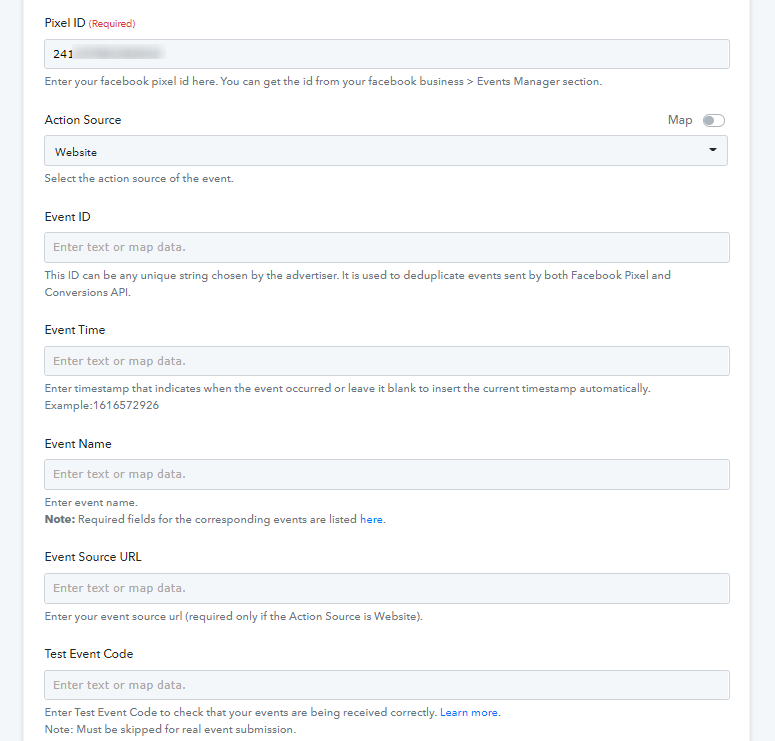
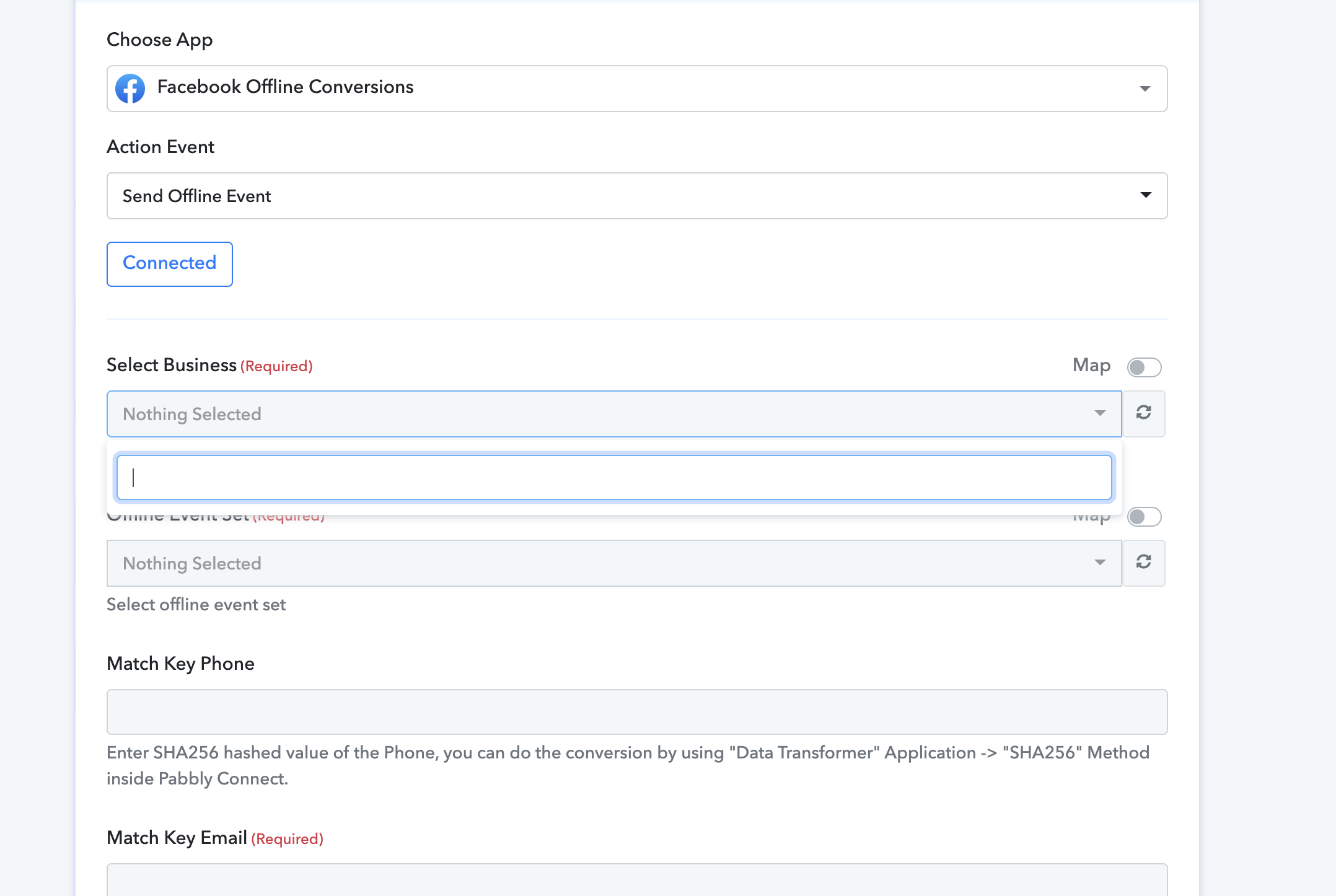
Yes but before that, I need to select a business from the drop down menu but there's nothing on the list. I have several business managers in FB but nothing was listed on pabbly dropdown.
Attachments
Hey @Gynette
Please refer to the following video tutorial once and then try reconnecting the action step again.
(Watch at 7:00)
Hello, I watched the video but still NO business accounts showed up on the dropdown menu. I deleted it and tried again, but no luck. Please review my recording to see how I did it and let me know where I went wrong. https://share.vidyard.com/watch/JQSscfsfmVegNkFdFeG8eu?
Hey @Gynette
As we can see from your workflow, you are using an old connection to use the action step.
So, kindly make a new connection and then try again.
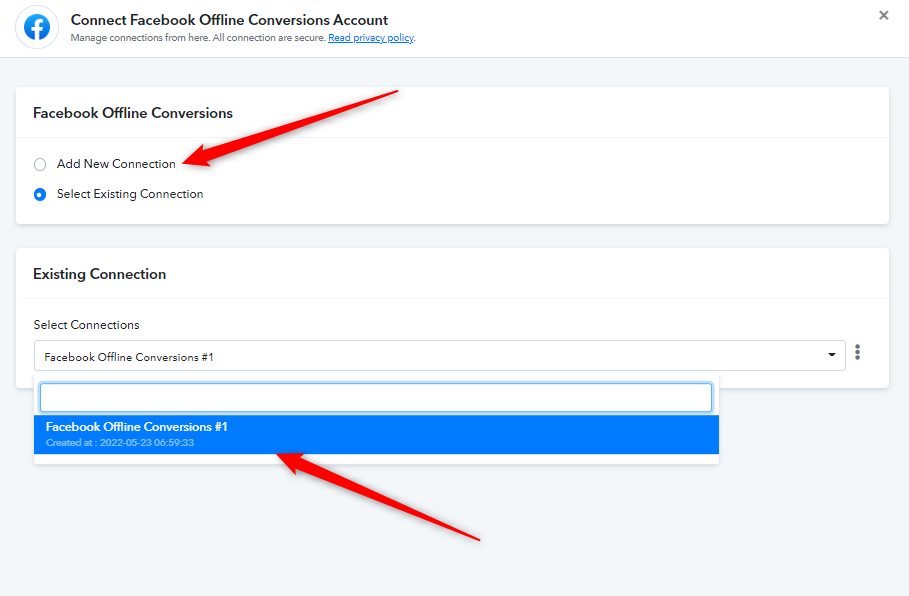
I did that, still nothing on the drop down menu business list
Hey @Gynette
Please refer to the following short recorded video once and then try again.
Still no list on the dropdown menu even I logout and login of both Pabbly and FB. If you can watch the vid I did, upon connecting pabbly to fb for offline conversion, the fb business manager did not pop out but just automatically connect instead.
If you can watch the vid I did, upon connecting pabbly to fb for offline conversion, the fb business manager did not pop out but just automatically connect instead.
Try configuring the trigger event once in incognito mode or try logging out of your Facebook account once then try again.