Getting 'Data character length exceeded' error in Pabbly
Status: Closed · Asked by akshayBH23 on · 0 views
Hi there,
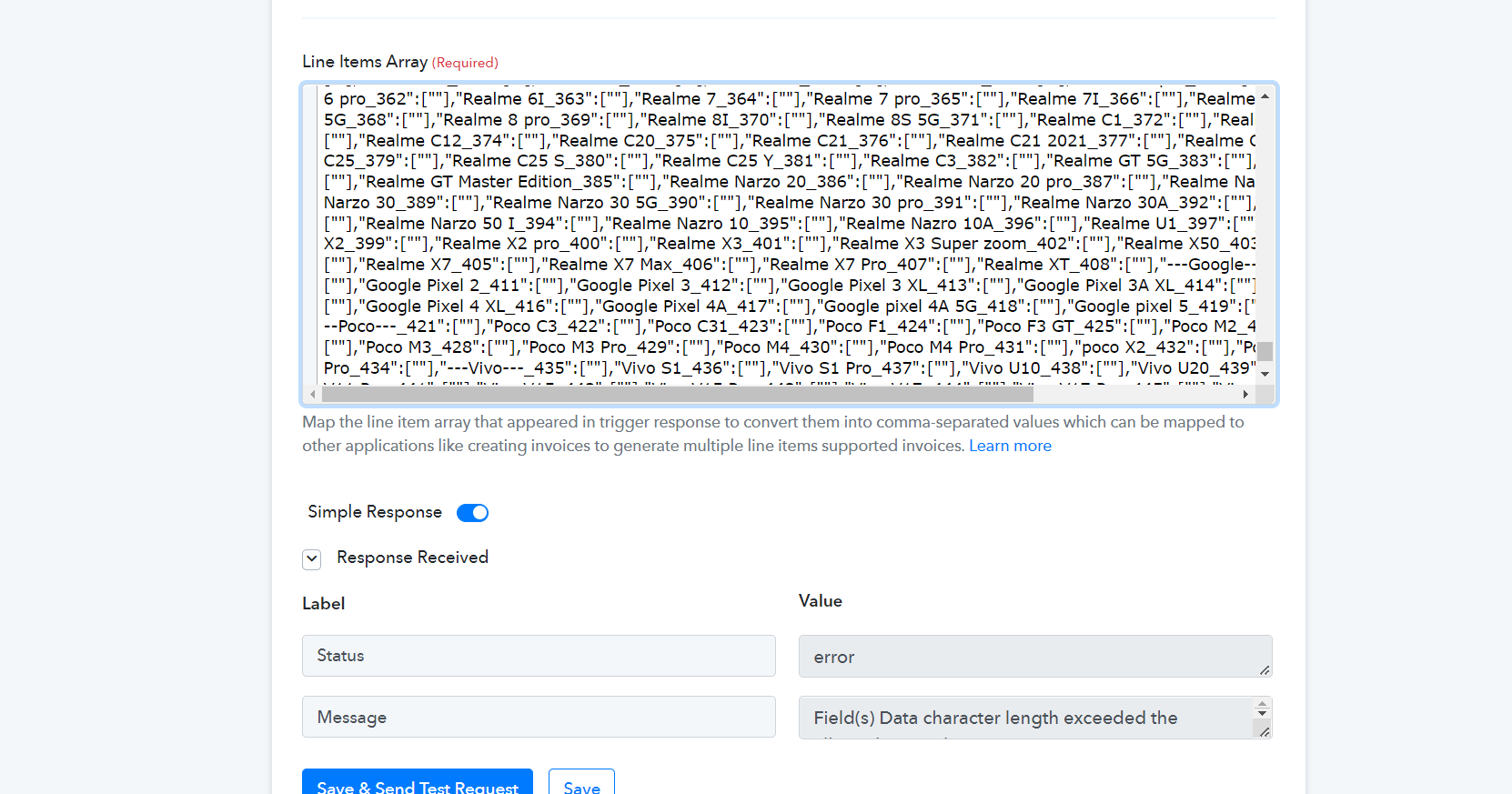
I've been using Pabbly Connect from some time now and everything was working fine, but recently I started facing issue where I was getting error
"Field(s) Data character length exceeded the allowed max value. Learn more: https://forum.pabbly.com/threads/maximum-character-length.10600/"
I've not changed anything in the workflow, and everything was working fine before.
Hey @akshayBH23
Kindly share the task history id in which you are getting the given message.
This is the recent task history id for which I got the error: IjU3NjcwNTY4MDYzMDA0M2Q1MjY4NTUzNDUxMzc1MTY0NTQzNiI_3D_pc
Hey @akshayBH23
We have made some changes in the action step and you wouldn't get the mentioned error in the action step for your corresponding API request.
Kindly give it a try and let us know if that work for you.
i faced the issue in the recent task also, here is the task id: IjU3NjcwNTY4MDYzMTA0MzM1MjY4NTUzNjUxMzI1MTY0NTQzOCI_3D_pc
Hey @akshayBH23
Please reconnect the action step once and then try again.
I tried the same after cloning the existing workflow but still, I'm getting the same error. I've reconnected the action step also.
If the issue due to data size, is it possible if this can be truncated or some values can be omitted from between, but this whole field is being fetched from Woocommerce trigger
Please allow us some time, we are currently looking into it.
okay thanks
Please allow us some time, we are currently looking into it.
okay thanks