LinkedIn expired token
Status: Closed · Asked by gregsprock on · 0 views
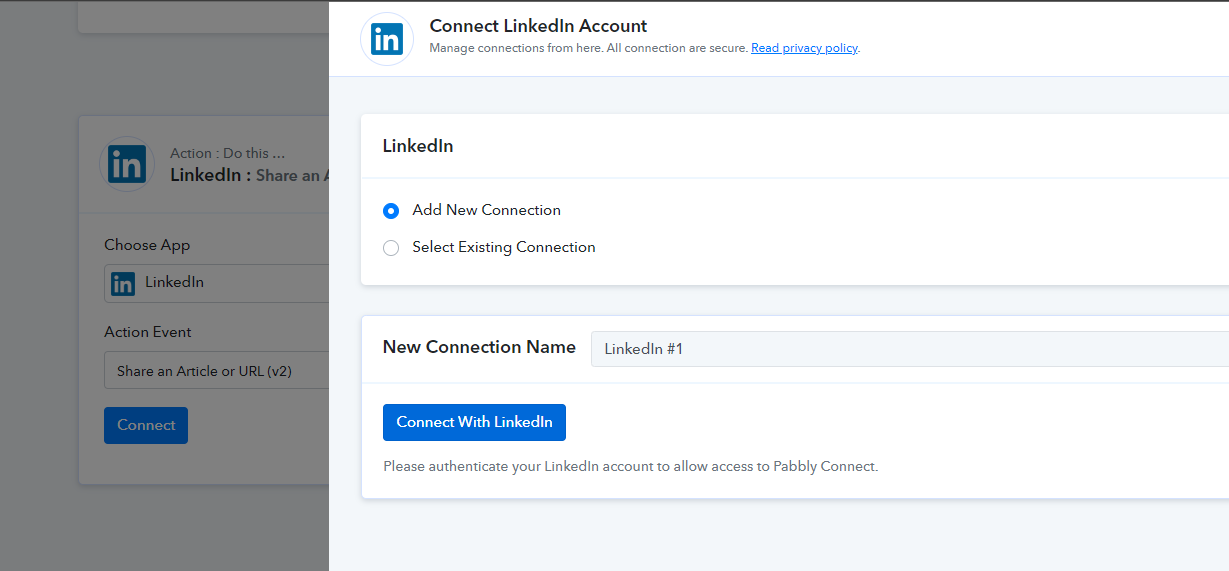
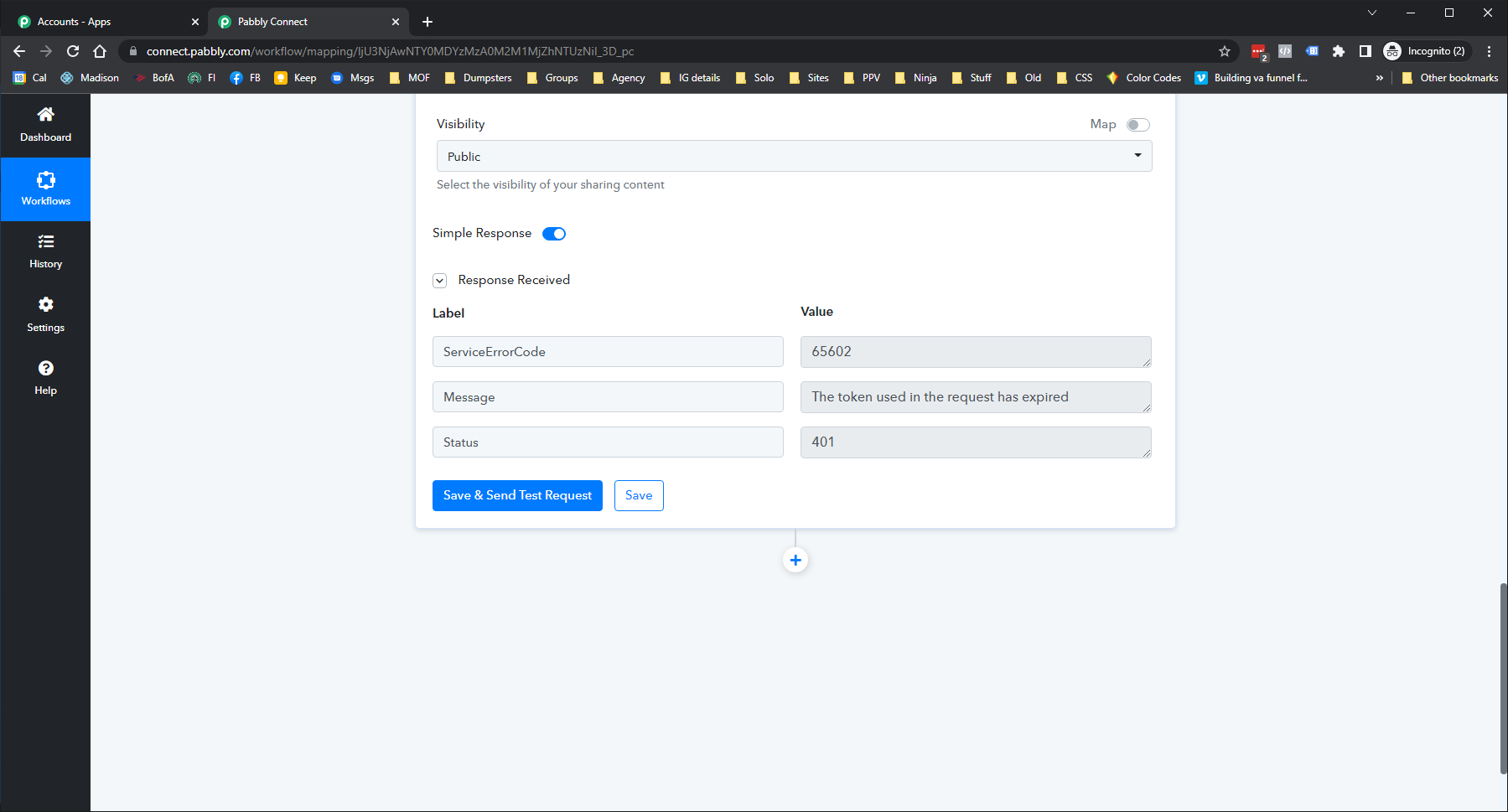
I got an email that the token had expired on my Linked In automation. The automation starts from GMB post and propagates the same post to FB, Twitter and LinkedIn. LinkedIn is the only token that has expired and when I try to refresh it still tells me the same token expired message. I tried to authenticate through incognito and same result. Screen shot is after the incognito attempt. What do I need to do to reauthorize this account?
Hey @gregsprock
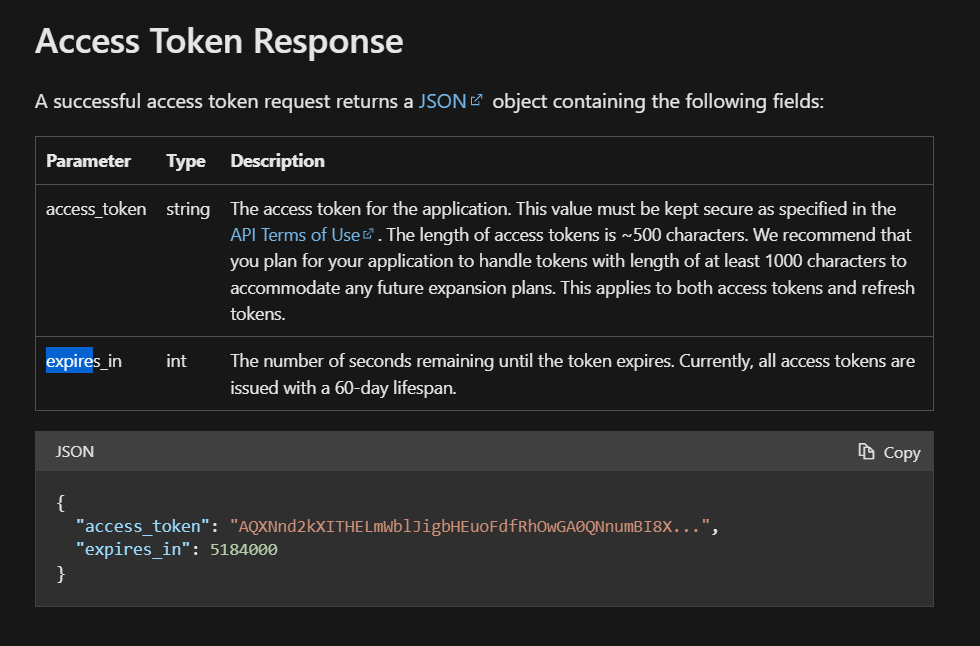
It seems like the authentication of your Linkedin action step is expired now since it has a life span of 60 days and needs to be reauthorized again.
https://learn.microsoft.com/en-us/linkedin/shared/authentication/authorization-code-flow?tabs=HTTPS
Correct, the token has expired. How do I get a new token for the LinkedIn account?
I have tried incognito, deleted and rebuilt the step.
Hey @gregsprock
Please delete the old connection from your Linkedin action step and make a new connection.