Sourabh Jain
Member
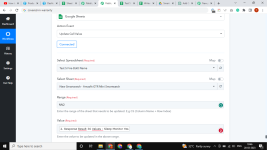
can I update the cell value with multiple ranges in a single action event?
because of this, I need to create the multiple action event in my work flow because in my sheet there are many blank cells which is not required so I skip the cell this is why I am prefer the update cell value
because of this, I need to create the multiple action event in my work flow because in my sheet there are many blank cells which is not required so I skip the cell this is why I am prefer the update cell value