
Product image in checkout page

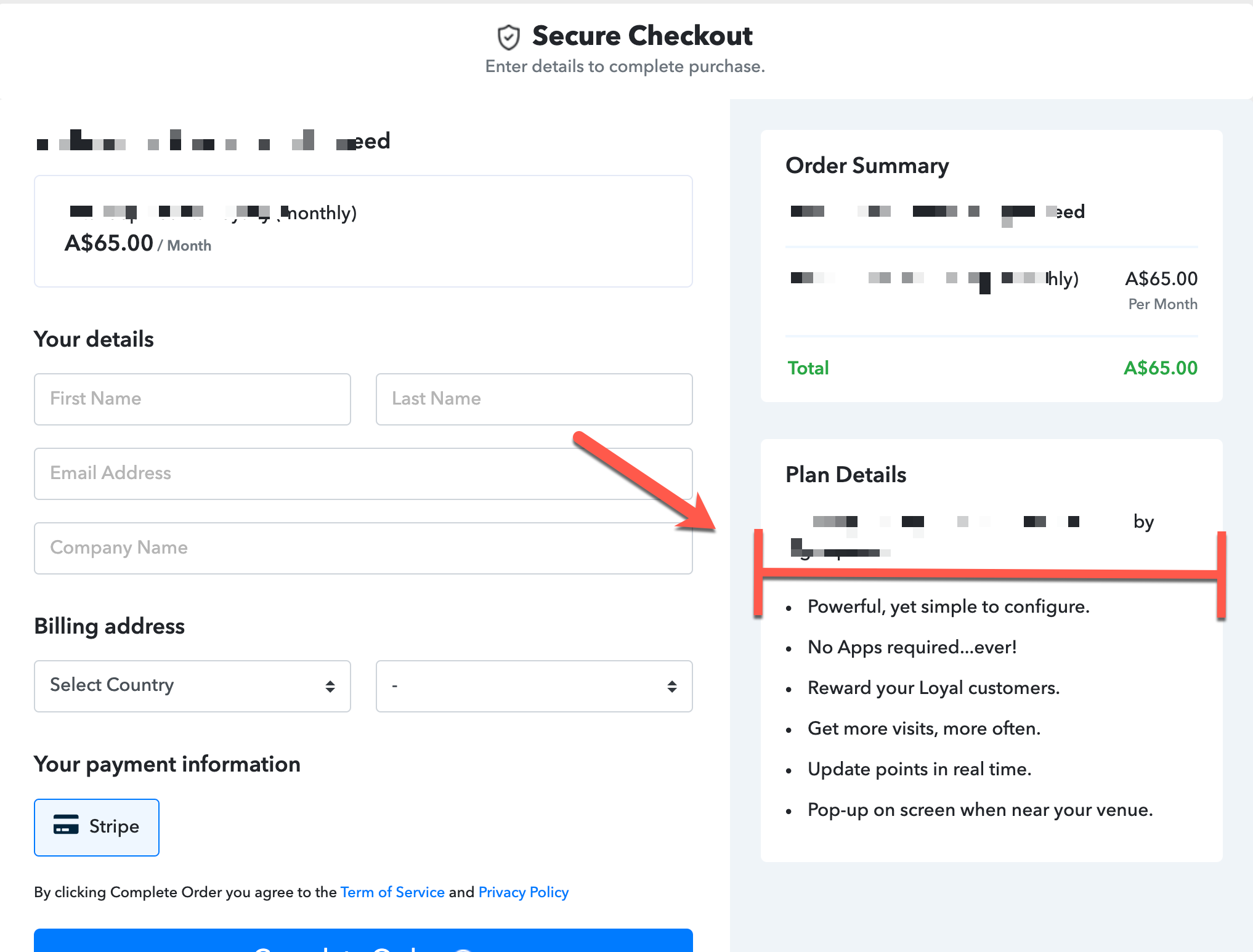
I would like to place a product image in the checkout page and believe the best way is to embed it in the Plan. Correct me if I'm wrong. I do not want an image the full width of the checkout page as per the instructional video on headphone sale. What are the best dimensions to achieve this so that the image is the width of the right column under Plan details?

2022-03-30_08-58-08.png


2022-03-30_09-05-24.png
 
V

Vipin Mishra

Guest
Hey,

We would like to inform you that this is how an image will look once added from plan description. You can adjust margin padding from checkout customizer.

  • Image size should be 400W x 250H, Max Size - 100kb.

1648636334120.png


Hope the above information helps.

If you need further support please reach out to us.

Regards,
Vipin Mishra
 
Top