PSB app for Pabbly Connect
Status: Closed · Asked by Rodrigo Cruz on · 0 views
Hi,
I'm testing the app of Pabbly Subscription Billing for Pabbly connect.
I'm using the Updating Subscription action.
I need update just the field: Update Reason
How can I do this? Because if I leave the other fields empty it's replacing the current subscription data.
Thank you
Hey @rodrigo
We have replied to your query on another thread, please check that out.
https://forum.pabbly.com/threads/updating-a-field-without-lose-data.11696/
Hi @Supreme ,
Thanks for help, but this is a different question...
How can I update just one field and leave all other fields without change?
Thank you
@Supreme I need get the subscription and update just one field and keep all others untouched, how can I do this?
I will need to map again all fields? This can be a problem... some fiels like:

I don't even know where is this information in the webhook!
Thanks!
Hey @rodrigo
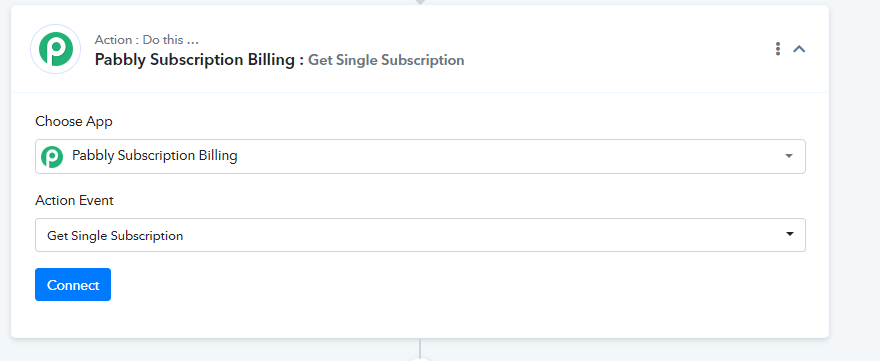
In terms to update the fields of the subscription you need to pass all the relative fields of the subscription with the help of the "Pabbly Subscription Billing: Get Single Subscription" action step. In this scenario, your previously added fields will always be intact and the updating wouldn't get affected.
Hi @Supreme
I tried this event, but this one also not have any information related to the field that I post above "Card ID" where is this informations?
Also did you know where can I see the Data Subscription Note content inside the PSB dashboard? And how can I update this information using Pabbly Connect?
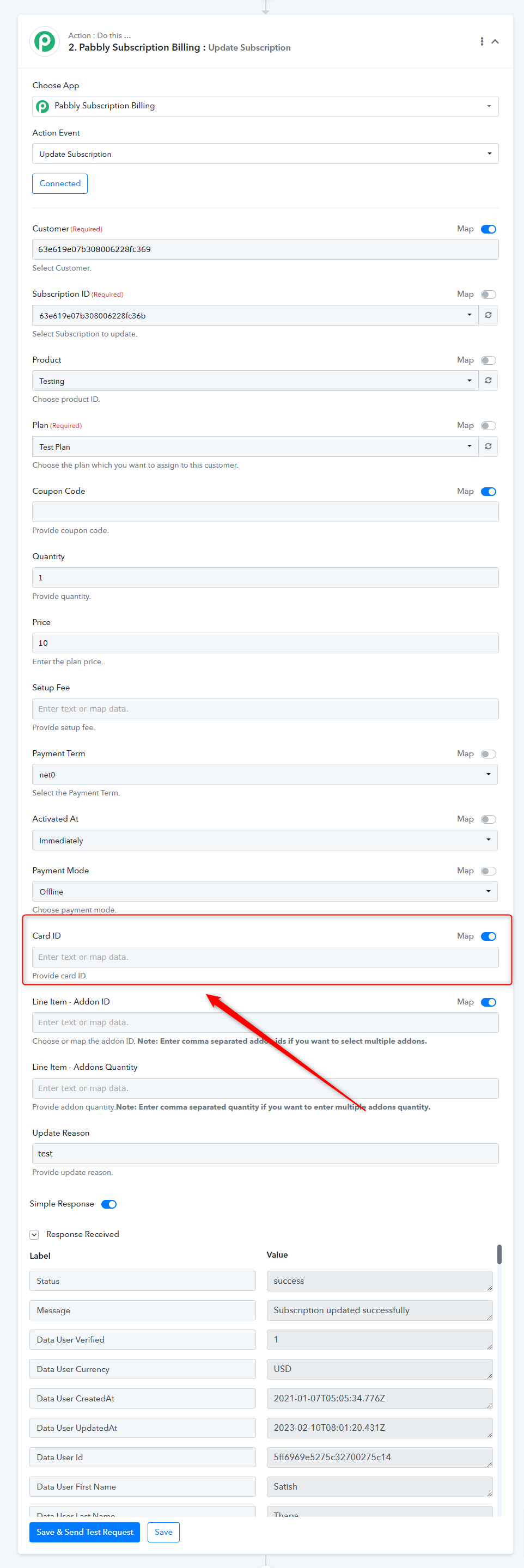
In that case, you can leave the Card Id field empty as mentioned in the screenshot.
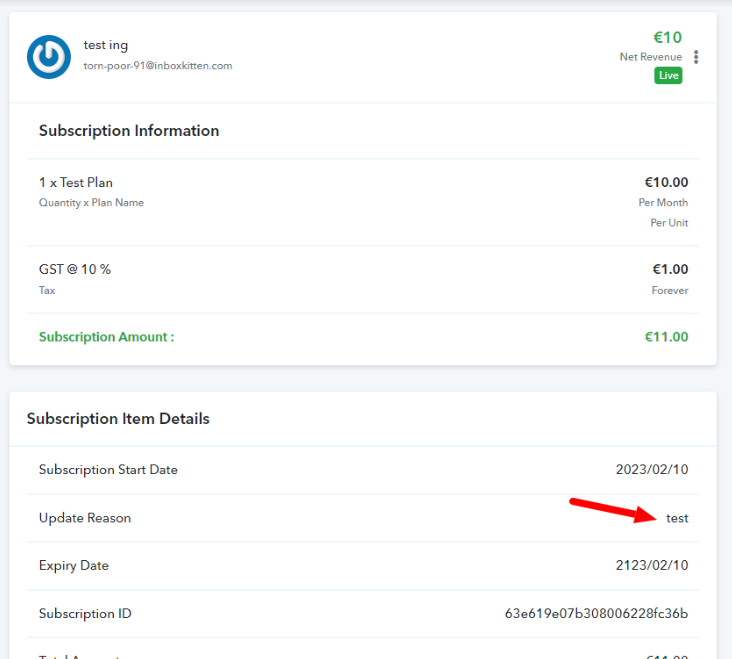
And as a result, the following invoice will be reflected in your subscription section.