

I am building an automation that interfaces with G Sheets.
first I go get row and that delivers the ID for another sheet that I want to update
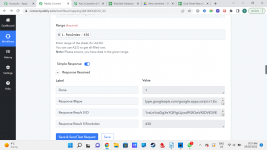
this delivers the accurate sheet. so far so good. Now I go update cell value and point the automation to the sheet I want to update with date/time as pictured here:
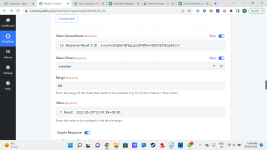
but the response has a completely different sheet, in fact it's the sheet that I got the correct URL from:
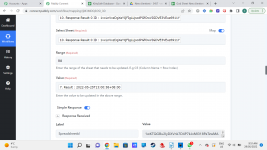
So then I re enter all the details, trying to find the issue, and get cannot parse range. The URL works, I checked it, and the field is there :
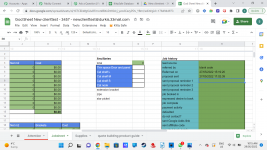
Can you help with these behaviours?
first I go get row and that delivers the ID for another sheet that I want to update
this delivers the accurate sheet. so far so good. Now I go update cell value and point the automation to the sheet I want to update with date/time as pictured here:
but the response has a completely different sheet, in fact it's the sheet that I got the correct URL from:
So then I re enter all the details, trying to find the issue, and get cannot parse range. The URL works, I checked it, and the field is there :
Can you help with these behaviours?


