Text formatter for LinkedIn, Facebook and Instagram.
Status: Closed · Asked by Maarten Erdtsieck on · 0 views
Hello,
I'm currently working on a workflow that pulls data from Google Sheets to create social media posts. Everything is functioning as expected, but I'm encountering an issue with the text format. Currently, the output looks like this:
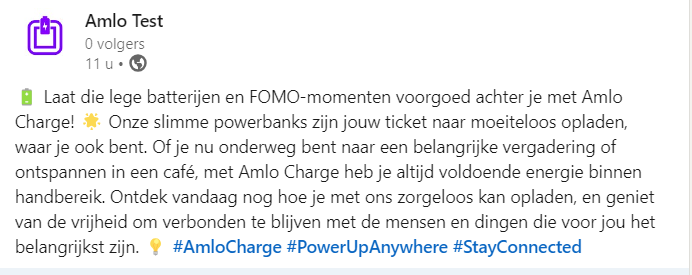 .
.
However, I'd like to improve the formatting to make it more visually appealing, like this:
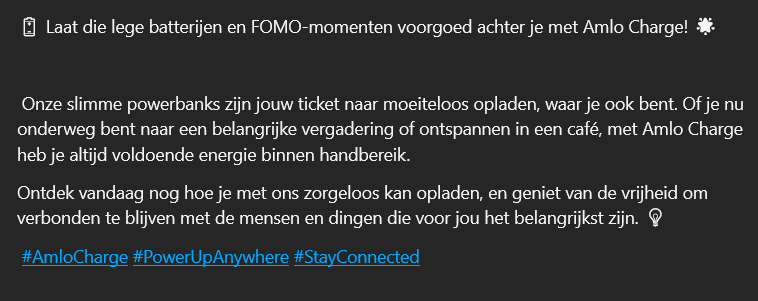
Could anyone advise me on how to achieve this? I'm open to suggestions or solutions using any tools or methods that might help in formatting the text output from Google Sheets.
Thanks in advance for your assistance!
Best regards,
Maarten
Hey @maarten2299
You can make use of the Open AI action step where you can provide the prompt to design the content in such a manner.