Unable to update Leadsquared custom field. Please help

Status
Not open for further replies.

ganeshkumar

Member
I am getting this error when i update custom field from pabbly connect.
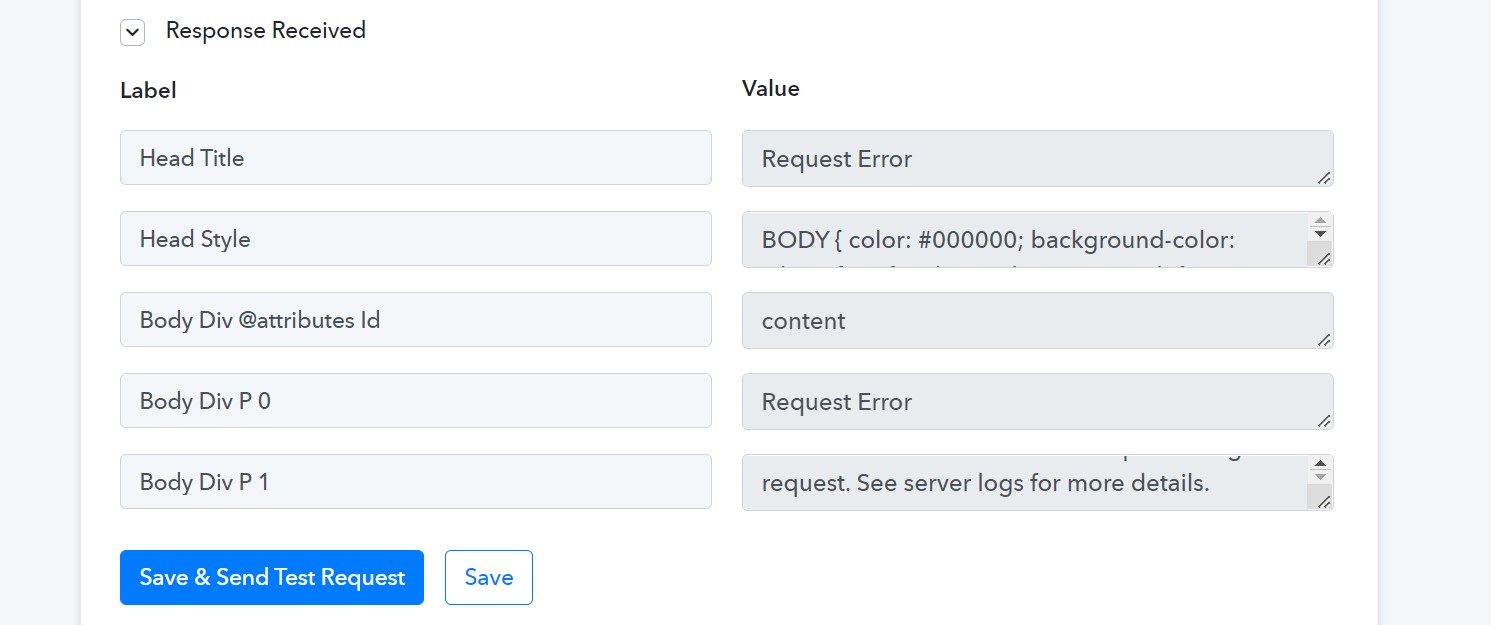
pabbly connect error - custom field.jpg
 
P

Pabblymember11

Guest
Hey @ganeshkumar

As we can see from your workflow, we couldn't find any action step in which you are having such error.

Kindly let us know if the issue has been resolved, and if not tell us the action step in which you are updating the custom field.
 

ganeshkumar

Member
Hey @ganeshkumar

As we can see from your workflow, we couldn't find any action step in which you are having such error.

Kindly let us know if the issue has been resolved, and if not tell us the action step in which you are updating the custom field.
Hi @Supreme

No it is not resolved. I have built the flow again and I have recorded loom video for you. Please watch the video.

 
P

Pabblymember11

Guest
Hey @ganeshkumar

In the" Leadsquared : Create or Update Lead with Custom Fields" action step, you need to select either 'True" or "False" value for boolean data type fields. E.g. "Do Not Call" field value can either be "True" or "False" instead of "None".

In the Array type field, please try passing the blank if you do not intent to pass anything to the field. Though, we have mapped the desired data in your workflow and it should work now.
 

ganeshkumar

Member
Hey @ganeshkumar

In the" Leadsquared : Create or Update Lead with Custom Fields" action step, you need to select either 'True" or "False" value for boolean data type fields. E.g. "Do Not Call" field value can either be "True" or "False" instead of "None".

In the Array type field, please try passing the blank if you do not intent to pass anything to the field. Though, we have mapped the desired data in your workflow and it should work now.
ok @Supreme .. Noted.

Thank you Supreme, much appreciated.
 
Last edited:
Status
Not open for further replies.
Top