amicici
Member
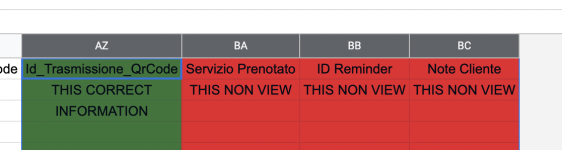
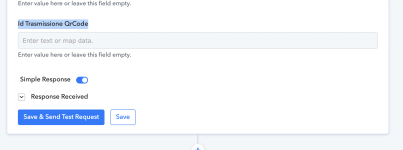
Hi, I continue to develop my functions, but now while I was populating the file and updating my workflows I got stuck, because I can't manage the columns BA - BB - BC ect
Can you please fix the bug quickly?
I have included a video that explains and demonstrates the problem.

 www.loom.com
I know I pass a lot of information about the cells, but besides being meticulous, the more information I acquire, the better my long-term performance.
I await your intervention,
Joseph
Can you please fix the bug quickly?
I have included a video that explains and demonstrates the problem.
Urgent Problem Google Sheet colomn
Use Loom to record quick videos of your screen and cam. Explain anything clearly and easily – and skip the meeting. An essential tool for hybrid workplaces.
www.loom.com
I know I pass a lot of information about the cells, but besides being meticulous, the more information I acquire, the better my long-term performance.
I await your intervention,
Joseph