Use Blank Value for No Data Fields
Status: Closed · Asked by Acura on · 0 views
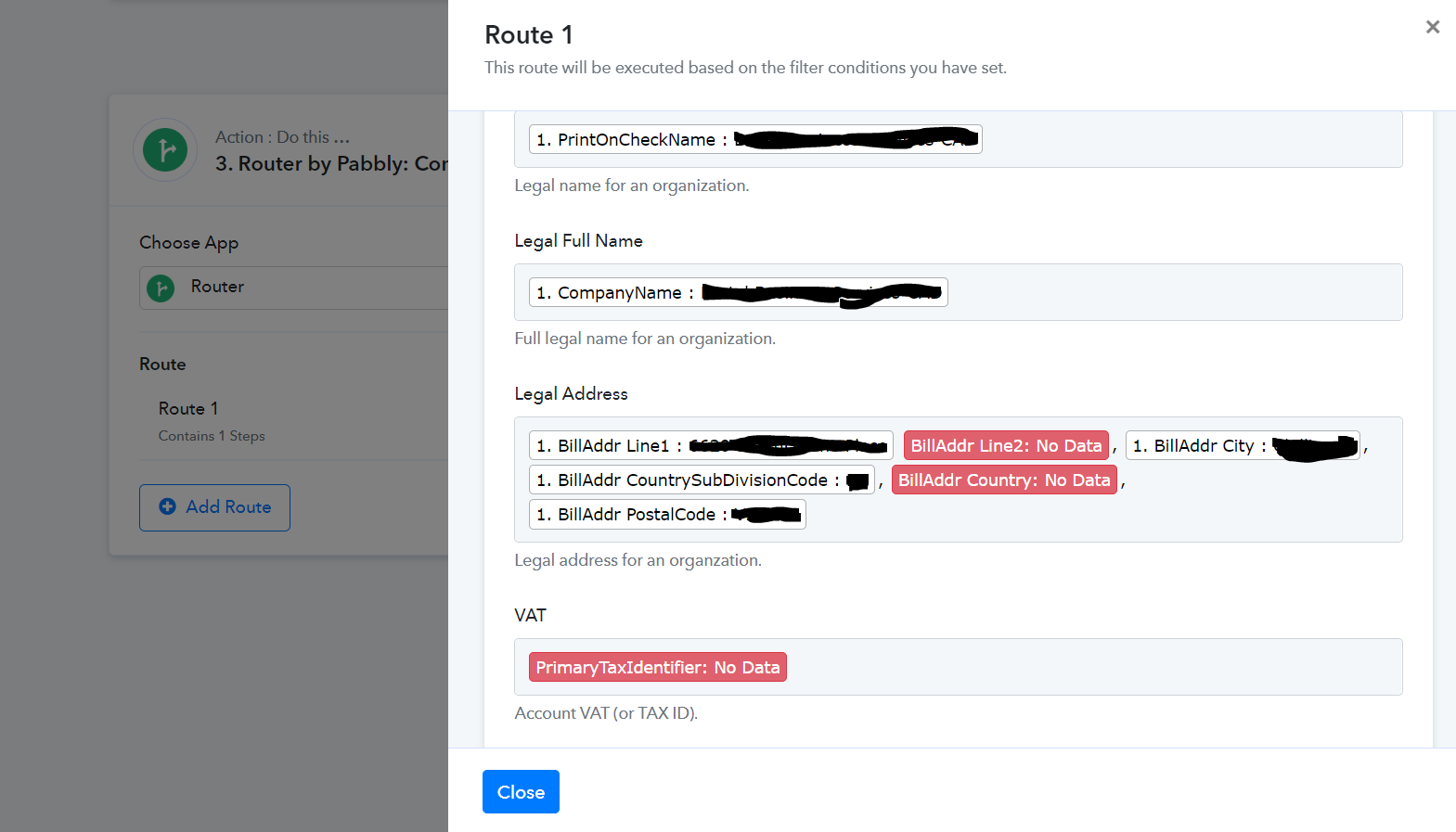
Sometimes an address or other data is not available from the entry source, such as secondary address lines. I would like to have it still pass through even if some data does not exist in the particular case. Is there a way to add a blank value for whenever there is no data? Attached is an image where billing address 2 was not entered for this particular customer, therefore causing the whole automation to fail.
Hey @Acura
If the required field didn't appear, you can attempt the "Default Value" action step in your workflow to pass a different value in the mapped field.
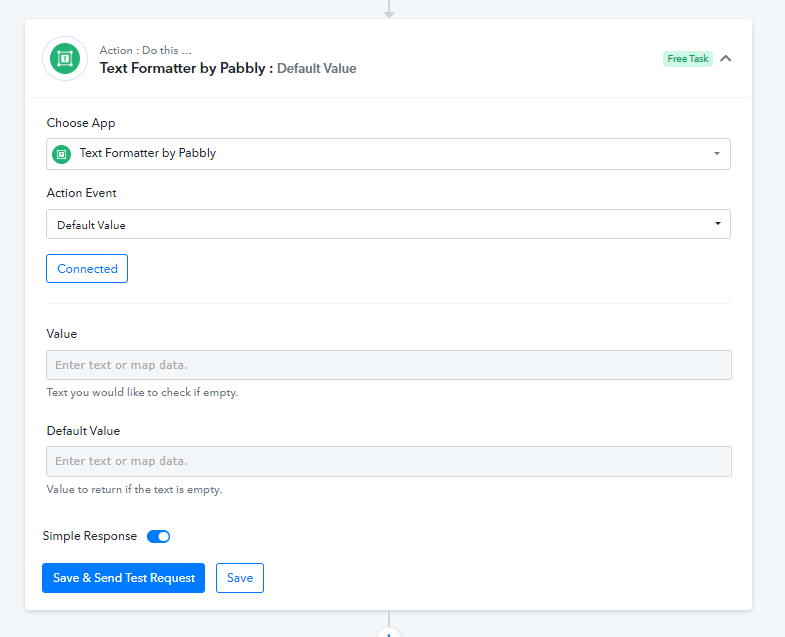
I have the same problem. But I need to pass "nothing" as the default value! It simply needs to be blank, but the text formatter doesn't let you do this.
Hey @karlreynolds
We will answer to your question via below thread:-