Workflow not working
Status: Closed · Asked by Feel on · 0 views
I have set up workflow to receive leads from facebook lead form and send it to mailerlite. I can see the data is populated correctly and the facebook leads are coming into Pabblyconnect but they don't get sent Mailerlite.
I have two workflows set up. both of them dont seem tobe working. I have manually been adding the leads to Mailerlite directly from Facebook leads centre.
Here 's another workflow
https://connect.pabbly.com/workflow/mapping/IjU3NjUwNTZmMDYzZjA0MzE1MjY4NTUzMTUxMzAi_pc
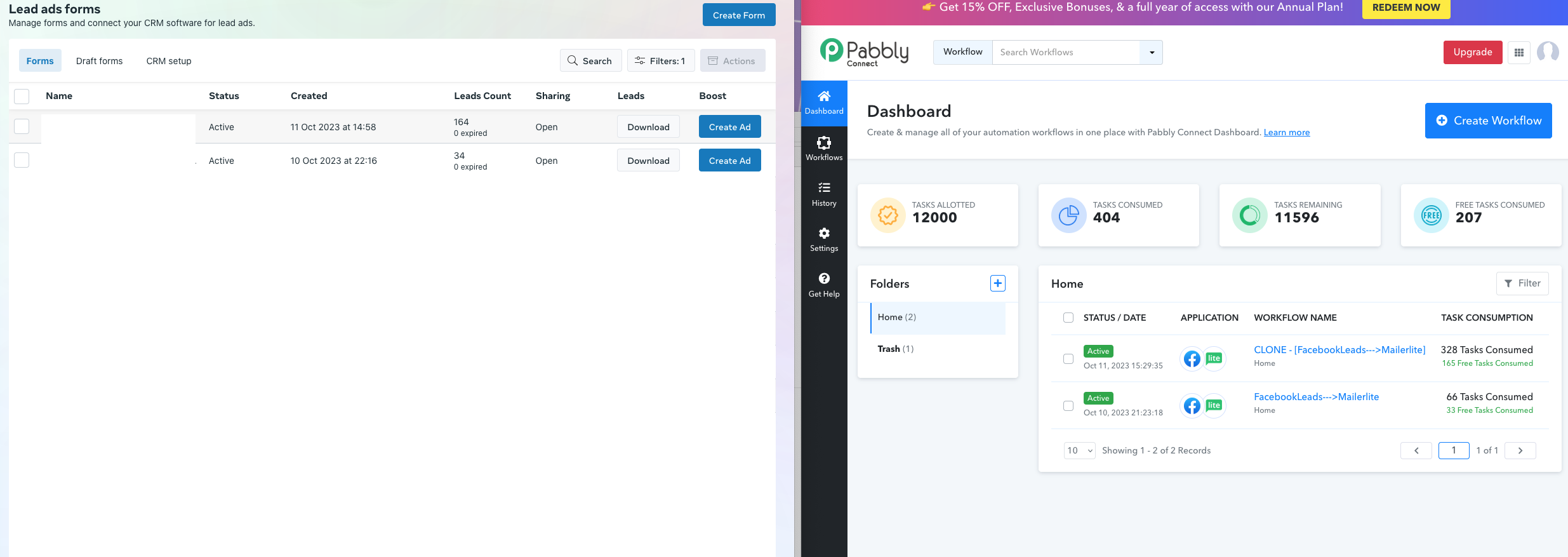
As you can see, pabbly connect is showing the correct number of leads facebook has sent.
Attachments
Hey @Feel
The error message you're encountering from the Facebook Lead Ad API is as follows: "Unsupported get request. Object with ID 'xxxxxxxxxxxxxxxxx' does not exist, cannot be loaded due to missing permissions, or does not support this operation. Please refer to the Graph API documentation at https://developers.facebook.com/docs/graph-api."
This message suggests that there may be an issue with the requested object's ID, insufficient permissions, or the operation not being supported. You can refer to the Graph API documentation for further guidance.
Please check the following thread on your concern and make sure that the Facebook account you have connected with the trigger event has ownership of the lead ad form means you need to be the admin of that Facebook lead and have to grant all the permission to access the Lead ad form. You can try making a new connection for your Facebook Lead ad and make sure you have granted all the permission of the respected page.
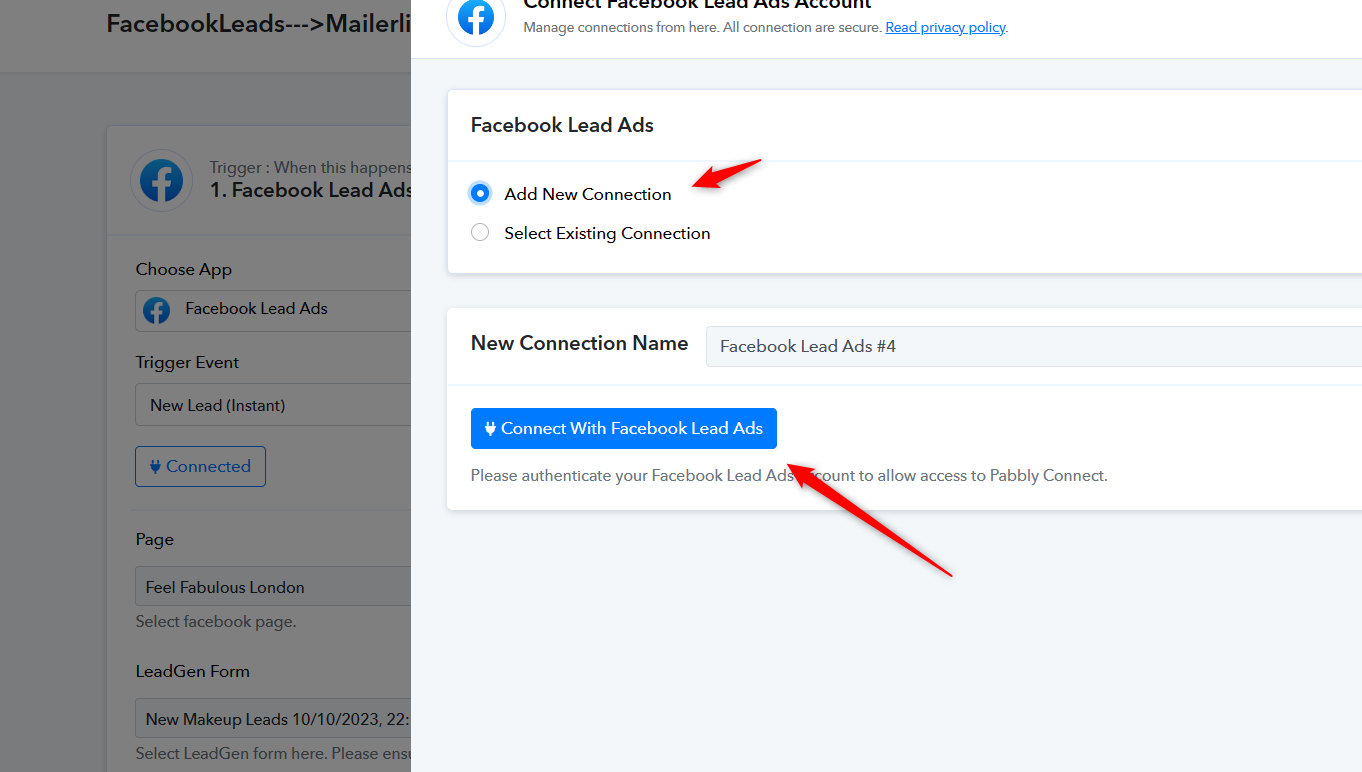
Further, follow the instructions written here to fix the "Empty Data" https://forum.pabbly.com/threads/facebook-lead-ads.2740/
when i test the form I can see that pabbly connect receives complete information from facebook. Please cehck the attached screenshot.
Its not getting sent. MAybe i have not connected the Mailerlite incorrectly?
It seems to be working. Just tested both forms and its working perfectly when testing internally. I am not receiving error, the response received shows the values completely filled in. I an still, however not receiving leads from facebook form that are filled by subscribers.
Hey @Feel
It appears that you still haven't made a new connection for Facebook Lead Ad yet.
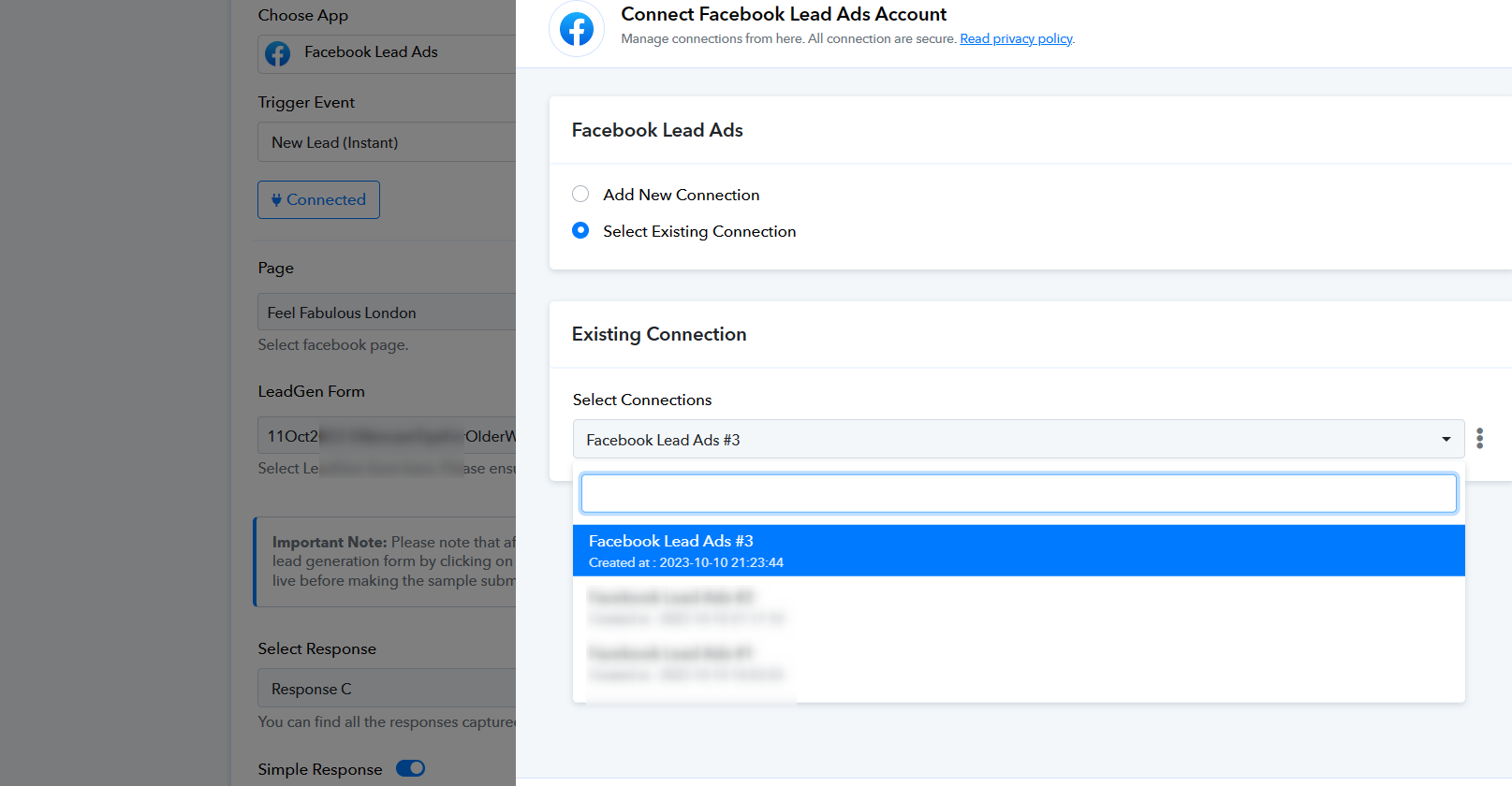
So, kindly add a new connection once in the incognito mode of the browser and make sure you grant all the permission for the desired Facebook Lead Ad.
Hello I have a similar issue. For some reason my workflows doesn´t work anymore. Through all my clients. And when I want to create a new workflow and click "send a test request" (facebook leads) it is getting the last lead for sendind a test request. This isn´t correct. I need help urgent
Attachments
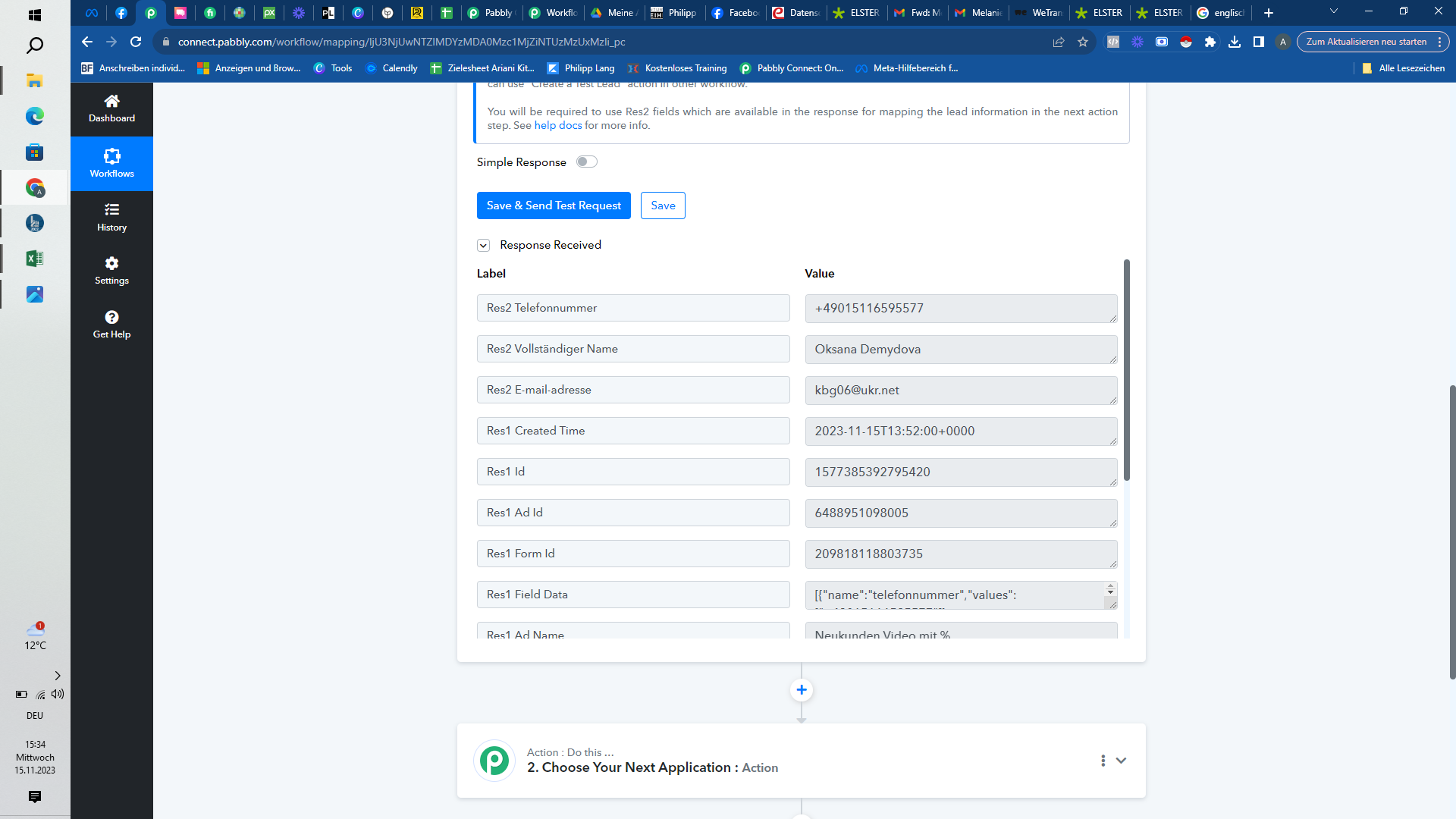
And when I want to send test request in the existing workflow - it appears an error
Attachments
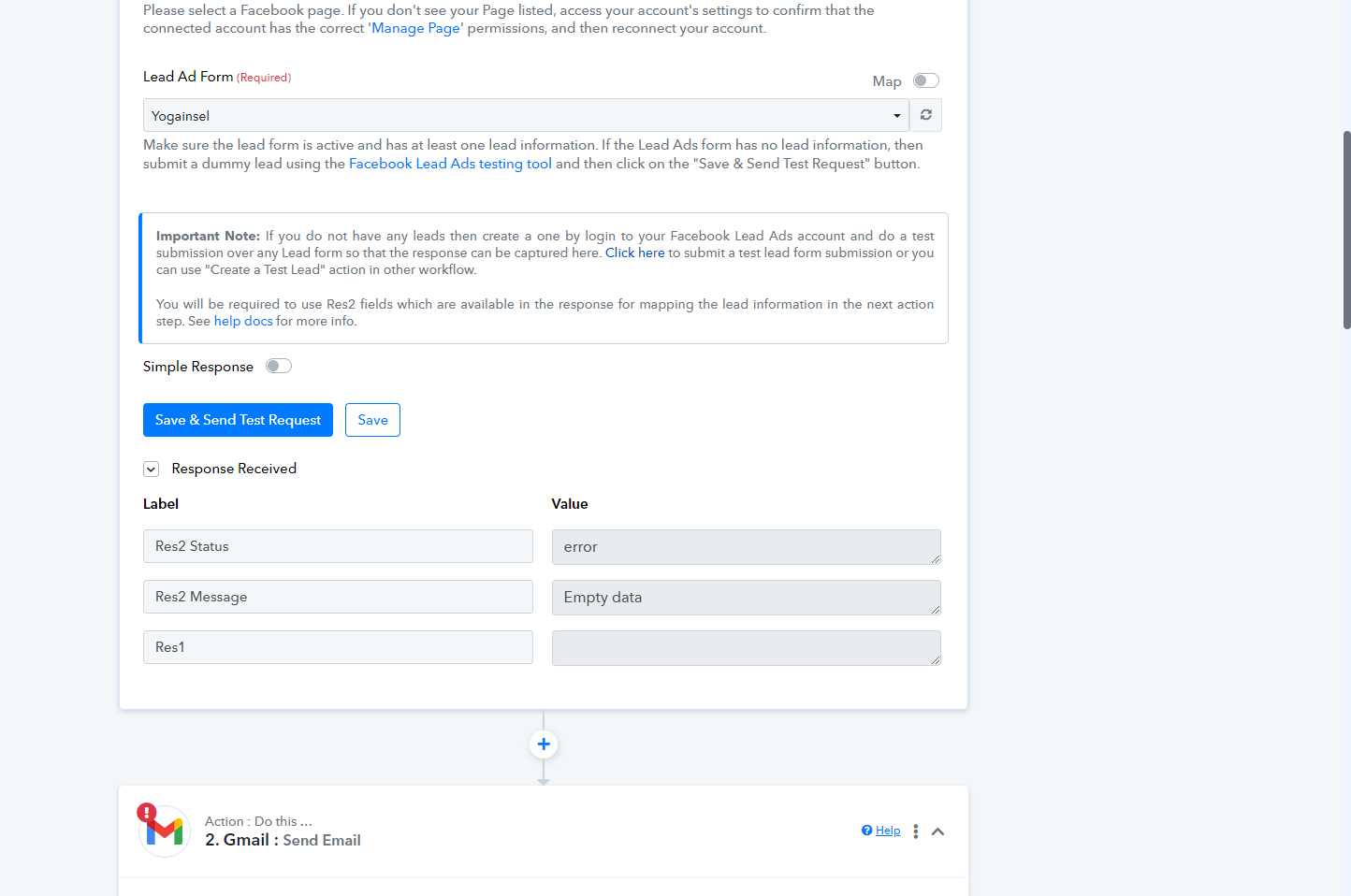
And when I want to send test request in the existing workflow - it appears an error
It appears that you haven't linked the Facebook account that controls the relevant Lead ad form.
Please re-connect the Facebook account from the Facebook Lead ad admin account.
Further, follow the instructions written here to fix the "Empty Data" https://forum.pabbly.com/threads/facebook-lead-ads.2740/
OK I will try it, thanks