YouTube not showing my brand
Status: Open · Asked by gdrayson on · 0 views
Looks like Brands changed with YouTube recently as can be seen in the following screenshow
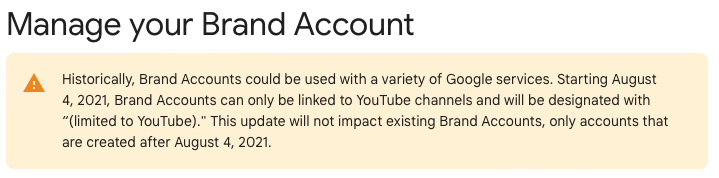
I am now getting an error when trying to connect to a brand - Brand Account (limited to YouTube) and it shows the following error.
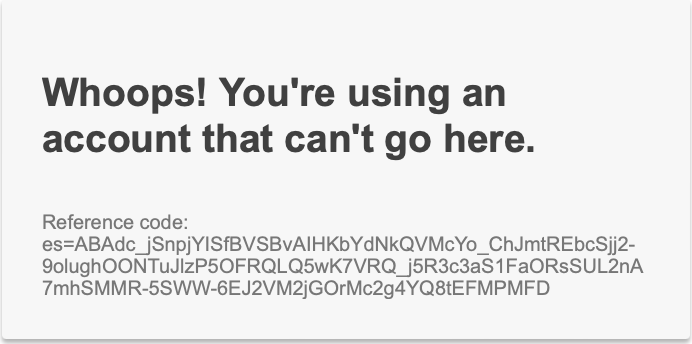
Any suggestions on what I have to do to connect. Other brands that don't specify (limited to YouTube) connect fine.
Hi @gdrayson,
Please have a look at the thread shared below:
https://forum.pabbly.com/threads/cannot-connect-youtube-channel.12163/
Are there any updates to this? There are a bunch of other forum posts on this topic, and the forum post mentioned above has no solution. This is a showstopping problem for anyone using YouTube Brand Accounts for their YouTube Channels. At one point, I was able to get it to work by manually entering in the Channel ID for the Brand Account, overriding the pre-populated primary account, but that workaround no longer works.
When manually overriding it, the response actually shows the primary channel ID regardless of what you enter into the Channel field. Even if you put jibberish in the field, it still uses the channel ID of the primary channel. This is not an issue with the YouTube API, as other similar tools can associate to Brand Accounts without an issue.
Please try entering the Channel ID manually again and see if that allows you to capture the videos from that brand account.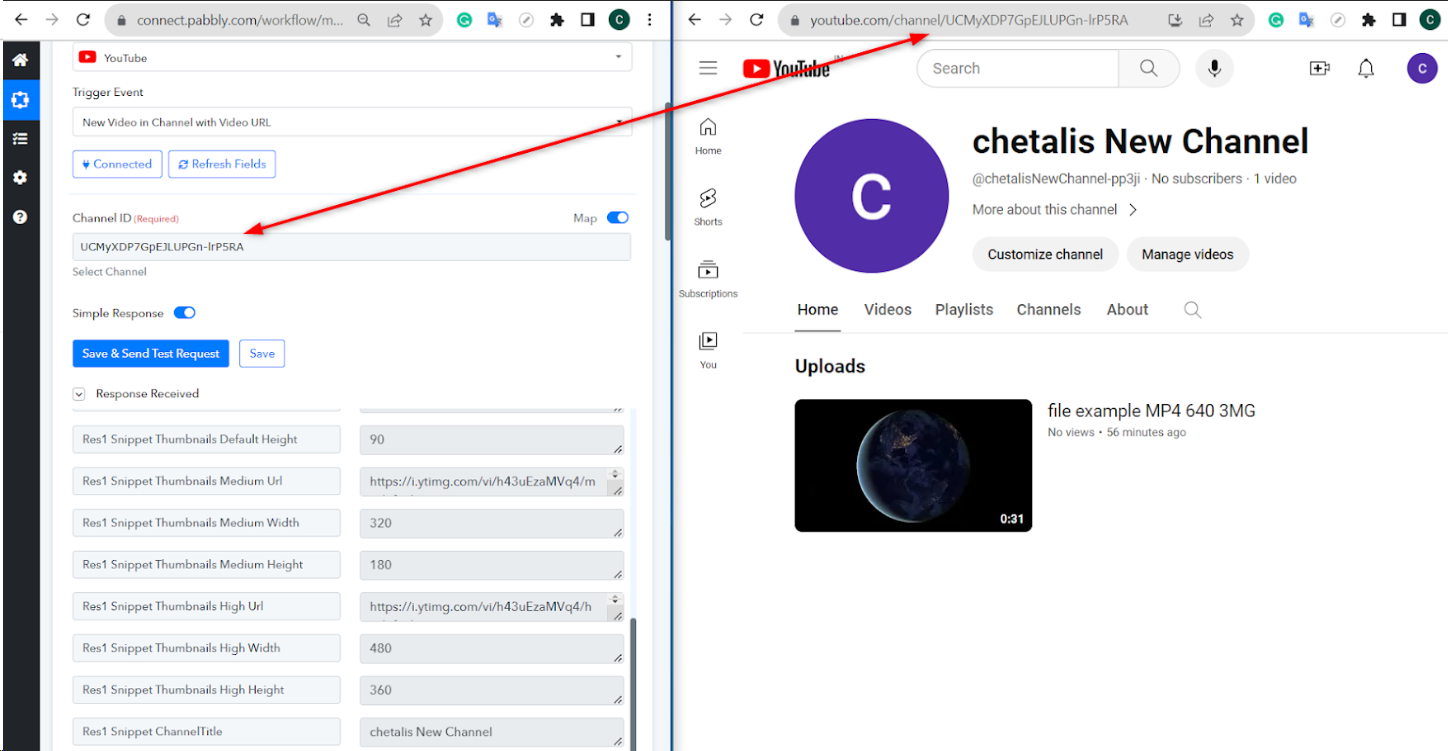
Please try entering the Channel ID manually again and see if that allows you to capture the videos from that brand account.
I tried it again (with a whole new connection) and selected the primary YouTube channel (because selecting a Brand Channel fails immediately) and manually overrode the Channel ID with the Channel ID from the secondary channel, and it still does not work. It puts the video on the primary channel just like it has for the last 50 times I tried it (although it did work for me in the past).
However, I noticed on your screen shot that you are doing this as a Trigger Event and you have "New Video in Channel with Video URL". That's not what I am trying to do. I'm not triggering on a new Video in a channel, like you are, I (along with everyone else with this problem) am trying to upload a new Video to one of my Brand Channels using the "Upload Video (Beta)" option. It looks like when you do the YouTube trigger thing the way you did, it works, but there is clearly something different between the way Trigger Event "New Video in Channel with Video URL" works vs. "Upload Video (Beta)" works when it comes to letting you do anything with a Brand Channel. It is also clear to me that the entered Channel ID is not even applied when using "Upload Video (Beta)" because I can enter a bunch of random characters in that field and it still uploads it to the primary channel without an error, so that field is getting completely ignored.
Hey @Neil
Sure, could you please share the workflow URL with us once? Additionally, it would be incredibly helpful if you could also provide a short video demonstrating the number of channels and accounts associated with your YouTube.
Same here. Is it Pabbly not maintaining its product or Google ? It's been months since the problem occurs and nothing is done.
Same here. Is it Pabbly not maintaining its product or Google ? It's been months since the problem occurs and nothing is done.
Could you please elaborate a bit more on your exact concern and also share the Workflow URL where you have this concern?