• Instructions to Ask a Question

    For any assistance, please click the "Ask a Question" button and select the Pabbly product for which you require support.

    We offer seven comprehensive applications designed to help you efficiently manage and grow your business:

    Our support team endeavors to respond within 24 business hours (Monday to Friday, 10:00 AM to 6:00 PM IST). We appreciate your understanding and patience.

  • Due to Holi celebrations, our team will have limited availability. While we’ll continue to monitor threads, responses may be slightly delayed. Normal operations will resume on Thursday, 5th March 2026.

Shopify Update product (no weight section and no multiple image option)

Status
Not open for further replies.
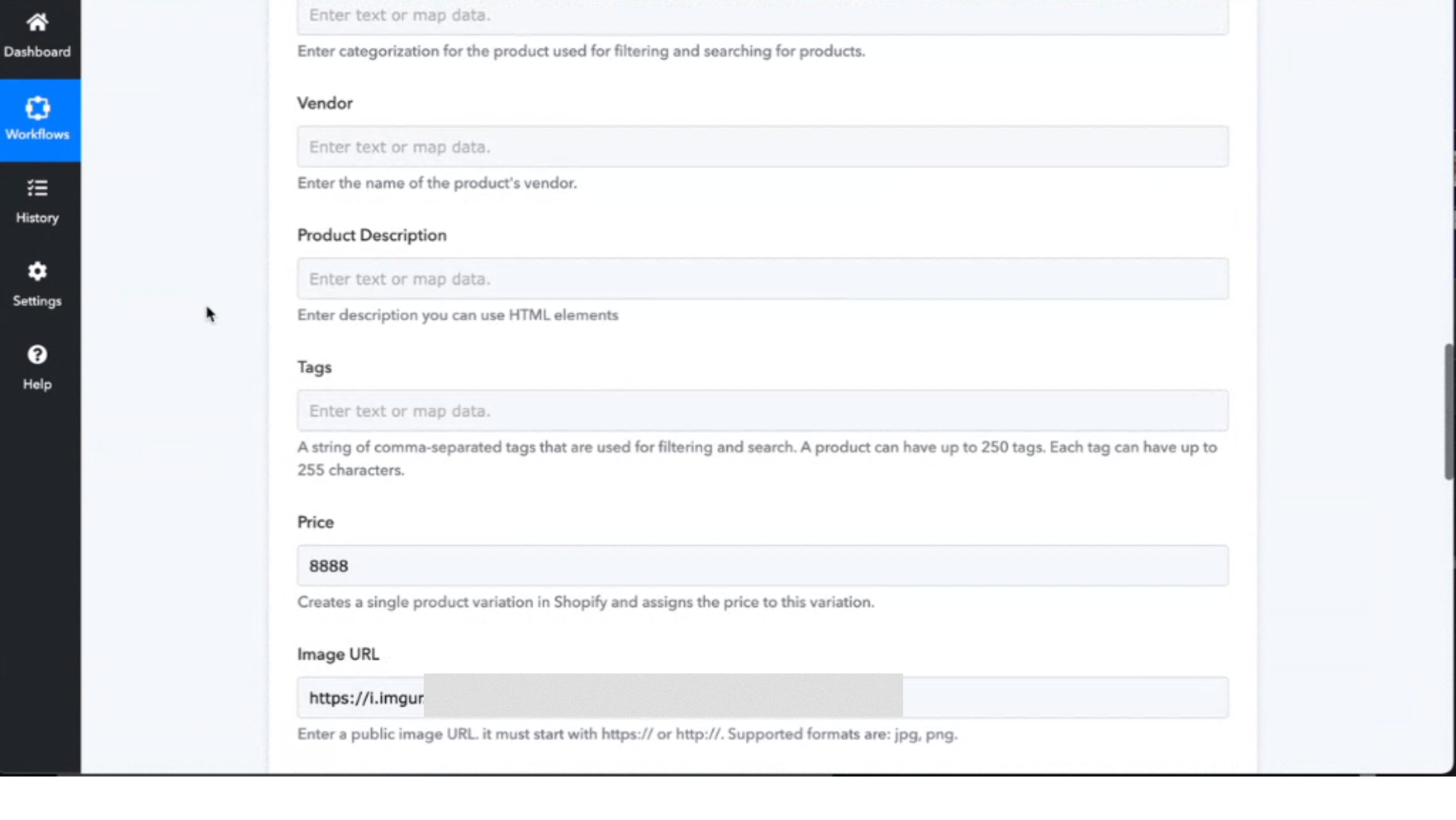
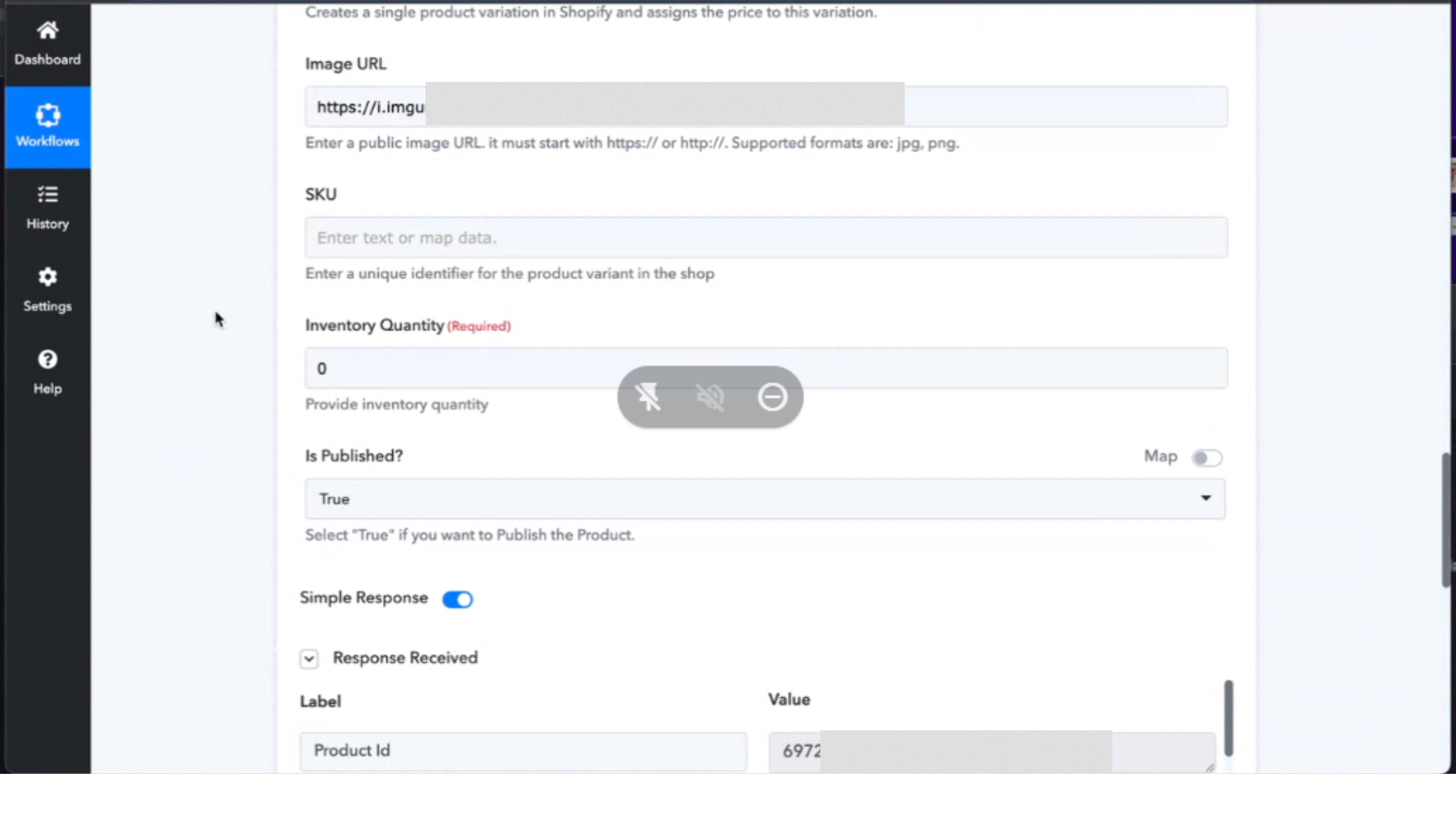
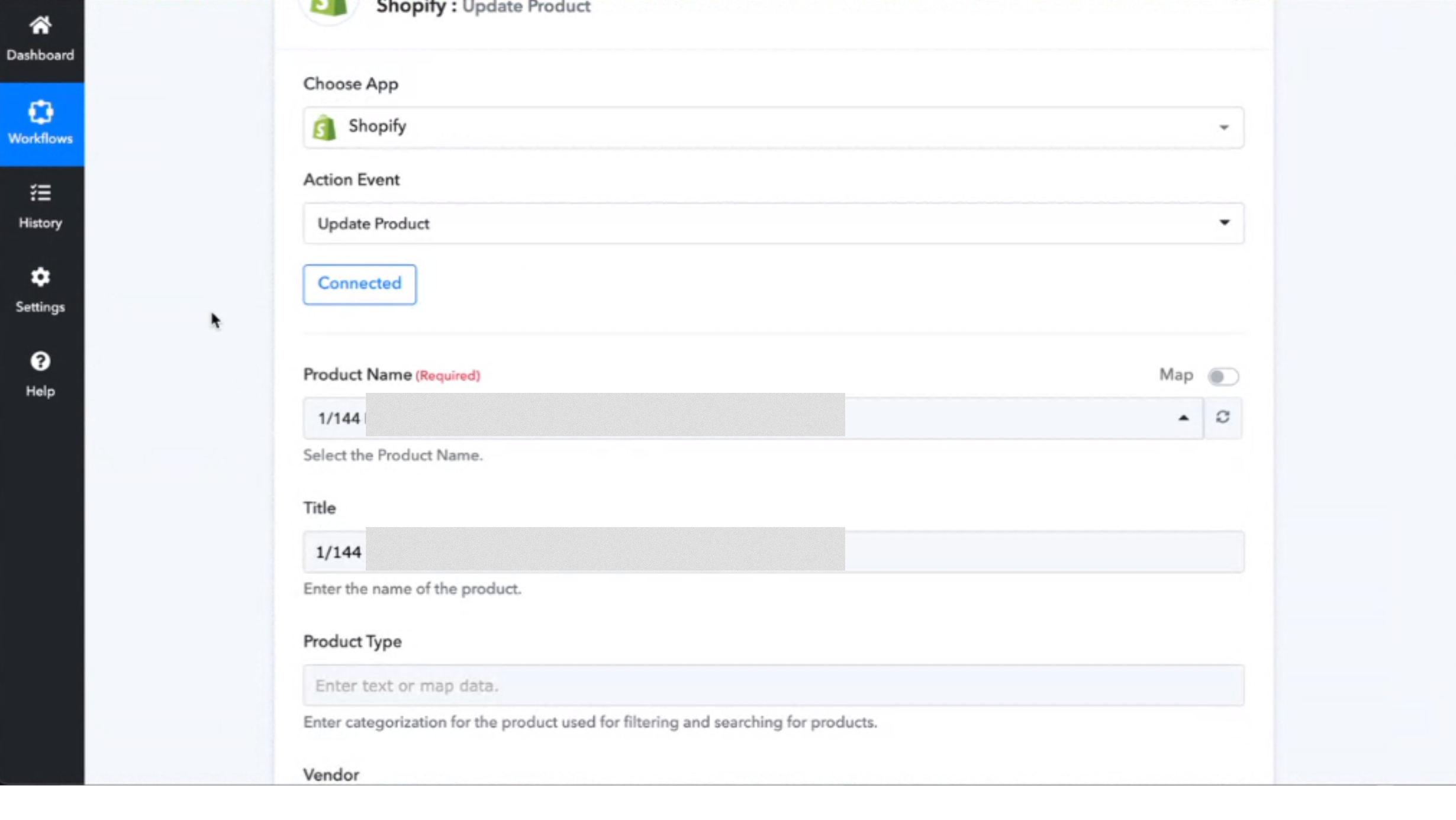
I wanted to update Shopify product information when there is a trigger. I could update most of them like, title, price, and quantity.

However, I could not see any weight section. So, what happens is, that when there is any trigger, the weight of the Shopify product becomes zero.

Also, in the image URL section, I could update only one image. But how do I upload multiple images for one Shopify product?

Here are the images of the workflow.
1.png
2.png
3.png
 
Last edited:
P

Pabblymember11

Guest
Hey @shahidul islam pranto

If you want to pass the weight in the action step you need to use the "Shopify: Create Product Variant".

Question, how to upload multiple images?
As of now, you can only pass one image at a time and for passing multiple images then our tech team is currently checking on it. Shall notify you with an update soon.
 
Status
Not open for further replies.
Top