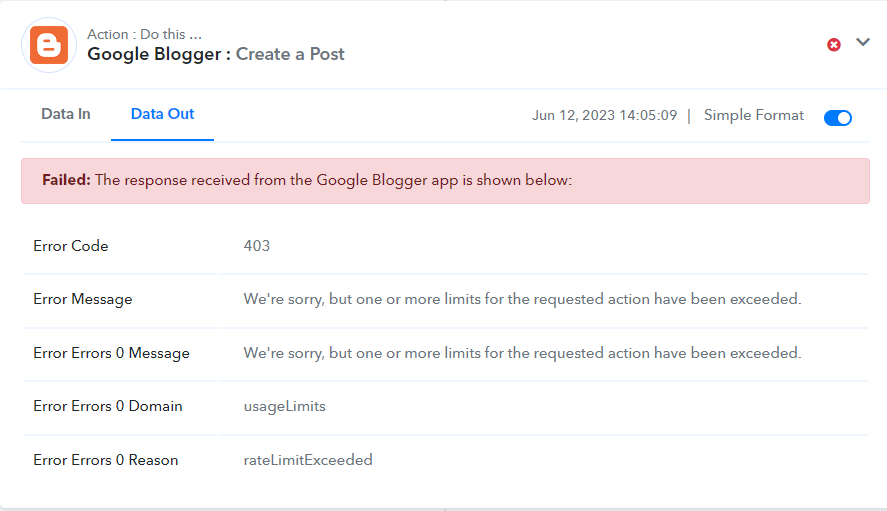
As we can see from your workflows history Log your Google Blogger step is working fine.
After investigating your workflow, we have noticed that the error message is related to the API usage limit for the Google Blogger API in Pabbly Connects. Whereas in every Google Cloud project has a quota limit, which restricts the amount of API requests that can be made per day, and once the limit is reached, no further requests can be made until the quota resets.
To check your current usage and limits, you can visit the Google Cloud Console and navigate to the "APIs & Services" -> "Dashboard" page. From there, select the Blogger API and then click on the "Quotas" tab to view the current usage and limits.
Here is the documentation link for the Blogger API usage limits and quotas:
The Blogger APIs enable client applications to view and update Blogger content.

developers.google.com