Hello
@icce.org.in
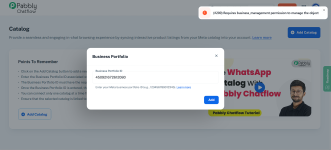
Could you please let us know whether, while connecting the number in the
WhatsApp Connection Mode, you selected
“Connect with Catalog”?
If not, please follow the steps below:
On the dashboard, click
Add WhatsApp Number, then select the
WhatsApp Connect option. Click
Next, and under
WhatsApp Connection Mode, choose
Connect with Catalog.
After that, proceed with the steps — add the same WhatsApp number again and continue by clicking
Next → Next → Finish to complete the connection.
Please note: You do
not need to delete the number from Chatflow.
You simply need to add the same number again and go through the steps so the required permissions for using the Catalog option are granted.
If you need any further help, feel free to let us know.