


matteostratega
Member
- Your Task History ID
- IjU3NjIwNTY0MDYzNjA0MzI1MjY4NTUzNTUxMzU1MTYwNTQzMSI_3D_pc
Troubleshooting data push.
Hey guys,
I have an issue with a simple 2 step workflow:
I have this workflow running properly on many campaigns but on a sheet, it keeps failing.
I had it for a long time so the setup should be fine + It is currently working properly on other sheets
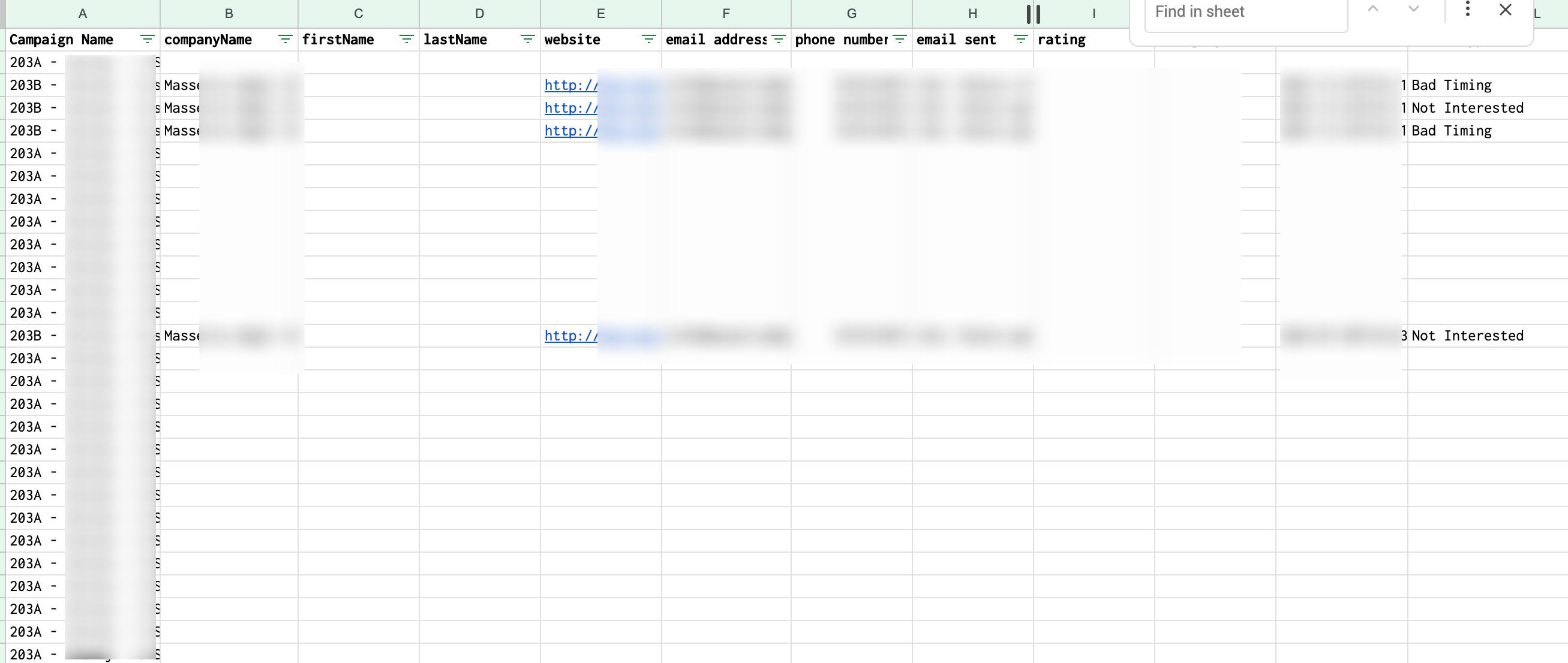
What is weird is that only 2 data are pushed while the others are ignored.
Also I received this email.
Can you help me fix this and re-execute all the flow to recover the data that should have been there?
Hey guys,
I have an issue with a simple 2 step workflow:
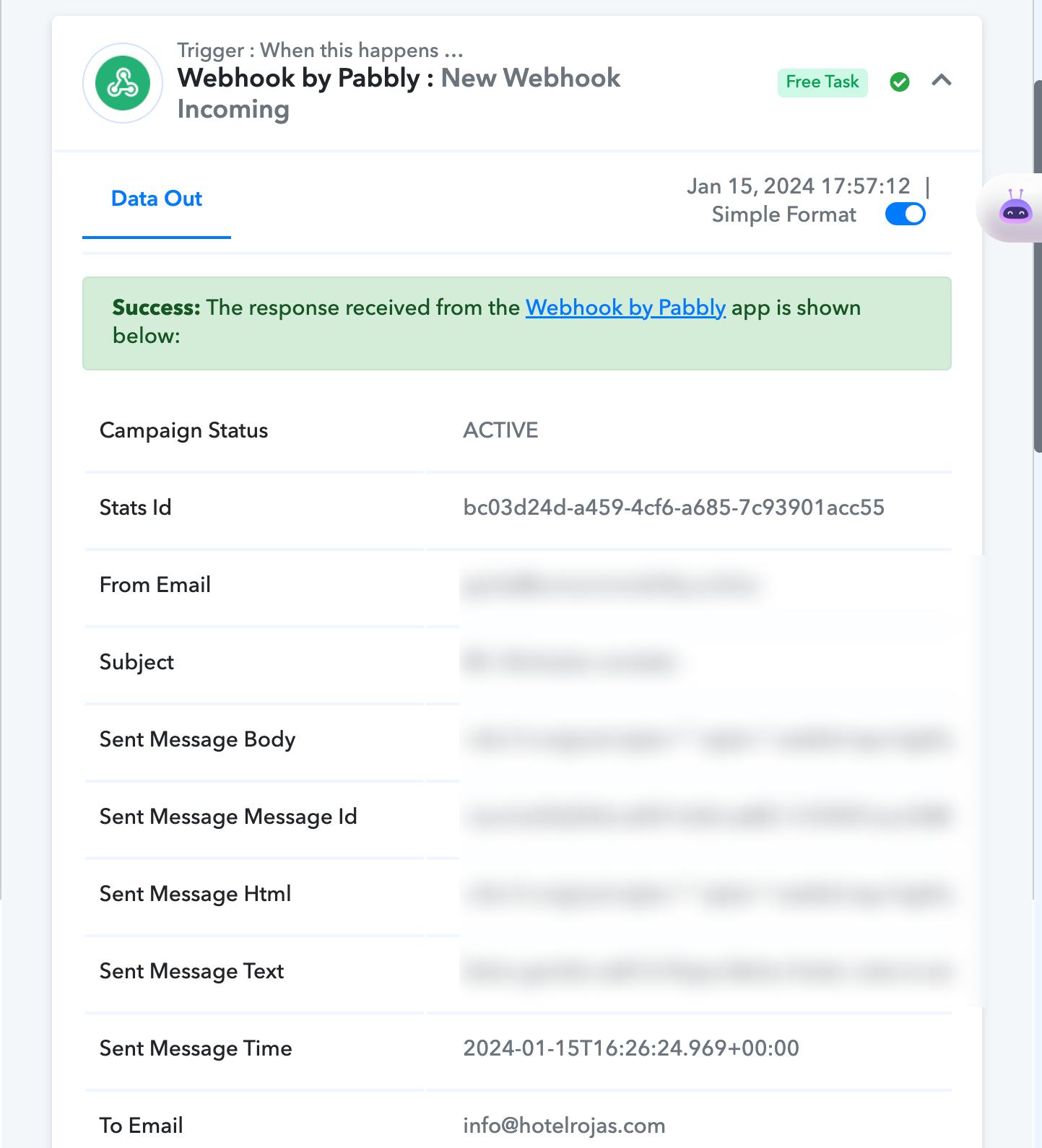
- get data from a webhook
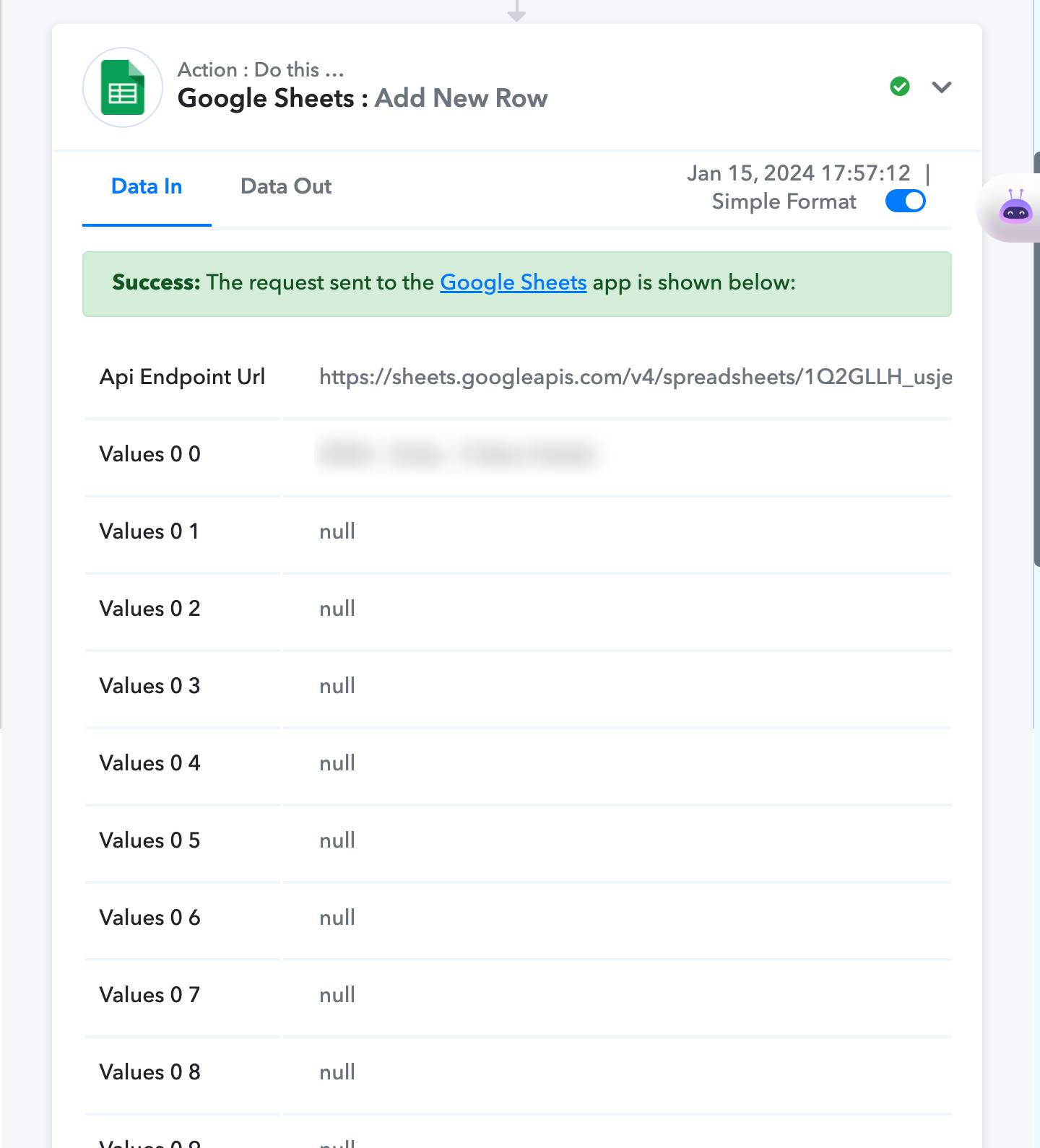
- push data on gsheet
I have this workflow running properly on many campaigns but on a sheet, it keeps failing.
I had it for a long time so the setup should be fine + It is currently working properly on other sheets
What is weird is that only 2 data are pushed while the others are ignored.
Also I received this email.
Can you help me fix this and re-execute all the flow to recover the data that should have been there?


