


javiermartinez
Member
Good morning, I have been trying to create an automation for more than a year in Zapier and it has been impossible. So I come to try to Make.
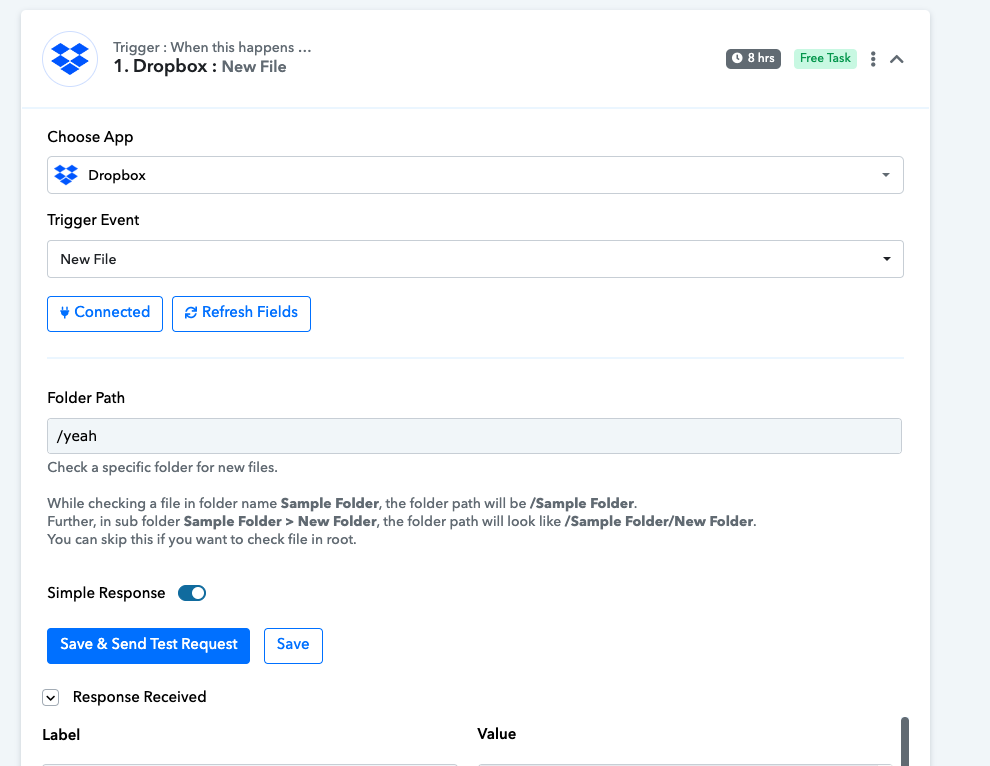
What I want to do is to connect Dropbox with Google Sheets.
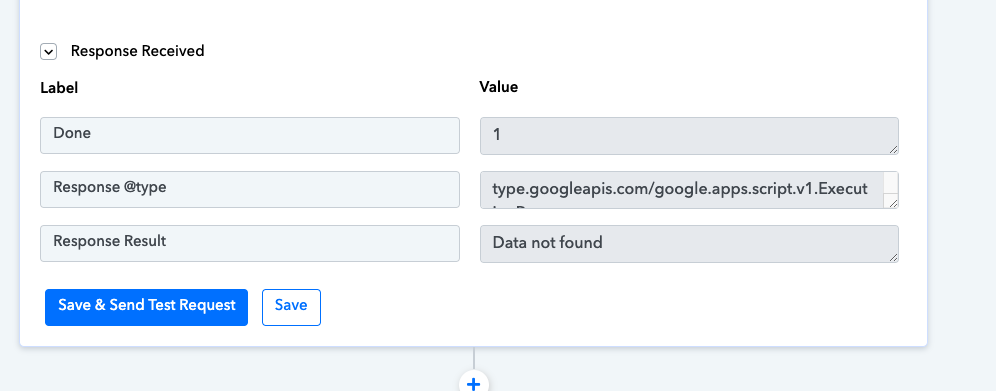
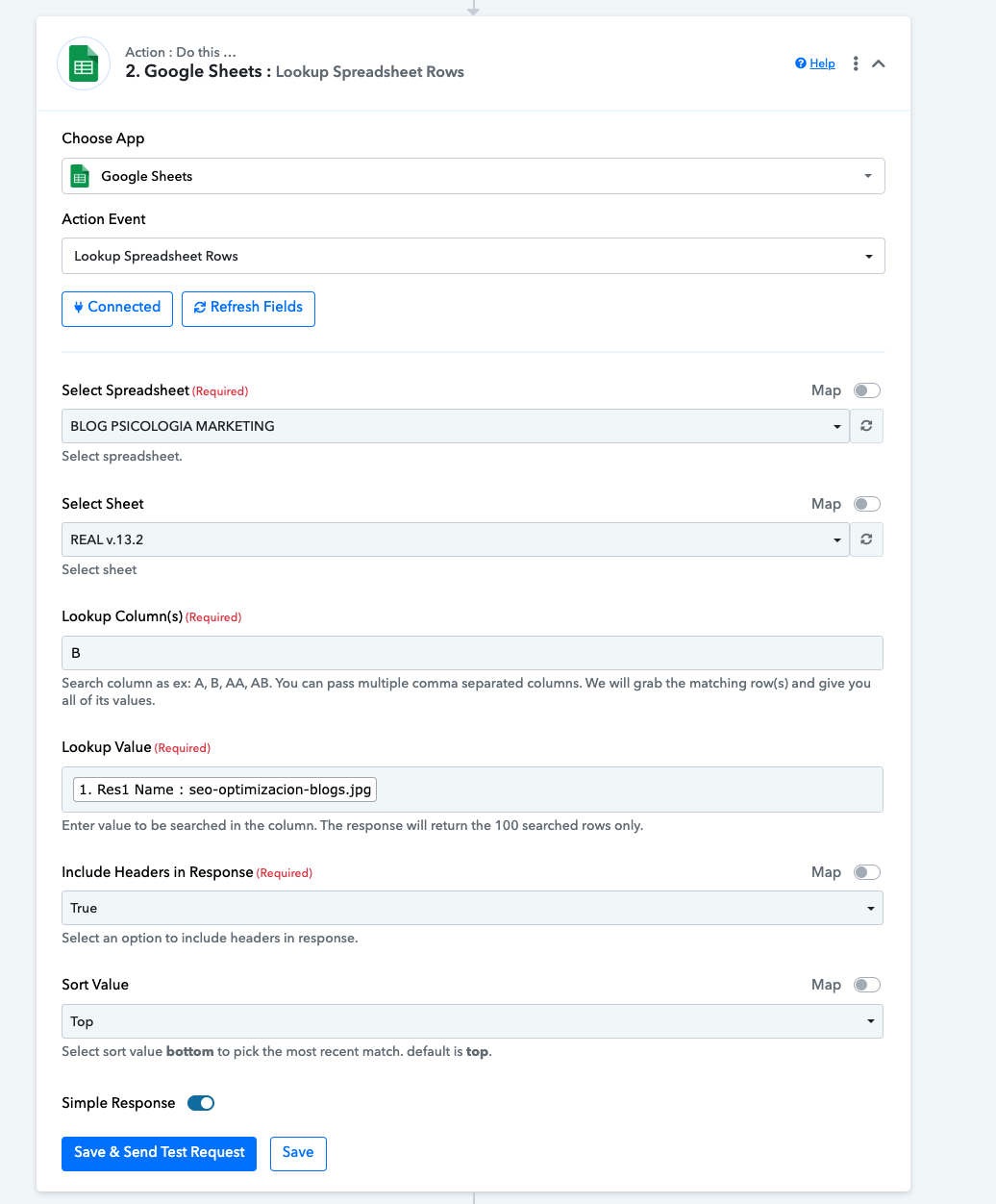
The moment an image file is added in Dropbox (for example file name “EXAMPLE_1”) that it searches in a column given beforehand for the name “EXAMPLE_1”. If it finds it correctly, receive the downloadable link of the file from Dropbox and place it in the same row but in another column given beforehand (see image).


Everything looks good until its time to setup Google Sheets part:
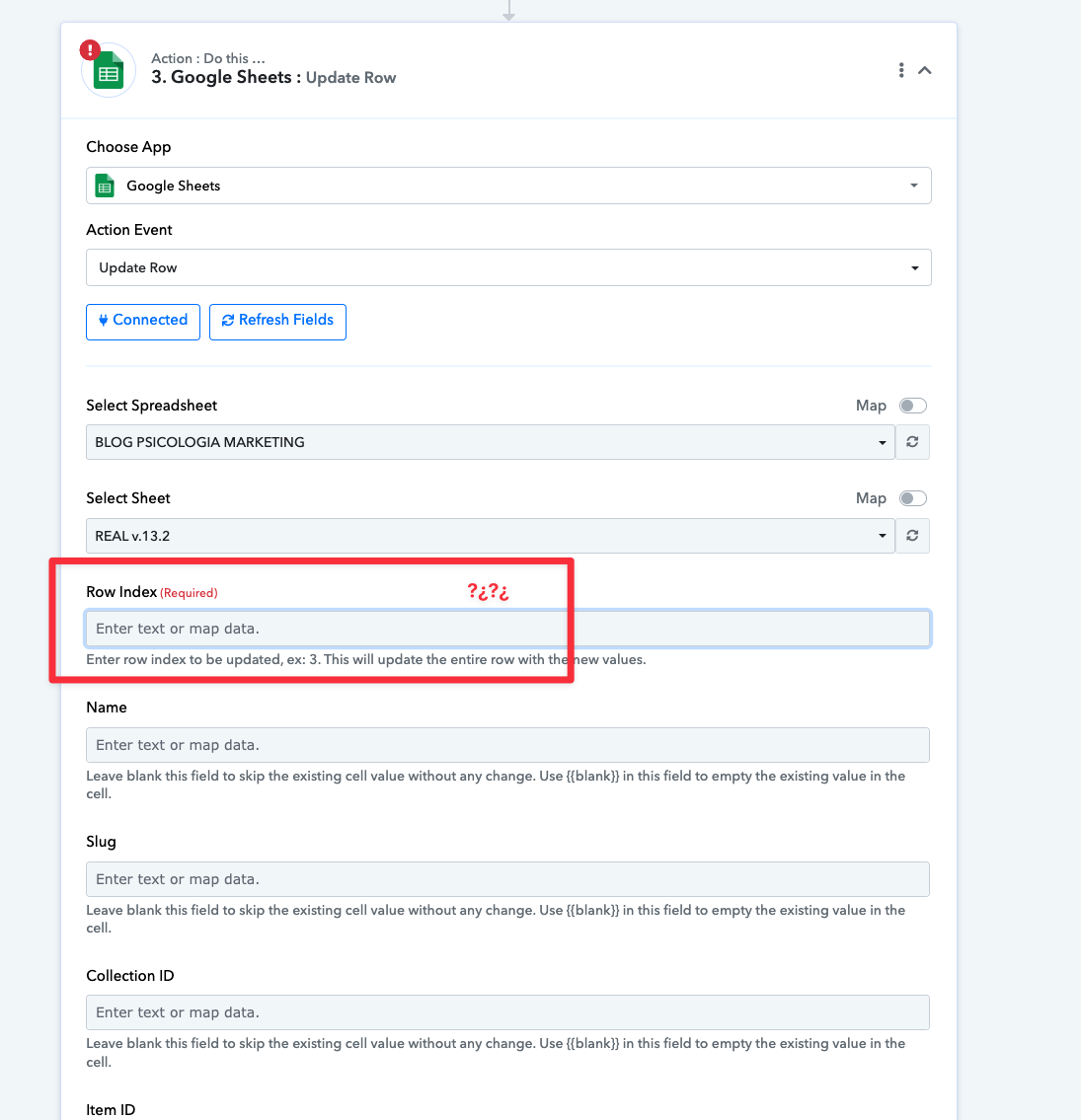
The name of the file in Dropbox is the SLUG (Column B in sheets), but I dont know where to get it update the K column (image field column)
What I want to do is to connect Dropbox with Google Sheets.
The moment an image file is added in Dropbox (for example file name “EXAMPLE_1”) that it searches in a column given beforehand for the name “EXAMPLE_1”. If it finds it correctly, receive the downloadable link of the file from Dropbox and place it in the same row but in another column given beforehand (see image).


Everything looks good until its time to setup Google Sheets part:
The name of the file in Dropbox is the SLUG (Column B in sheets), but I dont know where to get it update the K column (image field column)


