Only works from the model, not during an automated workflow
Status: Closed · Asked by Mathew Kulkewycz on · 0 views
Hello Mathew,
Thank you for reaching out and sharing the details.
We have reviewed your workflow “1. [Website native form RFQ] > Encharge & Plutio” and analyzed the corresponding Task History execution.
1. Root Cause of the Issue
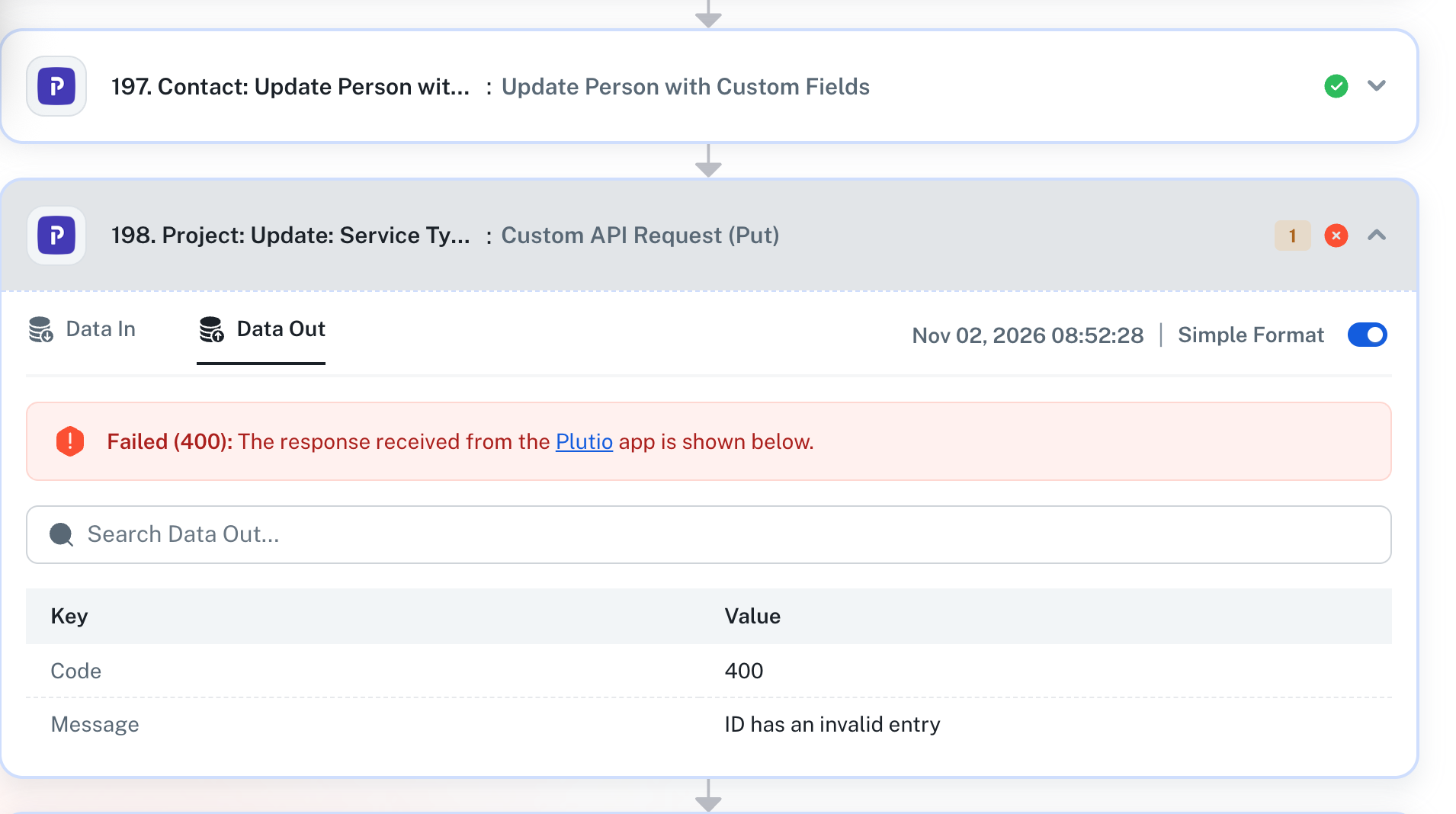
The workflow execution is failing at Step 29: RFQ Timing request (ProspectClient) with the following error: Failed (422): Required field String missing.
This occurs because the required String field in the Text Formatter by Pabbly action is receiving an empty value during live execution.
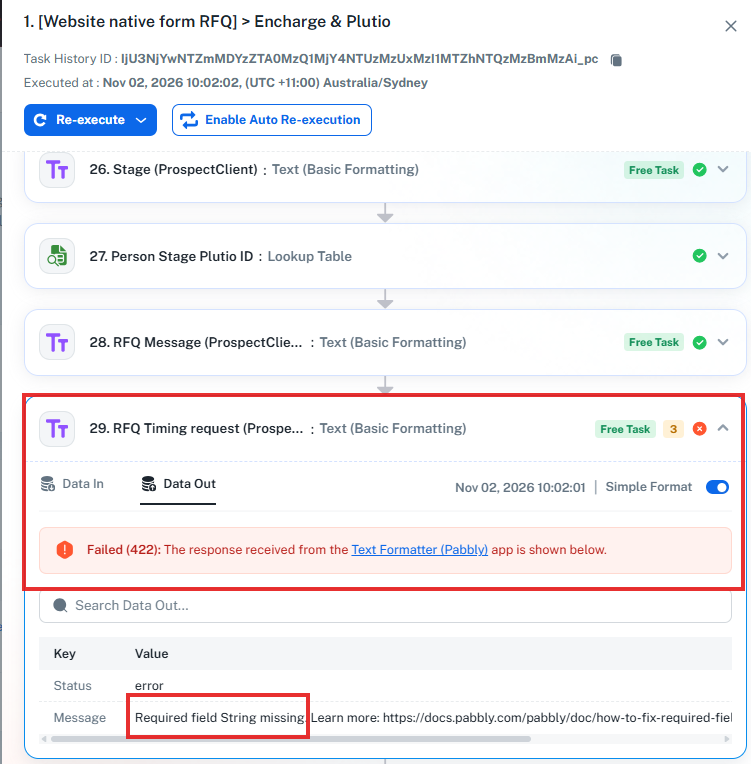
During manual testing (Save & Send Test Request): The sample data contains a value for the
timeframefield, allowing the action to execute successfully.During live automation: The actual webhook submission sends the
timeframefield as empty (No Data). Since the Text Formatter requires a non-empty string, it returns a 422 validation error and stops the workflow execution.
In short, the timeframe value is available in the test data but is missing from the actual form submission.
Please refer to the attached screenshot for a visual reference to the error and the relevant configuration.
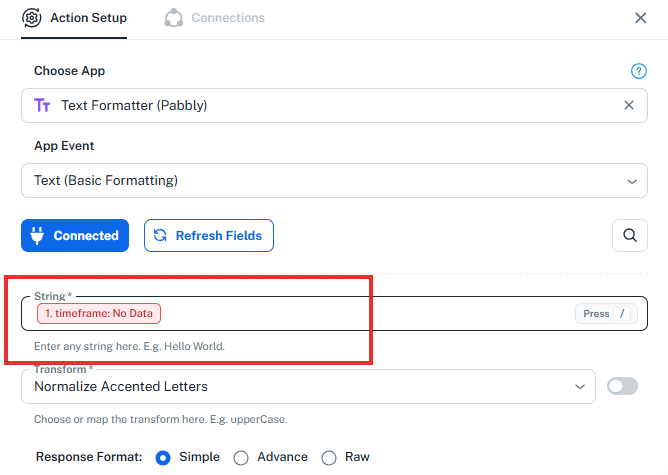
Kindly check the mapping of the affected field, assign a proper value, and test the workflow using a fresh form submission. If you need any assistance with the configuration, feel free to let us know.
Thanks & Regards,
Shekh Dilshekh
Customer Support Specialist
🎉Black Friday Early Access
But that doesn't specifically address my issue, that module shows an error (yes), but it is independent of the module/s that is faulting.
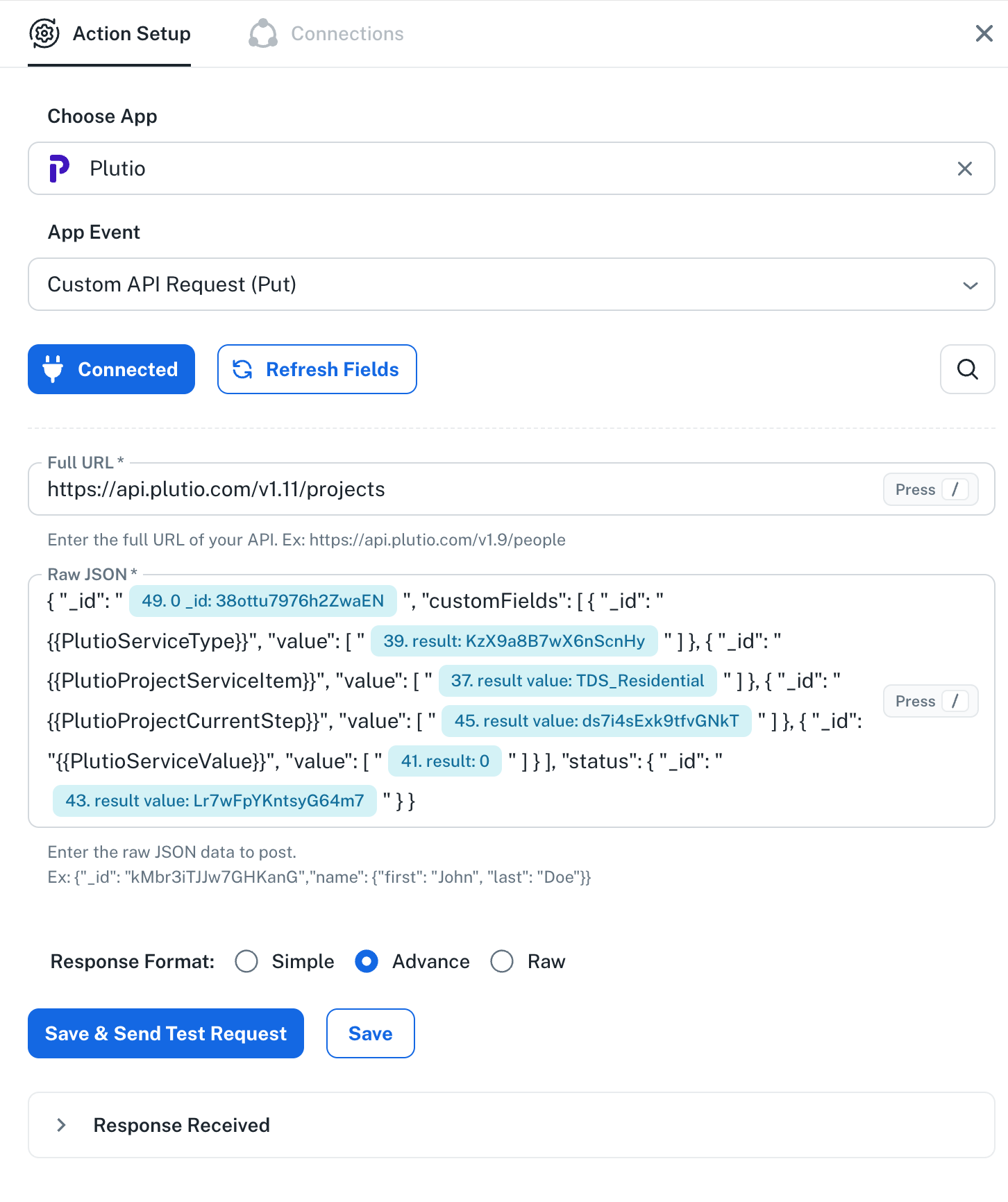
Eg Module 59, 104, 152, 198 ie. "Project: Update Service Type, Service Option, Current Step, Value and Status (OpportunityJob)" Can you recheck please.
Hi,
Thank you for the clarification and for sharing the specific module details.
We are looking into the issue with the mentioned modules (59, 104, 152, and 198) and will recheck them accordingly. We’ll get back to you with an update.
Thanks & Regards,
Shekh Dilshekh
Customer Support Specialist
🎉Black Friday Early AccessHi Mathew,
To investigate the issue thoroughly and identify the root cause, we would like to review the workflow setup with you in real time.
Kindly book a short meeting at your preferred date and time using the scheduling link below:
https://www.draftmeet.com/book/lnk_9001598abb8587c3efa8432bd4a6df44
During the meeting, we can review the workflow behavior together and work towards resolving the issue.
Thanks & Regards,
Shekh Dilshekh
Customer Support Specialist
🎉Black Friday Early AccessHello,
Thank you for joining the Google Meet session.
As discussed, we reviewed your workflow [Website native form RFQ] > Encharge & Plutio and investigated the issue you reported with the Plutio Custom API Request action steps.
During our review, we identified that the field mappings were not being retained correctly and were appearing as missing in the Task History after workflow execution.
To address this, we later mapped the Status ID using the Text Formatter step and mapped the resulting response in the affected Plutio Custom API Request actions.
We then tested the workflow and confirmed that the affected actions executed successfully without errors. You also applied the same mapping in your workflow and confirmed that the issue was resolved and is working as per your use case.
As per your confirmation, we consider this issue resolved. However, if you encounter the same issue again, particularly if field mappings disappear or appear missing after refreshing the page, please let us know so we can investigate further.
Thank you for your time and cooperation.
Thanks & Regards,
Shekh Dilshekh
Customer Support Specialist
Another issue, with a different module. Different error, mapping error. I am finding more of these qwerks since the new Pabbly update unfortunately...

Hello Mathew,
Thank you for reaching out and sharing the screenshot.
To help us investigate the mapping issue further, could you please share the following details?
Task History ID: The Task History ID of the specific execution where the new error occurred.
Workflow Changes: Please confirm whether any changes were made to the workflow or its configured steps after our meeting yesterday.
Once we receive these details, we will review the execution logs and assist you further.
Thanks & Regards,
Shekh Dilshekh
Customer Support Specialist
Hello,
Just following up on our previous email to check if you need any further assistance from our end.
Please feel free to let us know if you have any questions or concerns. We’ll be happy to assist you.
Thanks & Regards,
Shekh Dilshekh
Customer Support Specialist