

• Instructions to Ask a Question

    For any assistance, please click the "Ask a Question" button and select the Pabbly product for which you require support.

    We offer seven comprehensive applications designed to help you efficiently manage and grow your business:

    Our support team endeavors to respond within 24 business hours (Monday to Friday, 10:00 AM to 6:00 PM IST). We appreciate your understanding and patience.

  • Due to Holi celebrations, our team will have limited availability. While we’ll continue to monitor threads, responses may be slightly delayed. Normal operations will resume on Thursday, 5th March 2026.

Unable to connect zoom

Status
Not open for further replies.
I am unable to connect to my zoom account.
After pressing the 'connect with zoom' blue tab
it shows
My zoom and pabbly are on 2 different emails, I hope that is not a problem. Please guide and help me.
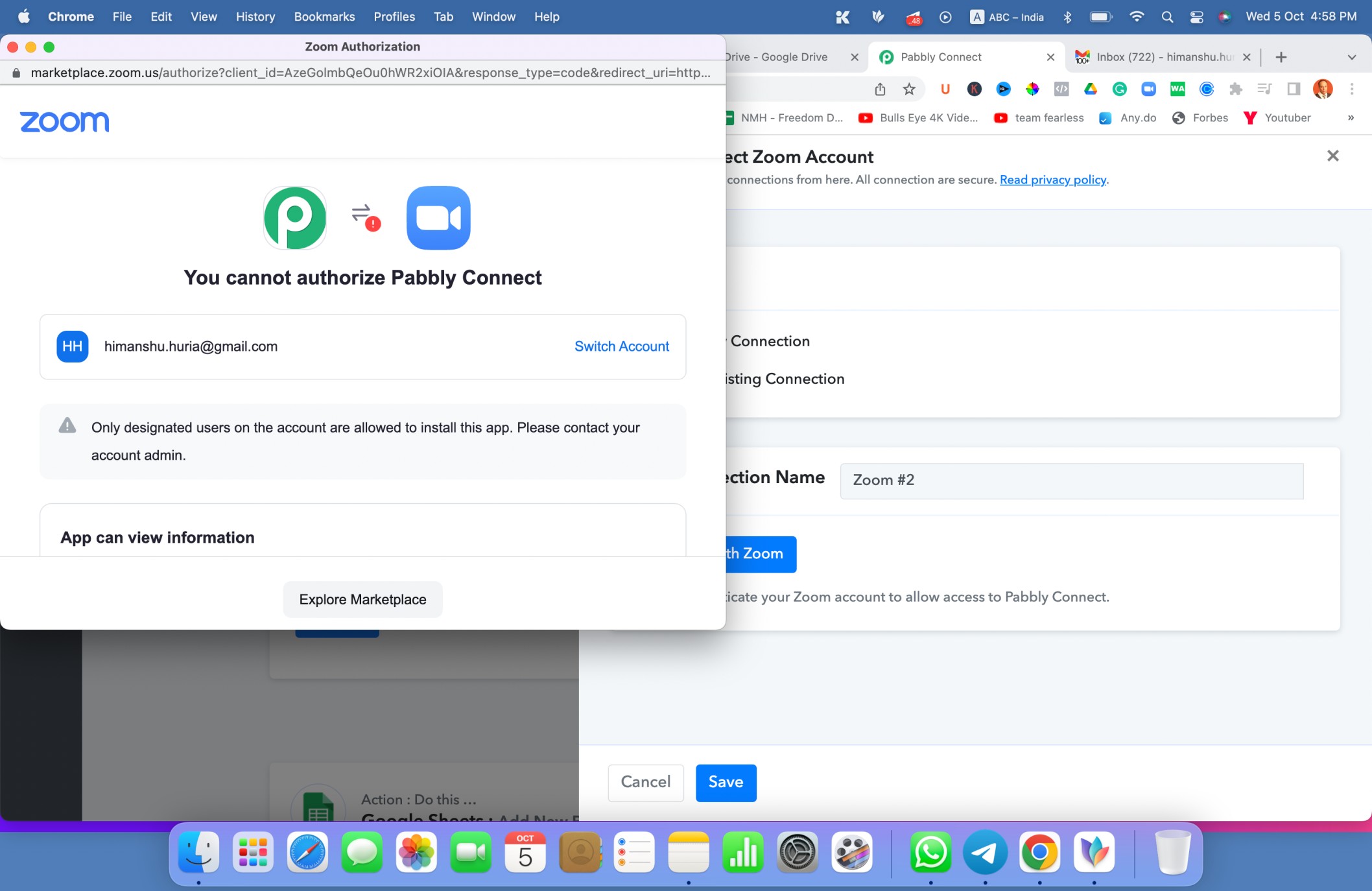
Screenshot 2022-10-05 at 4.58.20 PM.jpg
 
P

Pabblymember11

Guest
Hey @Himanshu Huria

You can refer to the following tutorial video on how you can connect your Zoom account with the trigger event.

 
I have a question regarding workflow:
When someone enters their details in optimizepress to attend the webinar.
What is the workflow?
Workflow 1: Is it optimizepress - zoom - google sheets
Workflow 2: Or is it optimizepress - google sheets - zoom
 

Fagun Shah

Well-known member
I have a question regarding workflow:
When someone enters their details in optimizepress to attend the webinar.
What is the workflow?
Workflow 1: Is it optimizepress - zoom - google sheets
Workflow 2: Or is it optimizepress - google sheets - zoom
It does not matter, unless you want to save each person's unique meeting url in gsheet as well. In that case Workflow - 1
 
Status
Not open for further replies.
Top