

Webhooks by Pabbly trigger step generate a unique webhook URL for each workflow. These webhook URLs listen to any incoming data and capture it instantly.
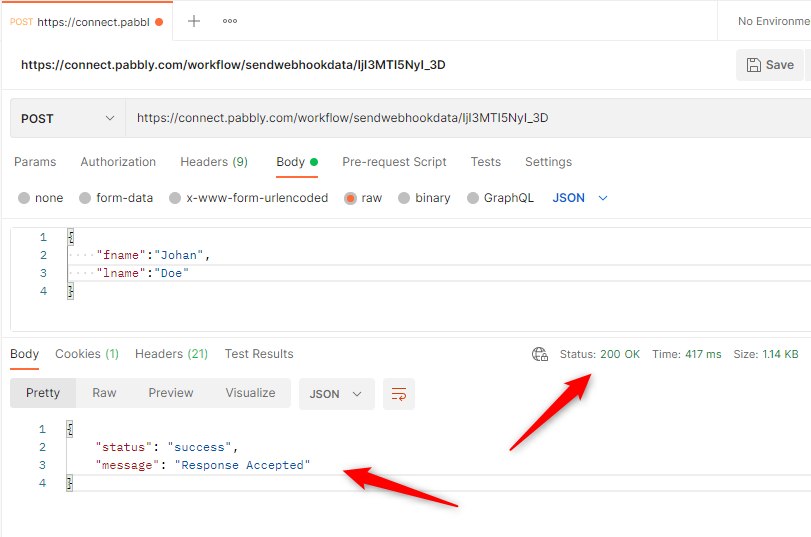
 Upon successfully capturing the data, Pabbly Connect webhook URL will return a 200 (OK) HTTP Status code to the source application sending data to the webhook URL.
------------------
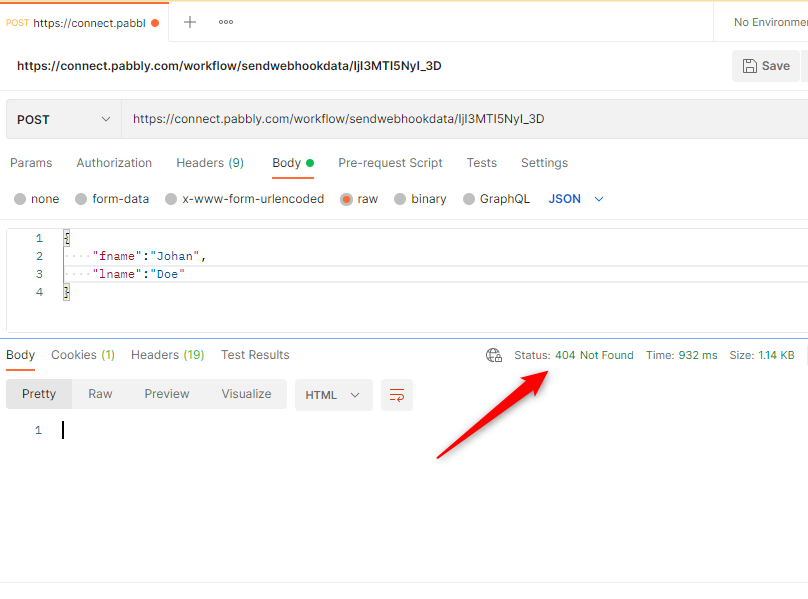
If a user disables the workflow, Pabbly Connect will return a 404 (Not Found) HTTP Status code to the source application sending data to the webhook URL.
==============
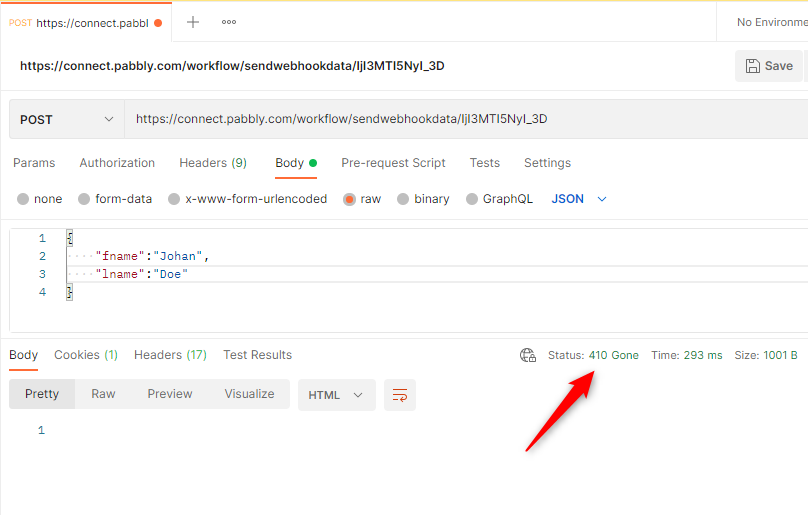
If a user deletes the workflow permanently, Pabbly Connect will return the 410 (Gone) HTTP Status code to the source application sending data to the webhook URL.
The maximum webhook size that Pabbly Connect currently supports is 500KB for triggers. Any payloads that exceed this limit will receive a 413 (Entity too large) HTTP Status code.
The Source applications that are sending webhook data to Pabbly Connect can use the above HTTP Status codes to handle data sending appropriately.
Upon successfully capturing the data, Pabbly Connect webhook URL will return a 200 (OK) HTTP Status code to the source application sending data to the webhook URL.------------------
If a user disables the workflow, Pabbly Connect will return a 404 (Not Found) HTTP Status code to the source application sending data to the webhook URL.==============
If a user deletes the workflow permanently, Pabbly Connect will return the 410 (Gone) HTTP Status code to the source application sending data to the webhook URL.The maximum webhook size that Pabbly Connect currently supports is 500KB for triggers. Any payloads that exceed this limit will receive a 413 (Entity too large) HTTP Status code.
The Source applications that are sending webhook data to Pabbly Connect can use the above HTTP Status codes to handle data sending appropriately.
Last edited by a moderator:


