Google Sheets to High Level - Add Tag to Contact

Status
Not open for further replies.

ArshilAhmad

Well-known member
Staff member
Hi @SmartMarketing,

Please login to your GHL and Pabbly Connect account in an Incognito Tab, establish a new connection with your GHL account (where you have this contact) and see if that fixes your issue.
1730658474124.png


Make sure to select the correct sub-account while creating the new connection, as shown in this video.

 
I added a new GHL connection after logging in to both GHL and Pabbly in an incognito window and unfortunately the same issue as it shows the same message and did not create a tag for that contact.


Any other suggestions?
 

ArshilAhmad

Well-known member
Staff member
When creating a new connection, did you use your agency owner account or a sub-account? Could you please make a short screen recording of the process for creating a new connection?
 
I logged into my agency account then accesses the sub-account as I always do.
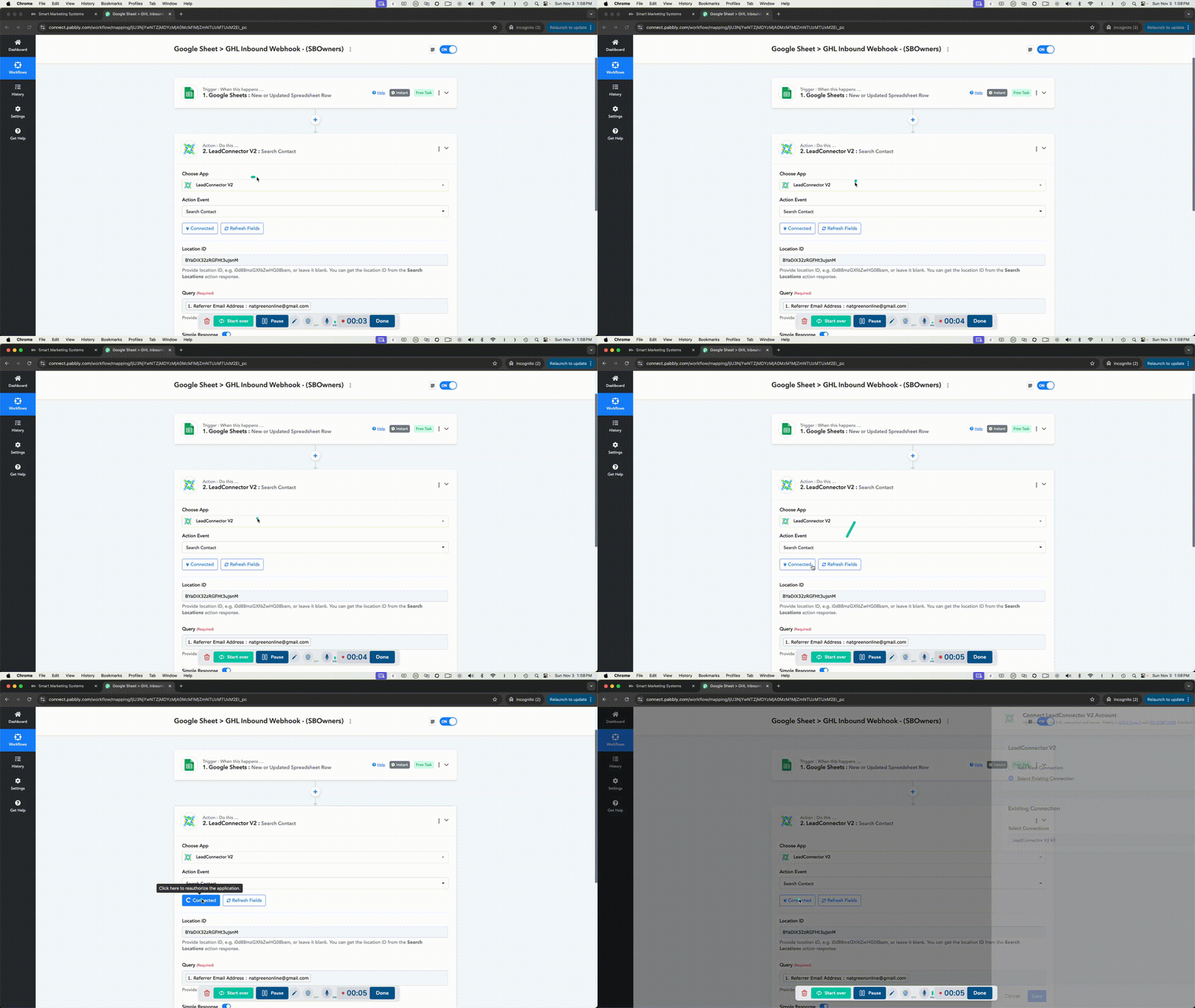
Here's a new video that shows me logging into the agency account, selecting my sub-account then reconnecting the GHL connection and going through the process again with a test contact.


Fagun Shah

Well-known member
I logged into my agency account then accesses the sub-account as I always do.
Here's a new video that shows me logging into the agency account, selecting my sub-account then reconnecting the GHL connection and going through the process again with a test contact.

You need to select the sub-account where you want to send the data, not agency account from dropdown

1730696304273.png
 
Status
Not open for further replies.
Top