I am unable to scroll-down and up the template for editing

Status: Closed · Asked by Prasanta Kumar Pradhan on · 0 views

Prasanta Kumar Pradhan — Question ·
Dear Sir/Madam,

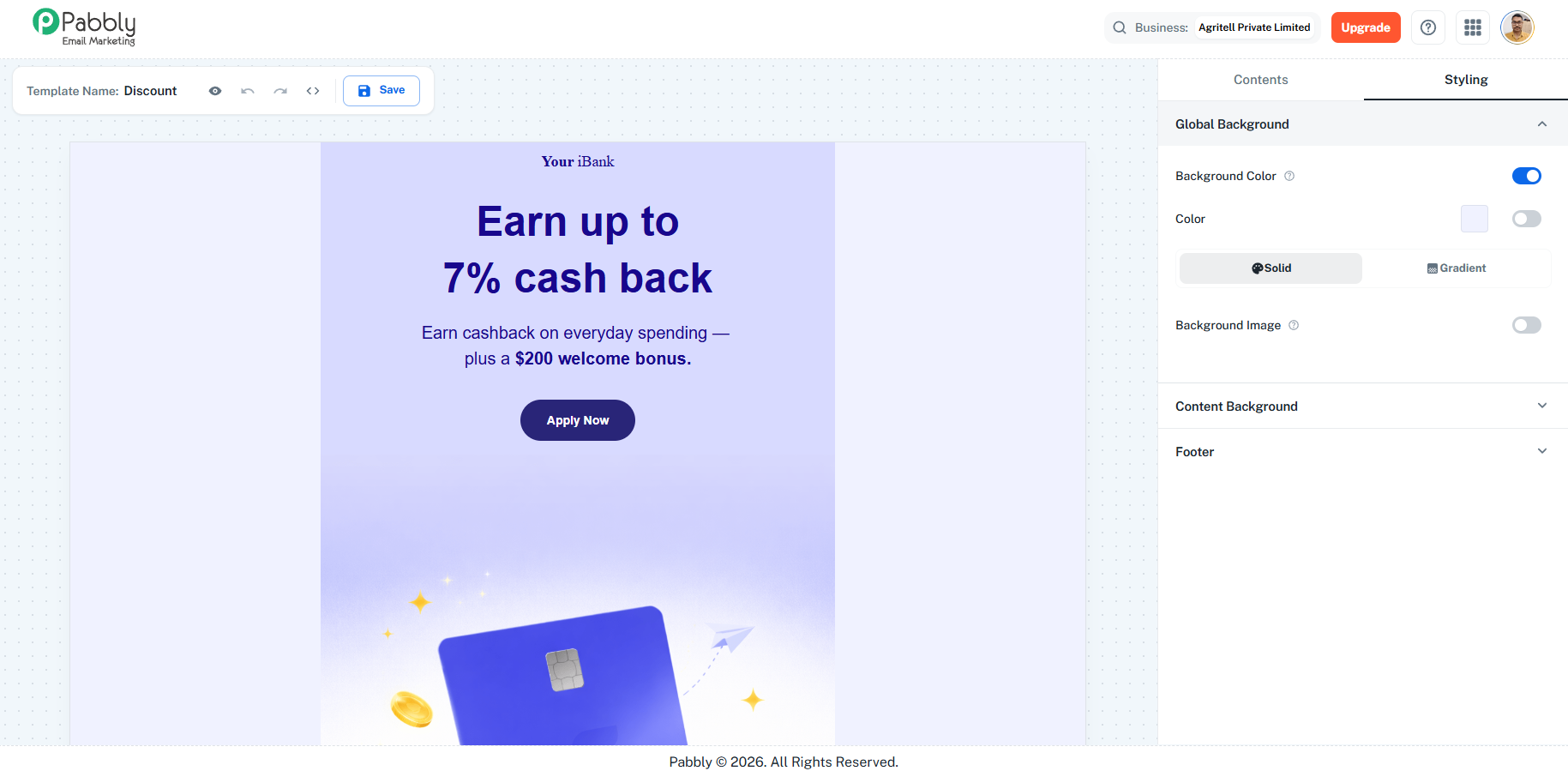
I have tried to scroll down and up the template for editing but am unable to do so. How can I resolve this, Otherwise, I am unable to design the email templates.

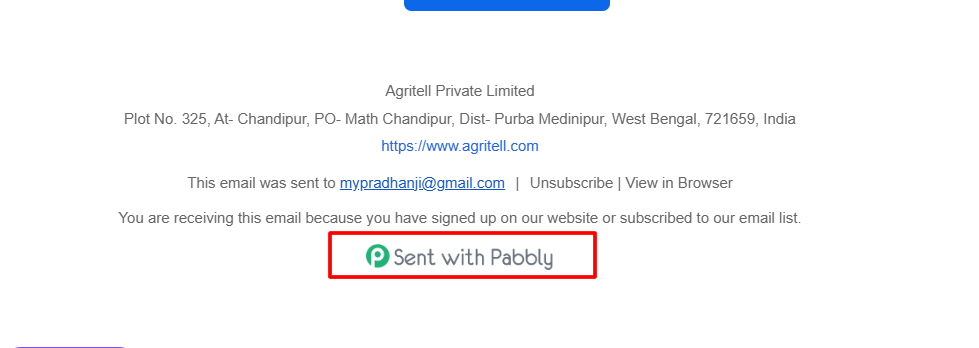
Second, kindly remove the Pabbly logo with text "sent with Pubbly" from the email footer, at the earliest.

Regards with Thanks
Prasanta Kumar Pradhan
download (14).png
download (13).png
Pabbly Support — Reply ·

Hello Prasanta,

Thank you for reaching out.

  • Scrolling issue while editing templates: Could you please share a short screen recording showing the exact issue you are experiencing?

  • Removing the "Sent with Pabbly" branding: Could you please share the email address associated with your Pabbly Email Marketing account from which you want the branding removed?

Thanks & Regards,
Arshil Ahmad
🌐 Pabbly.com
Pabbly Support — Reply ·

Hello Prasanta,

We checked the video that you shared and then tried the email builder in your account. We were able to successfully scroll up and down using the mouse scroll wheel without any issues. Kindly clear the cache of the browser or try incognito mode of the browser.

You can refer to the video of the test at this link: https://drive.google.com/file/d/1DKmMTVAy2Vix4uNjlvPRayoMWQ6KKcCE/view?usp=sharing

Thanks & Regards,

Adeel Akhtar
🌐 Pabbly.com

Back to all forum threads · Log in to reply