I Don't Add My WhatsApp No With Pabbly Chatflow
Status: Closed · Asked by Chatterjee Service Centre Sonarpur on · 0 views
Hello Pabbly Support,
I am trying to connect my existing WhatsApp Business App number +91 8617288700 to Pabbly Chatflow while continuing to use the same number in the WhatsApp Business App.
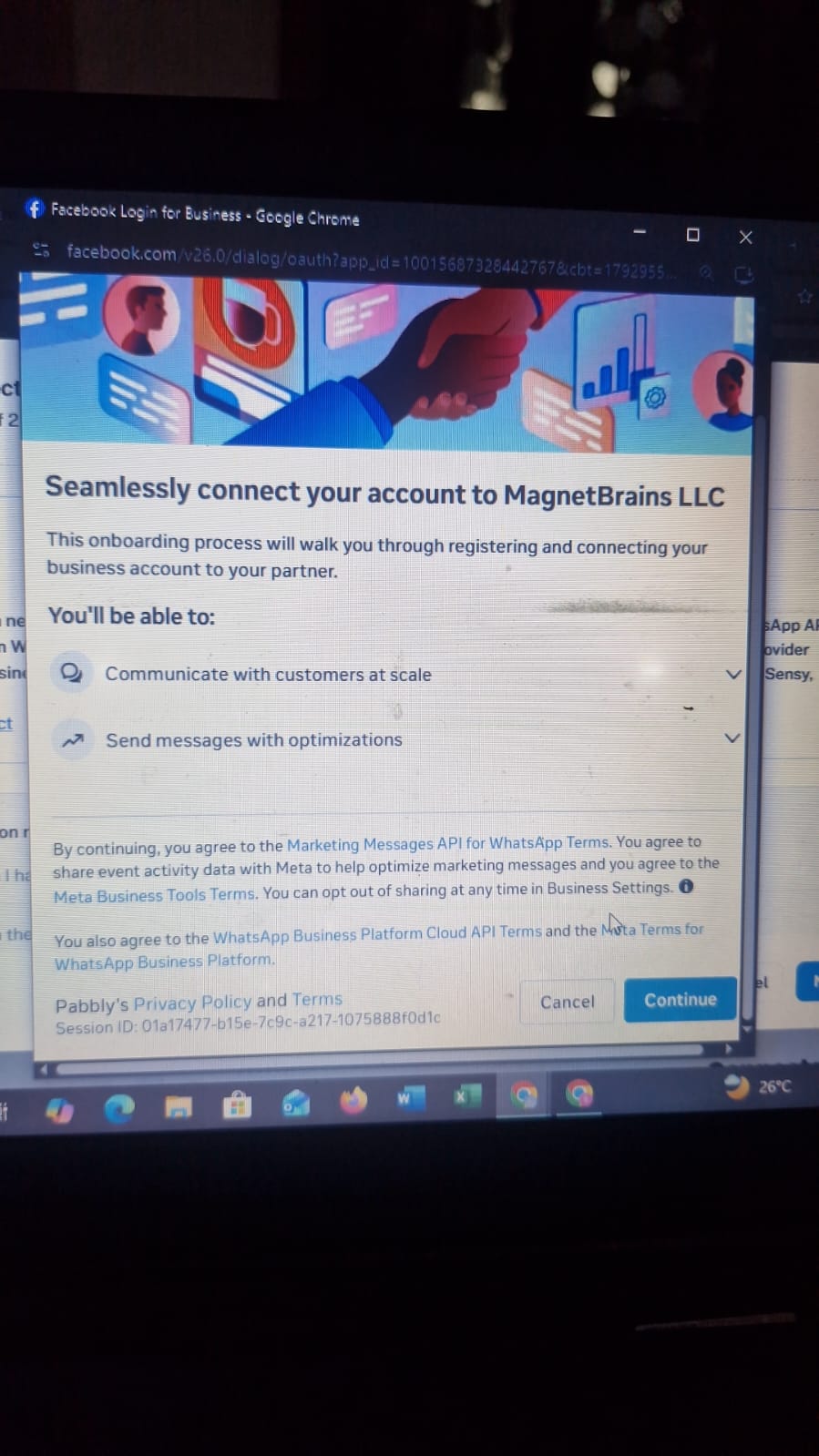
My Facebook account has Full Control access to my Facebook Page, Chatterjee Service Centre. However, during Meta Embedded Signup, I see: “You don't have any existing phone numbers. Create a new one.”
I do not want to create a new or virtual number. Please confirm whether WhatsApp Business App Coexistence is supported and enabled in my signup flow, and guide me to connect my existing number.
Thank you.


Hello there,
Thanks for reaching out and for the clear details.
Yes, Pabbly Chatflow supports WhatsApp Business App Coexistence, which lets you connect your existing WhatsApp Business number while continuing to use it in the WhatsApp Business mobile app alongside automations.
To set it up:
Start the Embedded Signup (Meta onboarding) process in Pabbly Chatflow.
During setup, select the Existing WhatsApp Business App number option (rather than registering a new or virtual number).
Ensure your number appears in the dropdown during Embedded Signup, then follow the on-screen instructions to complete the connection.
For your reference, you can follow this video guide:
Connect your WhatsApp number in Pabbly Chatflow:
https://youtu.be/J2YKHvlSMP8?si=F7ztIB5jxAIRND_g
Since you are seeing "You don't have any existing phone numbers. Create a new one," your number is not currently appearing in the dropdown. A couple of things to check:
Please confirm whether this same number was ever used earlier with any other BSP (Business Service Provider) for sending WhatsApp messages. A previous API/WABA connection can require a Meta cooldown before it can be reconnected.
Also confirm the number has been actively used on the WhatsApp Business App for a sufficient period, as Meta uses this to establish eligibility.
If the number still does not appear in the dropdown, please share a short screen recording of the dropdown and the steps you are following, along with your Pabbly-registered email, at support@pabbly.com so we can investigate your specific setup.

Hello,
Just following up to check whether you were able to connect your existing WhatsApp Business number using the steps shared earlier.
If the number still doesn’t appear during Embedded Signup, please share the requested details and screen recording so we can assist you further.
Hi,
We’re following up on our previous message regarding your query. As we haven’t received a response, this will be our last follow-up, and the thread will be closed automatically.
If you still need assistance, you can email us again at support@pabbly.com to raise your concern.
We would also greatly appreciate it if you could share your feedback on your support experience using the following link: https://www.trustpilot.com/review/www.pabbly.com