Remove video icon from Add Card page (customer-facing)
Status: Open · Asked by Sven Bosau on · 0 views
I'm building a custom customer portal using the Pabbly Subscription Billing API. The default portal is missing some specific information I need, so I'm handling it myself.
For updating payment cards, I'm using the Add Card API endpoint:
https://apidocs.pabbly.com/subscription-billing/reference/card/get-add-card-url
The API works as expected, but there's one issue: the Add Card page that customers land on has a Pabbly explanation video icon/link in the top right corner (see screenshot).
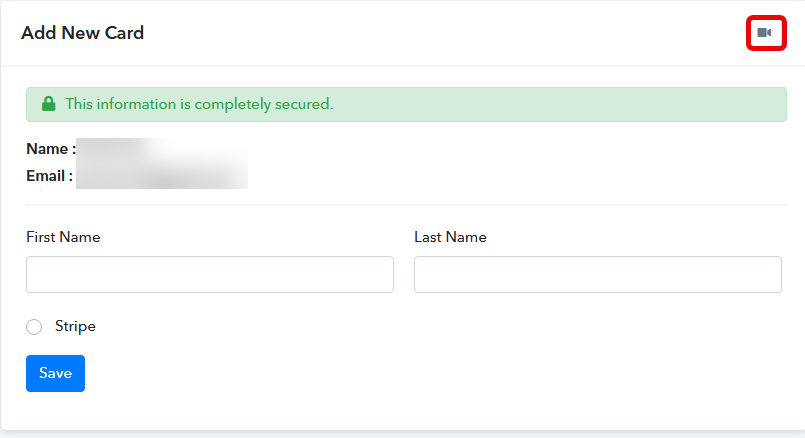
This is a page meant for my customers to update their card details, so having a Pabbly tutorial video there doesn't make sense and will confuse them.
Is there an option to hide or remove that video icon from the Add Card page? Since this is a customer-facing page, it should only show the card form itself.
Thanks,
Sven