• Instructions to Ask a Question

    For any assistance, please click the "Ask a Question" button and select the Pabbly product for which you require support.

    We offer seven comprehensive applications designed to help you efficiently manage and grow your business:

    Our support team endeavors to respond within 24 business hours (Monday to Friday, 10:00 AM to 6:00 PM IST). We appreciate your understanding and patience.

  • Due to Holi celebrations, our team will have limited availability. While we’ll continue to monitor threads, responses may be slightly delayed. Normal operations will resume on Thursday, 5th March 2026.

Share Facebook post to Page

Darryl DHE

Member
So before the latest Facebook Pages trigger, I had the pages I admin in one community setup to automatically share a new post the the local Chamber of Commerce page (which I also admin).
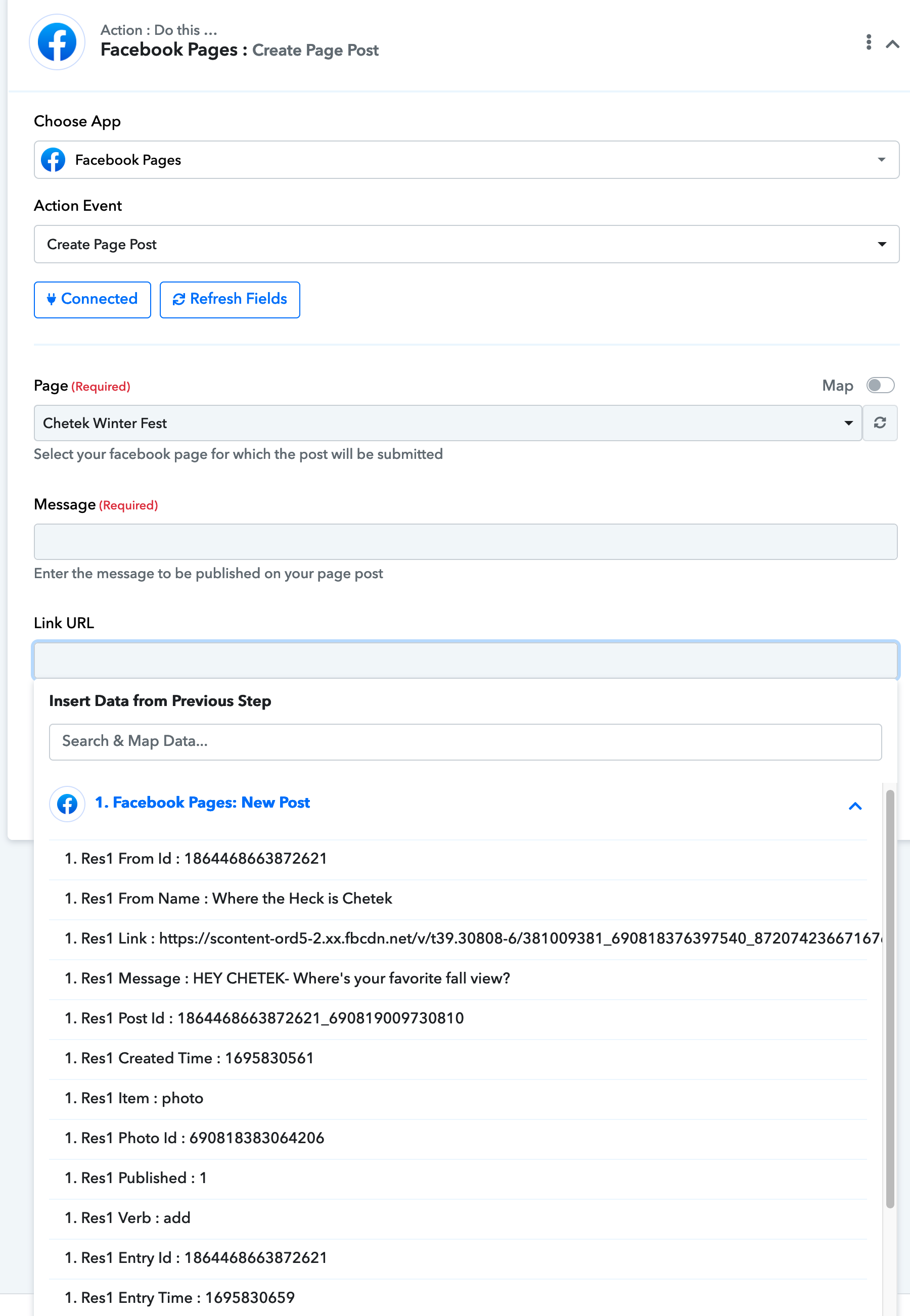
Pages trigger, delay 30 min, create post with original post URL (image 1)
Now, with the new pages trigger, that URL doesn't show (image 2)
And all I can seem to do is create a new page post with no reference to the original page.
Help! This was a great thing for my clients visibility and not having to do it manually was 🤌🤌
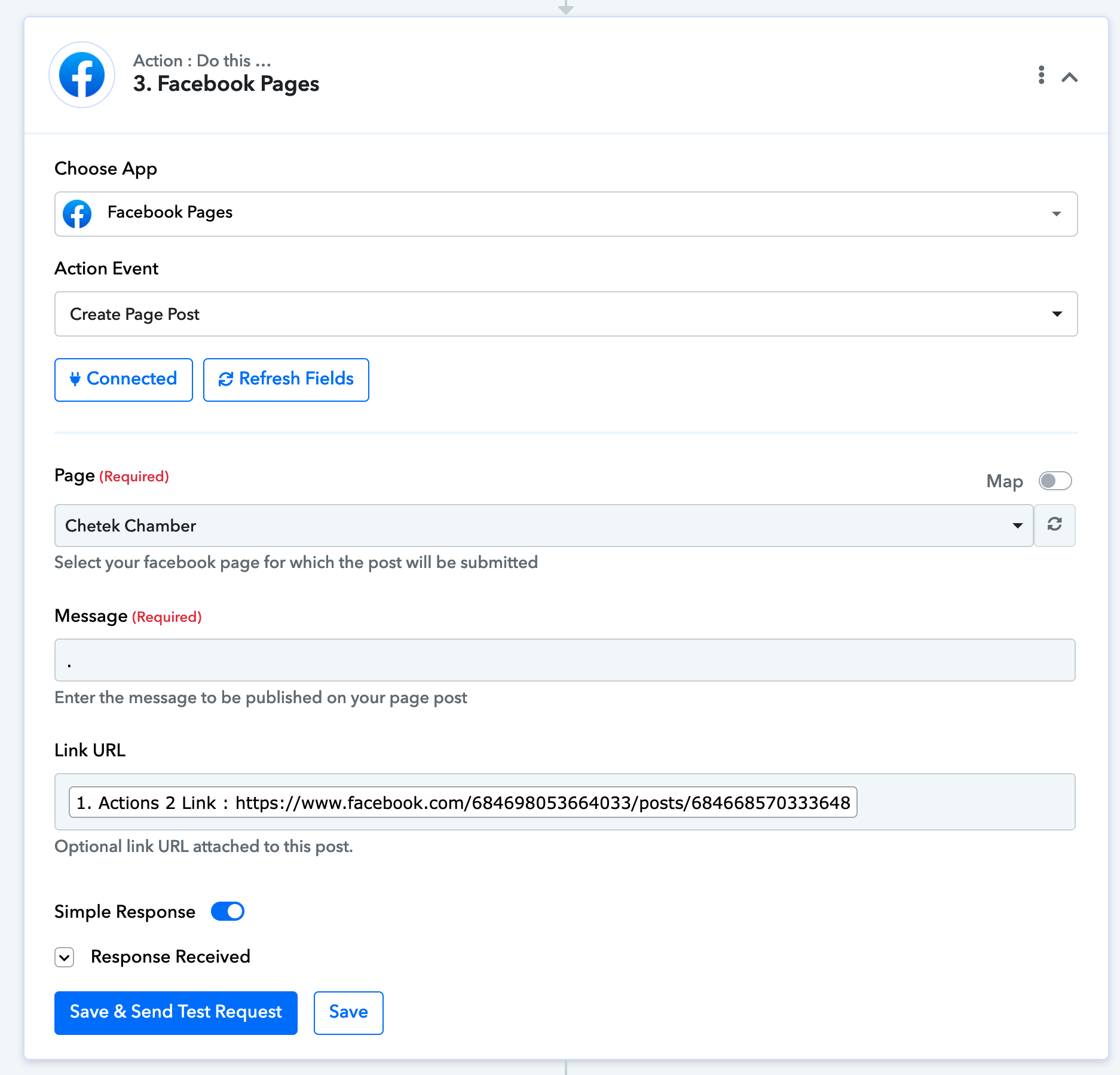
Screenshot 2023-09-27 at 11.48.20 AM.png
Screenshot 2023-09-27 at 11.51.21 AM.png
 

Attachments

  • Screenshot 2023-09-27 at 11.48.20 AM.png
    Screenshot 2023-09-27 at 11.48.20 AM.png
    237.8 KB · Views: 167
P

Pabblymember11

Guest
Hey @Darryl DHE

Can you please share the workflow URL in which you have tried the same so that we can look into it?
 
P

Pabblymember11

Guest
If you are trying to pass the Image to the Post then kindly use the "Facebook Pages: Create Page Photo Post" action step. Since the " Facebook Pages: Create Page Post" action step only posts the link of the content.

2023-09-29_18h18_39.png
 

Darryl DHE

Member
I'm trying to share the post, not create a new post. Making a new post defeats my purpose of promoting the business associated with the original post.
 
P

Pabblymember11

Guest
You can try the following action step to share the post to your Facebook page.

image (1).png
 
Top