

To incorporate the formula and add a new row to the sheet, use the following action: Add Row to Sheet (By Formula)
Use Cases:
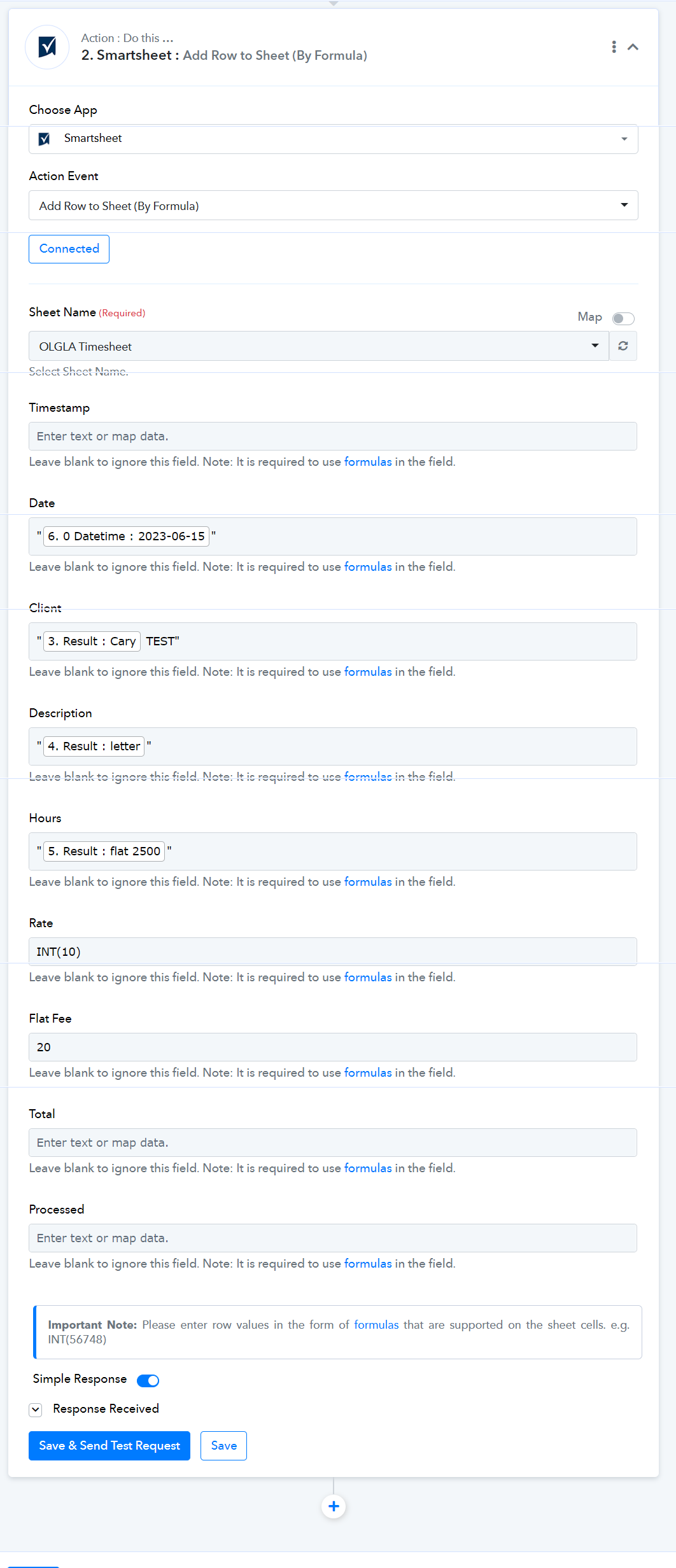
To send values to the cells of the newly added row, follow these steps:


Use Cases:
To send values to the cells of the newly added row, follow these steps:
- TEXT: Send simple text within the double quotes. e.g. "MyText"
- NUMBER: Send the number in the formula as mentioned. e.g. INT(3454)
- RANDOM FORMULA: Send the random formula as per user need. Refer to the provided documentation for further details and examples. Function List.
Last edited by a moderator:

