• Instructions to Ask a Question

    For any assistance, please click the "Ask a Question" button and select the Pabbly product for which you require support.

    We offer seven comprehensive applications designed to help you efficiently manage and grow your business:

    Our support team endeavors to respond within 24 business hours (Monday to Friday, 10:00 AM to 6:00 PM IST). We appreciate your understanding and patience.

  • Due to Holi celebrations, our team will have limited availability. While we’ll continue to monitor threads, responses may be slightly delayed. Normal operations will resume on Thursday, 5th March 2026.

ThriveCart -> MemberPress

Status
Not open for further replies.

StevenDub

Member
I am having a few issues with creating a new Subscription in MemberPress after the purchase has been made in ThriveCart.
Here is the flow so far:
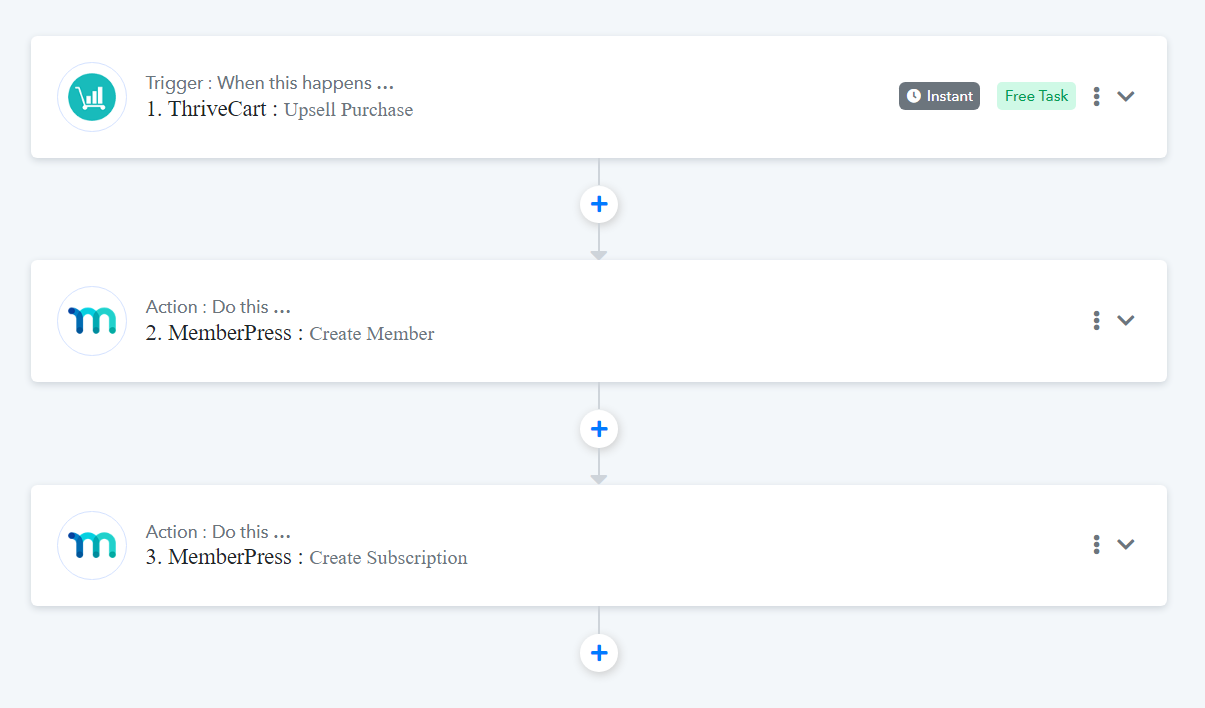
screenshot-connect.pabbly.com-2023.07.14-11_58_49.png


However, once I ran the test on Step 3, the new member didn't get updated with an active subscription. The status says "None":
screenshot-www.abcdoodle.tv-2023.07.14-11_59_44.png


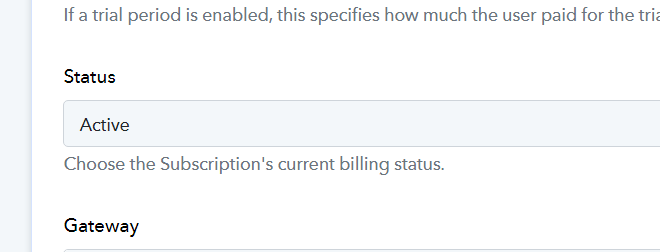
When I click on the "1 Enabled" it does show everything correct except the "Active" is set to "No." I did enable it as active in Pabbly though:

screenshot-www.abcdoodle.tv-2023.07.14-12_01_10.png


screenshot-connect.pabbly.com-2023.07.14-12_02_39.png


Does anyone know why the MemberPress subscription status isn't Active and how to fix it?
 

ArshilAhmad

Well-known member
Staff member
Thank you for sharing the video. I have made a note of your concern. Please allow me some time to look into this issue. I will get back to you with an update soon.
 
P

Pabblymember11

Guest
Hey @StevenDub

You need to do transactions with the help of the "Create Transaction" action step which is related to a specific subscription ID then only the status will get changed to Active as yes.

1689658196941.png
 
Status
Not open for further replies.
Top