Unable to link to Google Sheets
Status: Open · Asked by Anjali Gupta on · 0 views
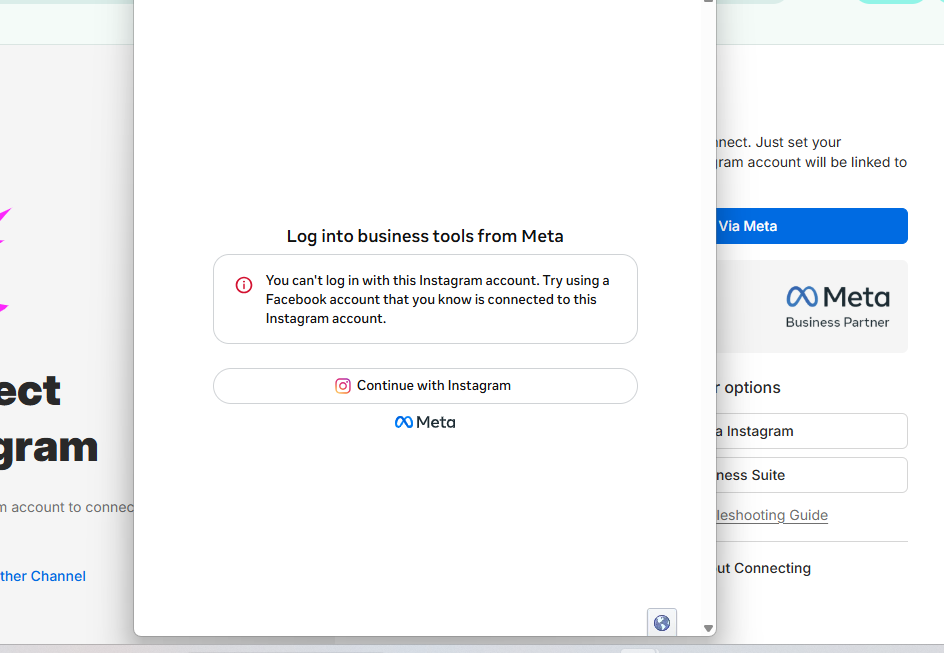
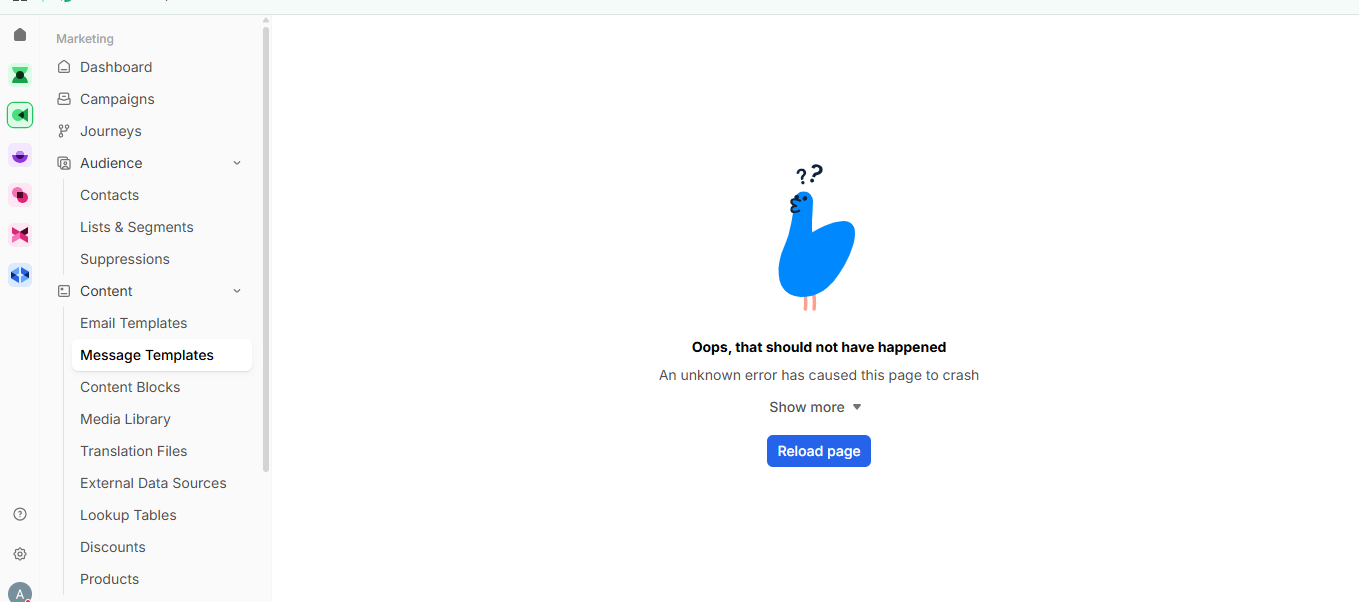

Sorry I attached the wrong screenshots - here are the correct ones
Hello Anjali,
Thank you for sharing the details and the workflow URL.
We checked the workflow and noticed that your Google Sheets connection has expired, which is why the workflow is showing errors and the new entries are not being added to your sheet.
We recommend opening the workflow and going to the Google Sheets action. Click on the Connected button and either update the existing connection or create a new Google Sheets connection. Once the connection is updated, please select the new/updated connection in both the relevant Google Sheets actions.
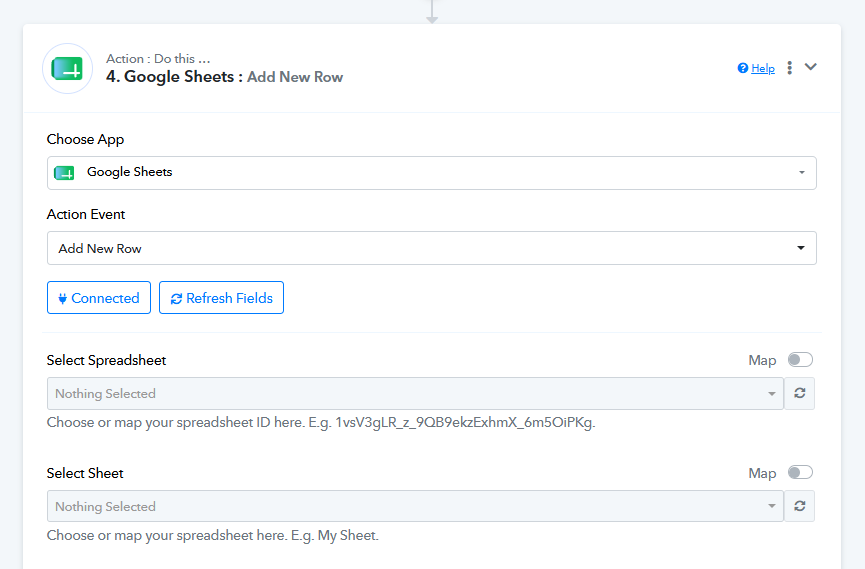
We also recommend updating the connection in any other workflows where the same expired Google Sheets connection is being used, to avoid facing similar issues there.
Once the connection is updated, please test the workflow again and let us know if you still face any issues.