Why is the {{name}} field not mapped in the template which i create & broadcast
Status: Answered · Asked by Moiz Rumalwala on · 0 views
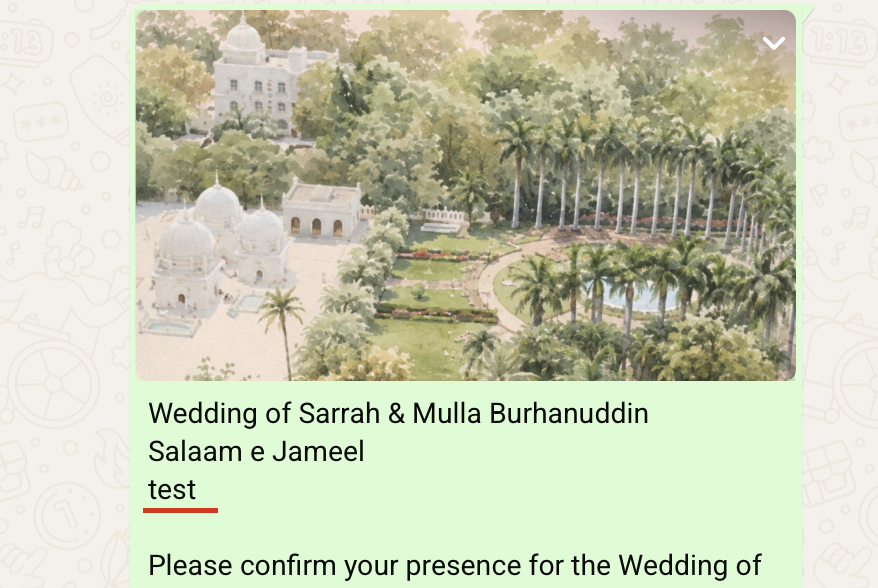
Hi Moiz,
Thank you for reaching out.
This usually happens when the name variable is not mapped correctly in the broadcast message.
To resolve this, please follow these steps:
Open your broadcast and navigate to the message body where you want to display the contact's name.
Instead of using the test name entered while creating the template, use the dynamic variable $Name (or $Firstname) in the respective body field.
You can find the supported dynamic variables and their usage instructions just below the Body field.
Save the changes and try sending a test broadcast to verify whether the actual contact names are being populated correctly.
Also, ensure that the contact names were correctly mapped to the Name field while importing your CSV file.
Once these settings are configured correctly, the broadcast should fetch each contact's actual name instead of displaying the test name.