Brevo Step getting failed
Status: Closed · Asked by Subham Deb on · 0 views
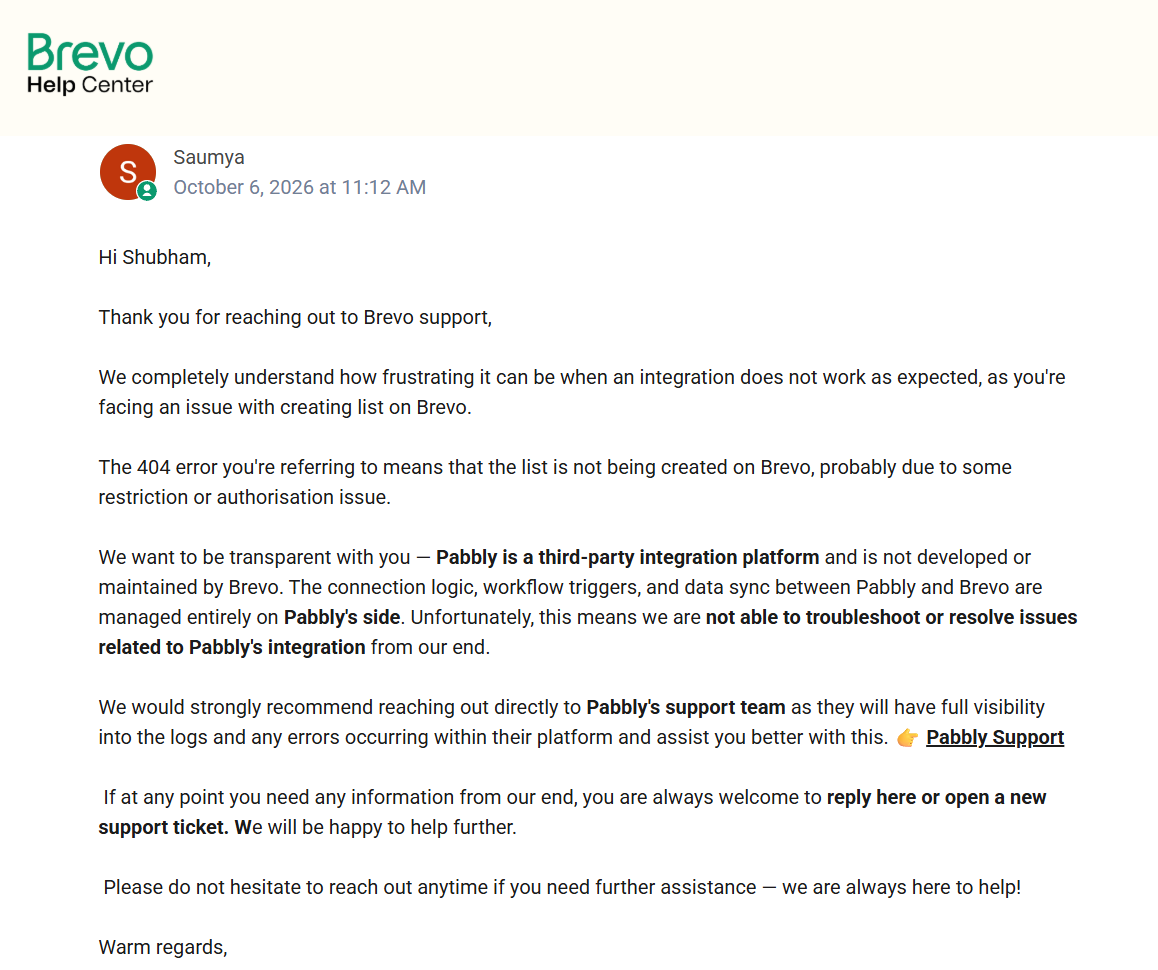
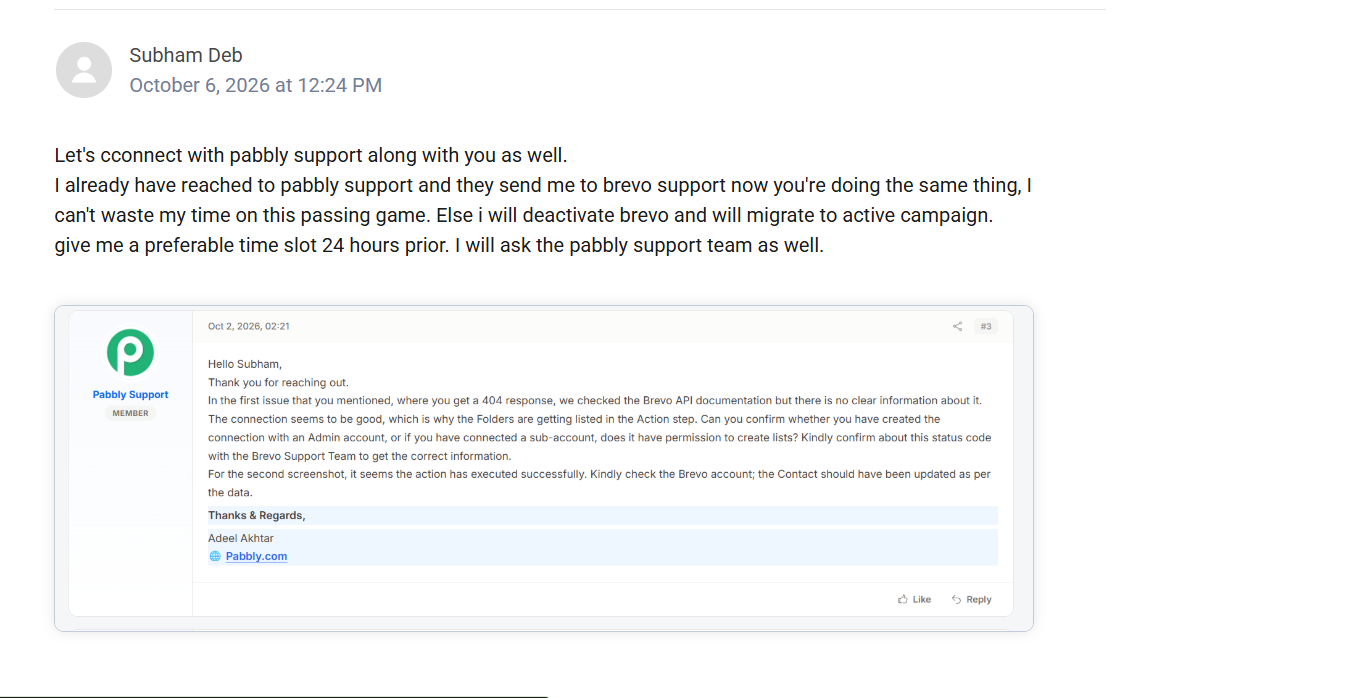
Hello,
Thank you for reaching out regarding the Brevo step failing in your workflow.
The images you shared did not come through with enough detail for us to diagnose the issue. To help us investigate, could you please share the following:
1. The exact error message you see on the Brevo step.
2. The workflow URL where the issue is occurring.
3. The action/event you selected in the Brevo step (for example, which API method).
4. A clear screenshot of the step configuration and the error response.
Once we have these details, we'll be able to look into it further and guide you accordingly.
Thanks & Regards,
Shekh Dilshekh
Customer Support Specialist
🎉Black Friday Early Access
WHY THIS ERROR KEEPS REPEATING?

Got this from brevo:

Hello Subham,
We have reviewed the workflow failure and acknowledge the issue you are experiencing with the Google Sheets action.
The error Failed to fetch your sheet data. Status code 429 generally indicates that Google Sheets has temporarily rate-limited API requests. This can happen when you make multiple read/write requests in a short period and exceed the API quota.
Recommendations:
Add a Delay: If the workflow processes data in bulk or frequently, add a Delay by Pabbly step before the Google Sheets action to space out the API requests.
Re-execute the Failed Task: Once the rate limit has cleared, go to Task History, open the failed execution, and click Re-execute.
Additionally, a 429 error can sometimes occur when a Lookup operation is unable to find the requested data in the connected Google Sheet. To identify the exact cause and provide an appropriate resolution, please share the workflow name or URL.
If you prefer to keep your workflow and data private, you can share the details with us at support@pabbly.com so our team can review them securely.
Thanks & Regards,
Shekh Dilshekh
Customer Support Specialist
🎉Black Friday Early AccessDelay is already added in previous step and it doesn't have that much traffic in short timespan, it was okay earlier, happening recently after you have made changes in your end, please look into this sincerly, don't push after all it is affecting your user experinece, there is zapier and more other tools and now days with AI anycan create a automation tool so no point of paying you money if i am not getting proepr service, we are a agency ahdnling multiple clients project so it's embaressing everytie saying that pabbly has erro ocurred.
Hello Subham,
We have reviewed your concern and previous details. Based on our review, we identified the following:
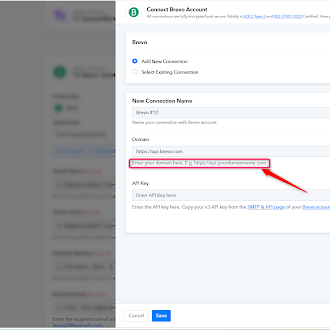
As we have checked, you will need to create a new connection for the Brevo action step. The reason is that the current connection is using Brevo’s default base domain instead of your account’s custom Brevo domain, which is causing the request to hit the default endpoint.
When creating the new connection, please make sure to add the custom domain associated with your Brevo account. Kindly refer to the attached screenshot for a better understanding.
Also, as per the workflow, you have mapped a dynamic value in the Google Sheets: Lookup Spreadsheet Rows V2 action step. The workflow searches for the mapped value across the selected columns (A to Z). If the mapped value is not found in the Google Sheet, the action will return a “Data Not Found” error. Please make sure that the value being passed to the lookup step exactly matches the corresponding value available in the Google Sheet.
Please let us know once these updates are completed. If you continue to encounter an error, please share the latest Task History ID so we can review the execution further.
Thanks & Regards,
Shekh Dilshekh
Customer Support Specialist
🎉Black Friday Early AccessRegardign the look up in google sheet: you are seeing Data not found but what about the erro message "failed to fetch your sheet data, er 429? Why thi shappening?
Regarding: brevo API is already there that's why send email step is working.
Don't treat me like a new born baby or upgrade your skillset. Have you applied the sollution provided by brevo that removing the last "/" froom the call back URL? I thas no connection with the API URL
Hello,
We understand the discrepancy in the information shared earlier, and we also understand that your concern has not yet been resolved.
To assist you more effectively, we request you to kindly book a meeting slot using the link below at your preferred time. During the meeting, we can review your workflows and analyze the issues in real time, which will help us understand the concerns accurately and guide you toward the appropriate resolution.
We look forward to connecting with you and assisting you further.
Thanks & Regards,
Shekh Dilshekh
Customer Support Specialist
🎉Black Friday Early Access
Hello,
We can see that you have accessed the meeting link shared earlier. We look forward to connecting with you and discussing the issue in detail so we can assist you accordingly.
We appreciate your patience and understanding.
Thanks & Regards,
Shekh Dilshekh
Customer Support Specialist
🎉Black Friday Early AccessHello,
As per our connect/meet, we have checked and resolved the connection issue in the Brevo action and confirmed that the workflow executed successfully.
As discussed, we kindly request you to test the workflow on your end and confirm whether it is working as expected. If you encounter any errors or discrepancies, please reply to this same email thread so we can investigate further and assist you accordingly.
Thanks & Regards,
Shekh Dilshekh
Customer Support Specialist
🎉Black Friday Early AccessHi there, create contact is okay.
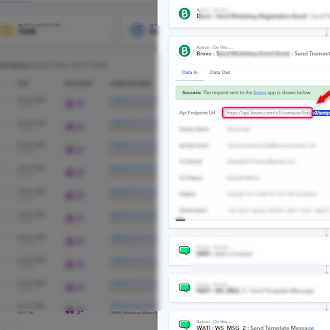
But create list is getting failed one difference i notice between create contact and create list is
Api Endpoint Url |
Api Endpoint Url |

Please figureout something
Hello,
Thank you for providing the details regarding the error and failed execution of the Create a List action.
Please be informed that we have escalated this concern to our technical team for further investigation. Once we receive an update from the team, we will get back to you with the findings and assist you accordingly.
We appreciate your patience and understanding.
Thanks & Regards,
Shekh Dilshekh
Customer Support Specialist
🎉Black Friday Early Accesssure thankx, mainly focuson the API endpoint url for the specific task like create list not connection levle as brevo is also mentioned the same.

Hello Subham,
Thank you for your patience while our technical team investigated this issue.
Our team identified and fixed the root cause of the 404 error in Brevo’s Create a List action. An extra trailing slash (/) in the API endpoint URLs was causing the requests to fail. The endpoint URLs have now been corrected on our end.
Please re-run the failed task from Task History or click Save & Send Test Request in the affected workflow step to verify that the actions are working correctly. Also, we have tested on our end, and the action executed successfully. Kindly refer to the attached screenshot.
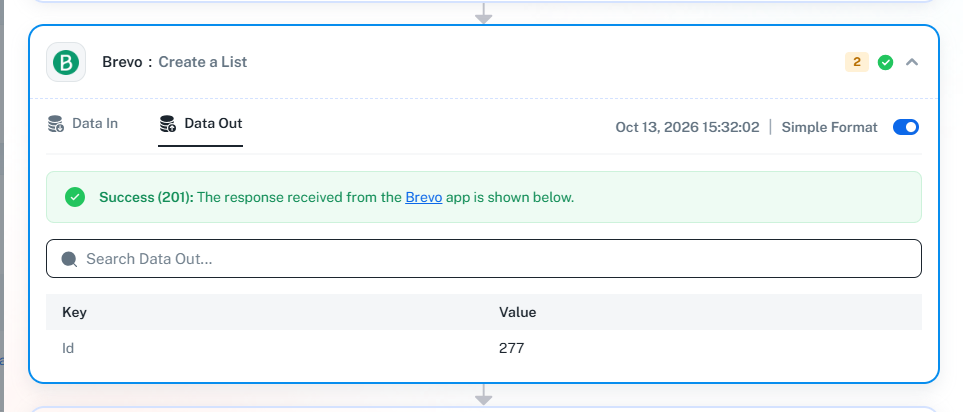
If the issue persists, please share the latest error details with us, and we’ll be happy to investigate further.
Thanks & Regards,
Shekh Dilshekh
Customer Support Specialist
🎉Black Friday Early AccessHello Subham,
This is a quick follow-up regarding the 404 error in Brevo’s Create a List action.
As mentioned earlier, our technical team has corrected the issue caused by an extra trailing slash (/) in the API endpoint URLs. We have also tested the action from our end and confirmed that it is executing successfully.
Kindly re-run the failed task from Task History or click Save & Send Test Request in the affected workflow step to verify the fix.
Please let us know whether the action is now working correctly. If the issue persists, share the latest error details so we can investigate further.
Thanks & Regards,
Shekh Dilshekh
Customer Support Specialist
🎉Black Friday Early AccessHello Subham,
We’re following up regarding the 404 error in Brevo’s Create a List action.
As shared earlier, our technical team has fixed the issue and confirmed that the action is now executing successfully from our end.
Could you please re-run the failed task from Task History or click Save & Send Test Request in the affected workflow step to verify the fix?
Please let us know whether the action is working correctly now. If the issue persists, kindly share the latest error details so we can investigate further.
Thanks & Regards,
Shekh Dilshekh
Customer Support Specialist
🎉Black Friday Early AccessHello Subham,
We hope the 404 error in Brevo’s Create a List action has been resolved following the fix implemented by our technical team.
As the action is now executing successfully in our tests, we are closing this ticket for now. If you continue to experience the issue after re-running the failed task from Task History or using Save & Send Test Request, please reply to this email with the latest error details, and we’ll be happy to assist you further.
We would also greatly appreciate it if you could share your feedback on your support experience using the following link: https://bit.ly/3V2Pjia
Thank you for choosing Pabbly!
Thanks & Regards,
Shekh Dilshekh
Customer Support Specialist
🎉Black Friday Early Access