Email hook
Status: Open · Asked by Scott Bousfield on · 0 views
Hello Scott,
Thank you for sharing the details, and please be assured that we will not make any changes to your workflow without contacting you first.
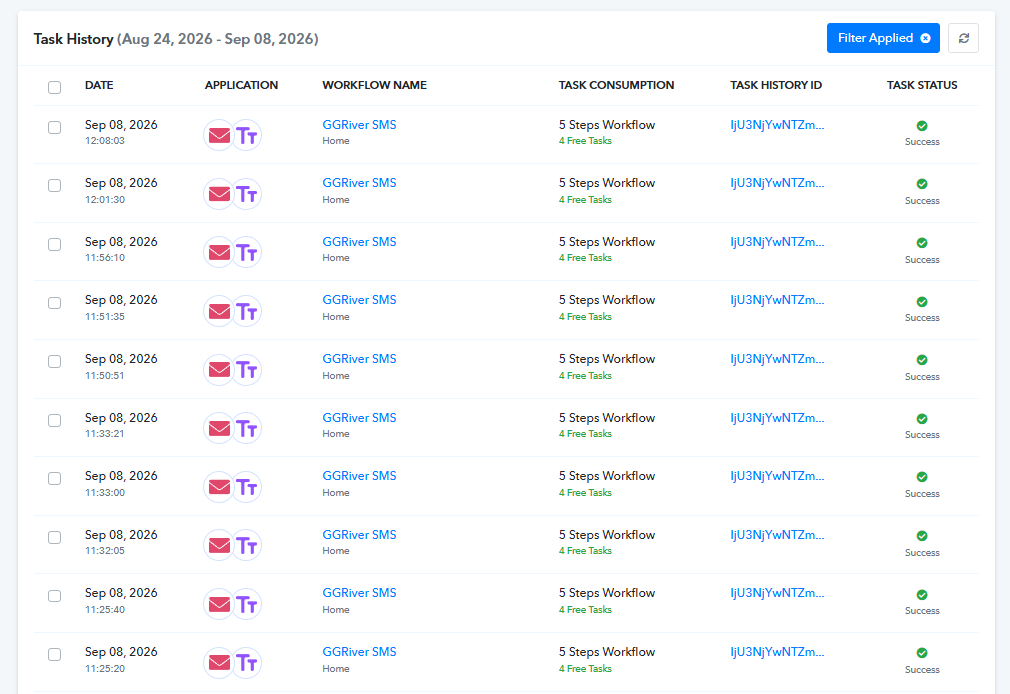
Upon checking the workflow and its Task History, we can see that it is currently working fine and the emails are being received and processed successfully. At the moment, we do not see any specific issue with the Email Parser trigger or the workflow.
IPabbly Support:
Hello Scott,Thank you for sharing the details, and please be assured that we will not make any changes to your workflow without contacting you first.Upon checking the workflow and its Task History, we can see that it is currently working fine and the emails are being received and processed successfu
It's currently working because I cloned the original workflow, changed the Trigger to something else, saved the workflow and then changed the Trigger back to Email Parser. This created a new pcmailhook.com email address. I was then able to log into my Gmail and setup the new forwarding address from the Pabbly Email Parser.
My problem was I needed to pause or disable the workflow while I made changes to the Omada Site logging. I disabled the workflow, made the changes to my Omada Site logging and then enabled the workflow. This did not work. When I enabled the workflow, the Email Parser (Pabbly) stopped responding to incoming emails. What I don't know is if the issue was with the Pabbly workflow or with pcmailhook.com.
I would like to be able to temporarily disable the workflow, make changes to my Omada system, re-enable the workflow and have it continue working. Should this not be possible?
Bear in mind the changes I'm doing in the Omada system is only what it's logging - it continues to send all log events to my Gmail account even as I'm making changes. I only want to temporarily disable the Pabbly Workflow so I don't get inundated with text messages while I test the Omada logging changes.