Google Slides Step Not Working As Per Video
Status: Open · Asked by Zest83 - on · 0 views
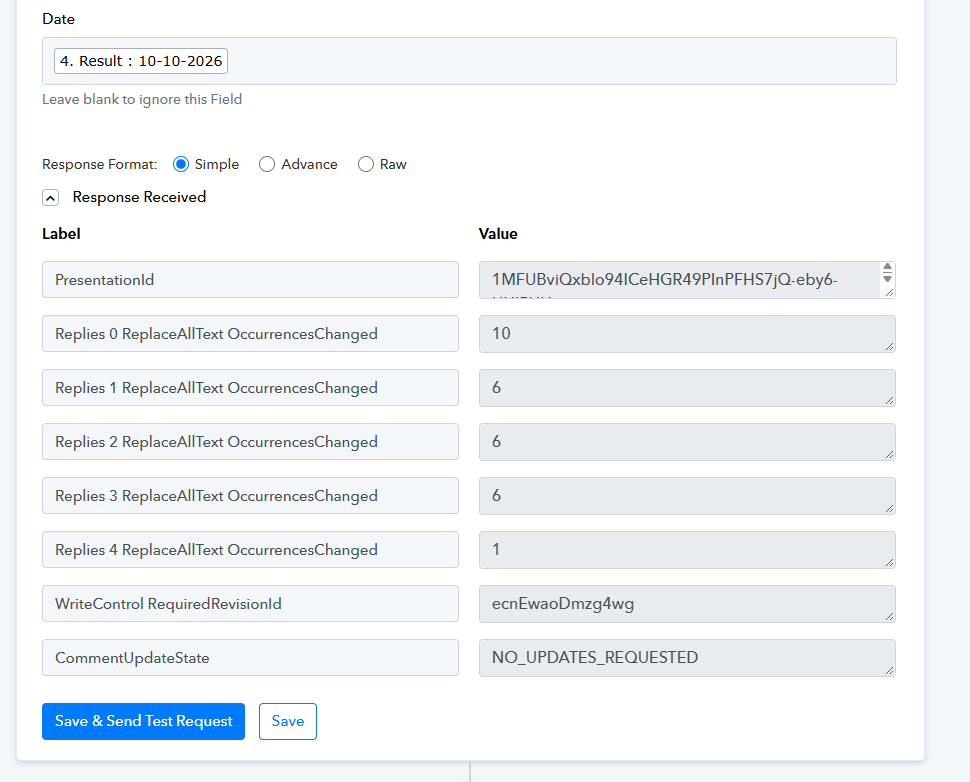
Hello,
Thank you for sharing the error details.
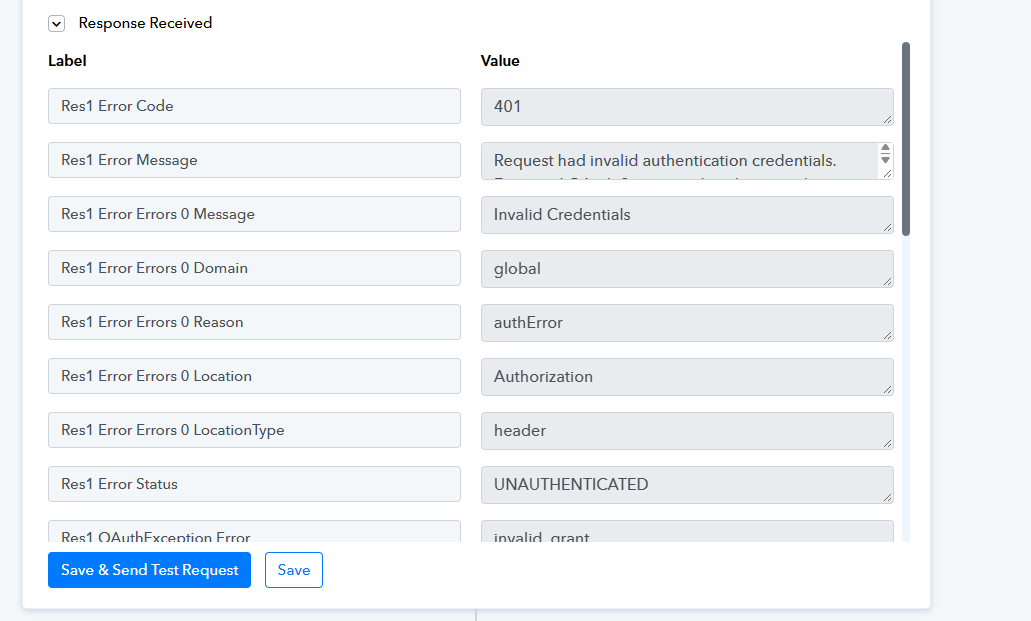
We checked the error response and found that the Google Drive connection is returning a 401 – Invalid Credentials error (invalid_grant) while executing the Share File with Anyone action.
To resolve this, please follow these steps:
Open your workflow in Pabbly Connect.
Navigate to the Google Drive – Share File with Anyone action step.
Create a new Google Drive connection by reconnecting your Google account.
Save the connection and test the action again.
You can also refer to this guide for troubleshooting OAuth authentication errors: https://docs.pabbly.com/pabbly/doc/how-to-solve-oauthexception-error.18724
If the issue persists after creating a new connection, please share the latest Task History ID and your workflow URL at support@pabbly.com so we can investigate further.