Issue - RSS to LinkedIn Connection Breaks Daily
Status: Closed · Asked by flevy on · 0 views
Hello,
I am using the RSS app to post to LinkedIn. It seems my LinkedIn connection is broken daily, so I need to go back into Pabbly and re-connect/establish the credentials for LinkedIn. Here are the task error details from Pabbly --
{
"serviceErrorCode": 65601,
"message": "The token used in the request has been revoked by the user",
"status": 401
}
Can this be fixed, so we do not have to re-connect the LinkedIn connection on a daily basis?
This is an exact replica of a workflow we migrated from Zapier. At Zapier, we never (or very rarely) had an issue w/ the LinkedIn connection being revoked, so I believe this is an issue w/ Pabbly.
Thanks.
Hey @flevy
For your above concern, kindly refer to the following thread where we have mentioned the reasons and the solution.
I hope this might help you out.
https://forum.pabbly.com/threads/linkedin.2023/
Thanks @Supreme. It seems that thread is closed, so I'm responding here.
I have 2 separate LinkedIn connections to post to.
How do I create 2 active LinkedIn connections for 2 different accounts?
Hey @flevy
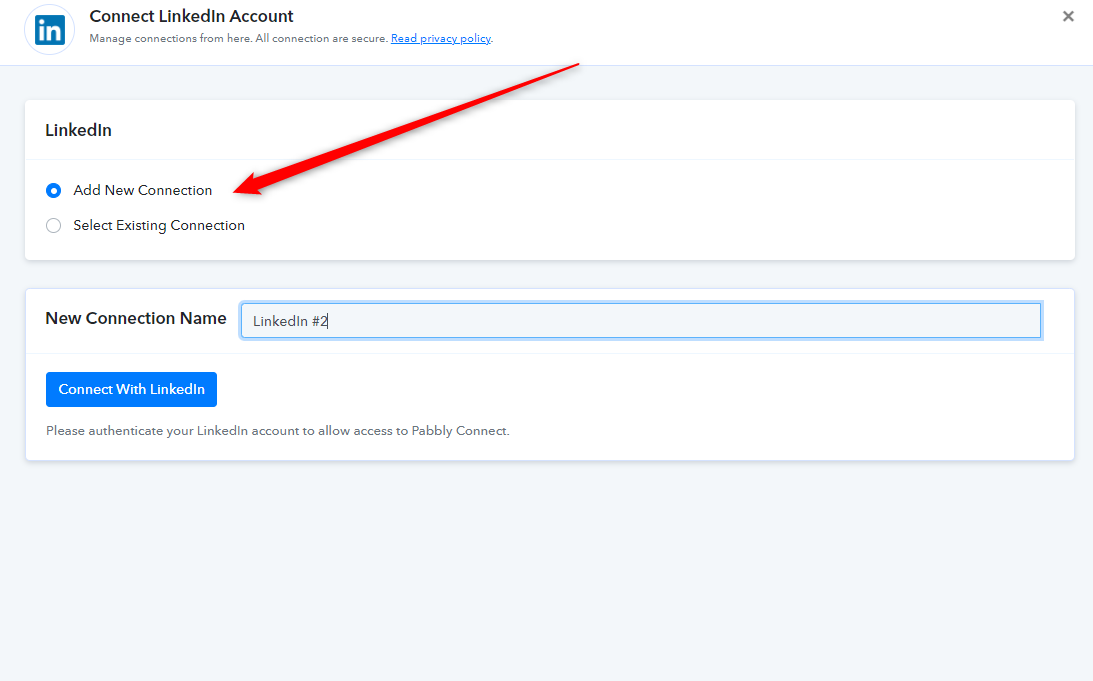
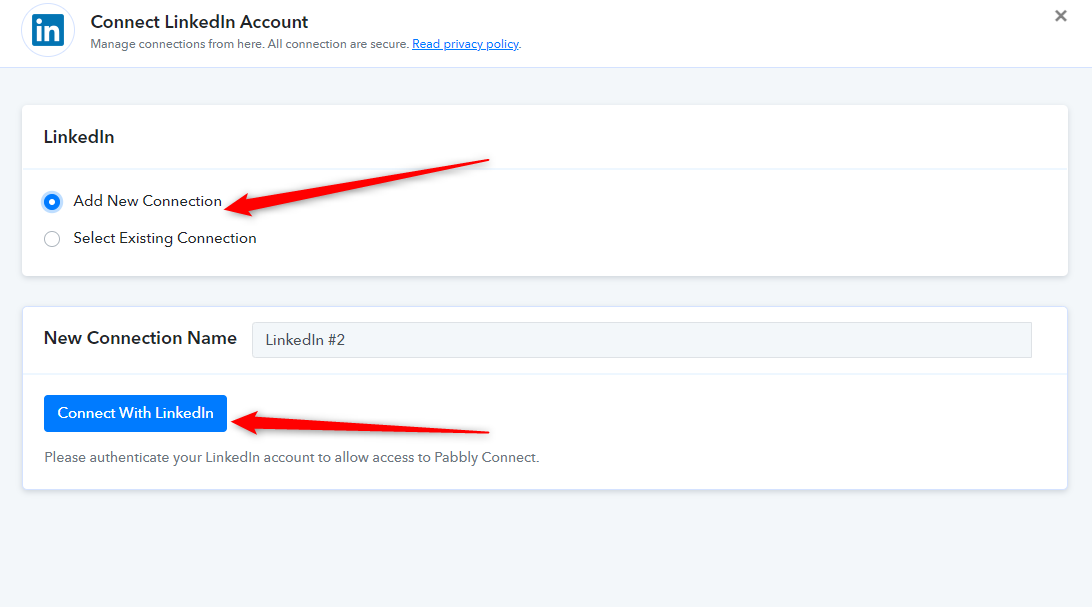
You can add a new account by simply adding a new connection by selecting the "Add New Connection" button.
While adding your new account, make sure you have logged out of your old account from your respective browser.
@Supreme
That is what I've been doing. However, according to the original thread you directed me to, it seems I can only have 1 active LinkedIn connection or am I misunderstanding?
@Supreme
Are you able to look at my workflow directlyhttps://connect.pabbly.com/workflow/mapping/IjI5ODE1MyI_3D
All the LinkedIn connections are shown as "connected." However, the tasks are fall failing due to the reason described earlier.
Hey @flevy
Are you able to look at my workflow directlyhttps://connect.pabbly.com/workflow/mapping/IjI5ODE1MyI_3DAll the LinkedIn connections are shown as "connected." However, the tasks are fall failing due to the reason described earlier.
You can use your distinct Linkedin accounts' connection in your workflow(s) but you cannot make multiple connections with your already created connection from the same account.
@Supreme
I do not quite understand what you mean. Can you rephrase that statement?
Hey @flevy
When you create a new connection for your LinkedIn account inside Pabbly Connect and use it in your workflow(s) or action steps, all your previous LinkedIn connections used in other workflows or action steps get expire and generate "The token used in the request has been revoked by the user".
But you can add your different Linkedin accounts' connection to your workflow(s).
@Supreme
OK, thanks for the clarification.
It would be very helpful to be able to connect to multiple LinkedIn connections. Can I submit this is a feature request? I don't see any reason why there should be a restriction on the number of distinct connections.
Hey @flevy
It would be very helpful to be able to connect to multiple LinkedIn connections. Can I submit this is a feature request? I don't see any reason why there should be a restriction on the number of distinct connections.
Yes, we understand your concern but as of now, we can only permit one connection of a Linkedin account at a time.
Hi @Supreme
I have removed all but 1 LinkedIn connection. However, I am still receiving the same error. I've also tried re-connecting to that 1 connection multiple times to see if that would fix the error, but it always re-appears.
Could you take a look at my specific workflow? Or should I open up a ticket?
Hey @flevy
As we can see you are having multiple accounts connection. Kindly remove all the Linkdin credentials and try adding a new Linkdin connection then only use one for every workflow.
@Supreme
OK, got it.
Just to clarify, we are only allowed 1 LinkedIn connection per workflow or 1 per Pabbly account?
@Supreme
I am still having the same issue. I had removed all LinkedIn connections and then added a new one.
Hey @flevy
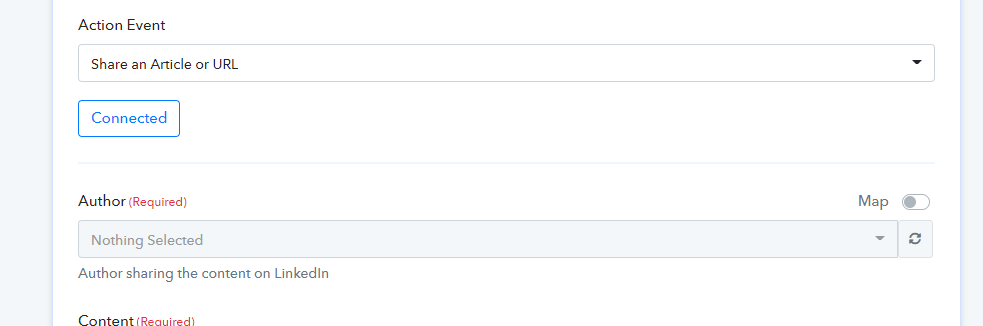
It seems like you haven't connected your Linkedin account properly because in the action step we are unable to see any author in the respective field.
Please connect your Linkedin account properly and make sure you have assigned an author in your account to use the action step.
Hi @Supreme
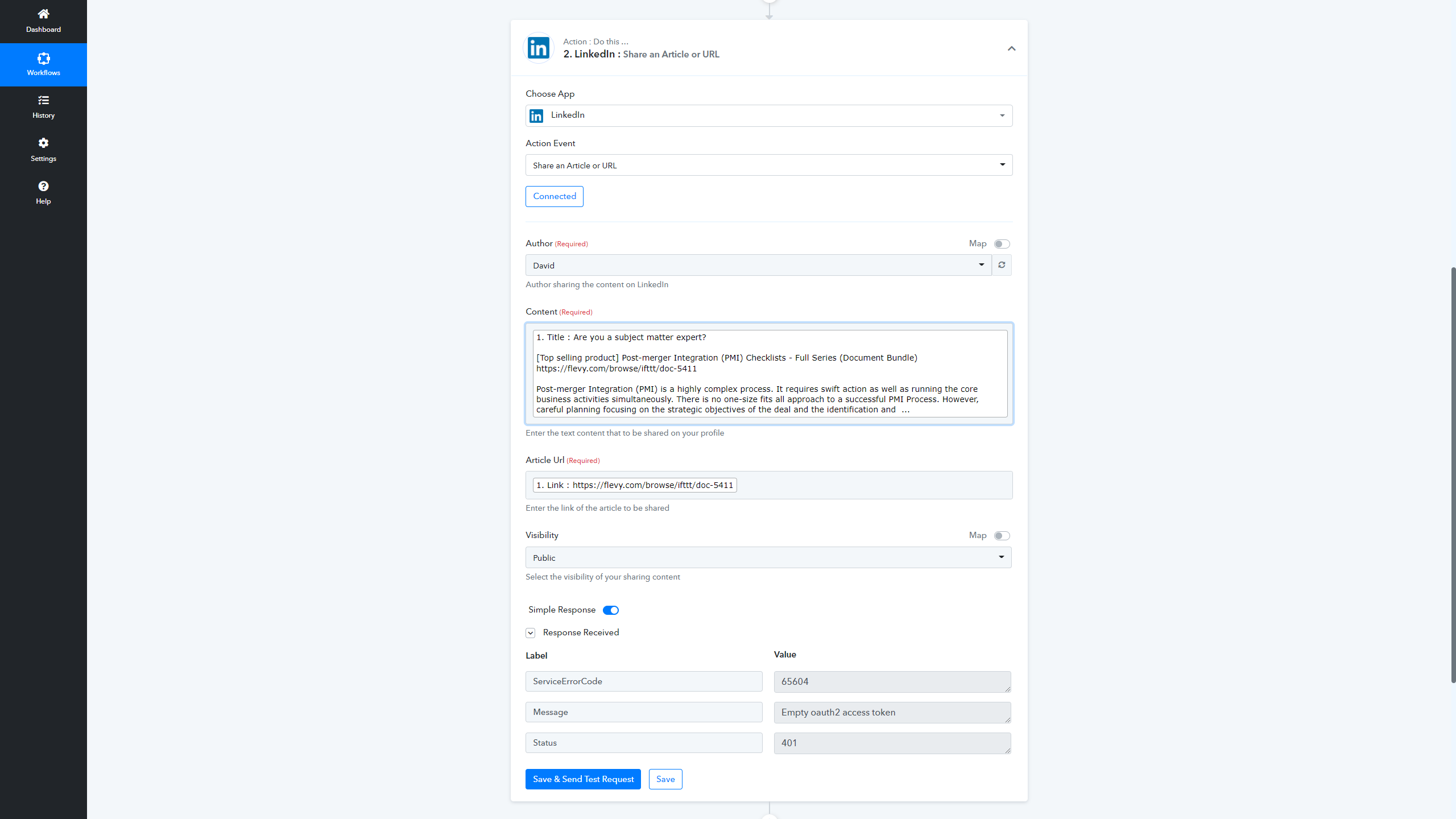
Here is what I see on my end. The author and content are both selected; and here is the error response after I sent a test request --
Hey @flevy
As we can see, you still haven't made a new connection to your Linkedin account and since that particular connection is failed.
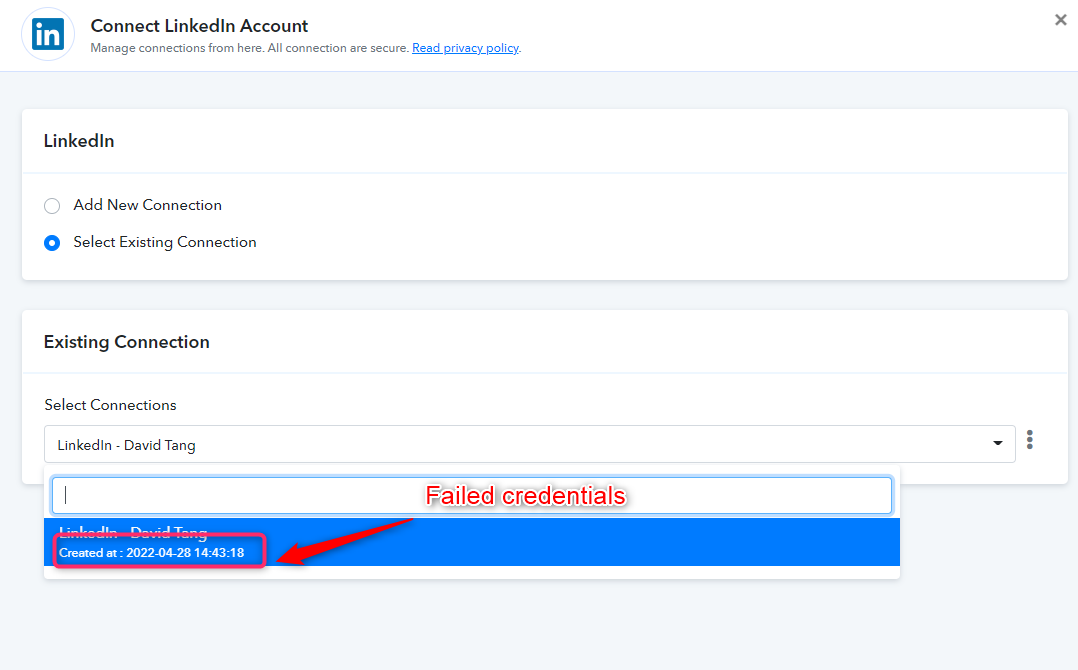
So we would again request you to make a new connection and try again by removing the previous one.
@Supreme
I've repeated the process and still having the same issue. I deleted all connections and also deleted the step from the workflow. Then, I recreated the step and created a new connection. I tried a test run and it worked successfully.
Later on in the day, received another email notification saying it had failed w/ the same error.
I do not believe this is an user error.
Hey @flevy
We have forwarded your query to our tech team and it might take some more time to look deeper into your concern. Since any of our users haven't faced such an issue till now.
Your kind patience will be highly appreciated.
Hey @flevy
We have made some changes from our end and would request to try again by re-connecting your Linkedin account.
Kindly let us know.
@Supreme
We redid everything, but the error still persists.
Hey @flevy
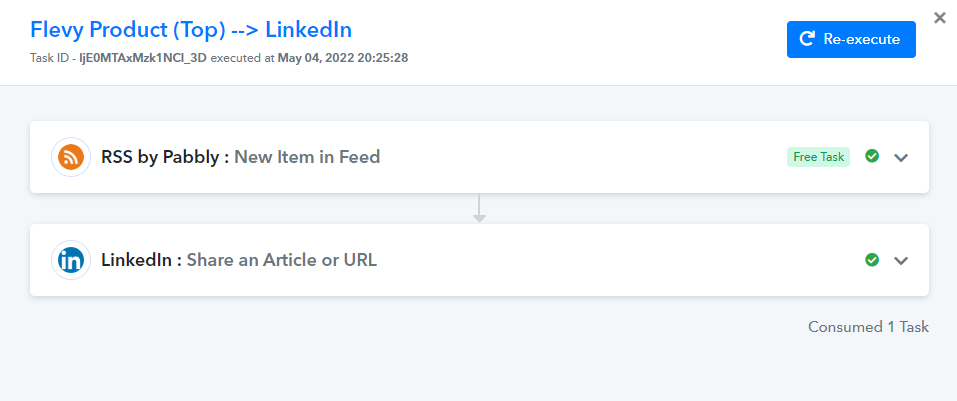
As we can see from your Pabbly account and the respective workflow's history log whereas it seems like your Linkdin action event is working accordingly.
Kindly check again and let us know with the task history ID.
Thanks @Supreme
You're correct. It's working now! The error was from a different workflow using LinkedIn. I have just updated that use the new connection, so should work now going fwd.
Thanks for the help!