Migrating Existing WhatsApp Cloud API Number to WhatsApp Coexistence
Status: Awaiting reply · Asked by Ajit Lonkar on · 0 views
Hello Pabbly Support Team,
I currently have my WhatsApp number connected to Pabbly Chatflow using the Manual Token method (standard WhatsApp Cloud API).
My requirement has changed. I want to use the same number simultaneously on:
WhatsApp Business mobile application for manual conversations.
Pabbly Chatflow for automated messages, Facebook lead integration and customer communication.
I understand that I need to migrate to WhatsApp Coexistence.
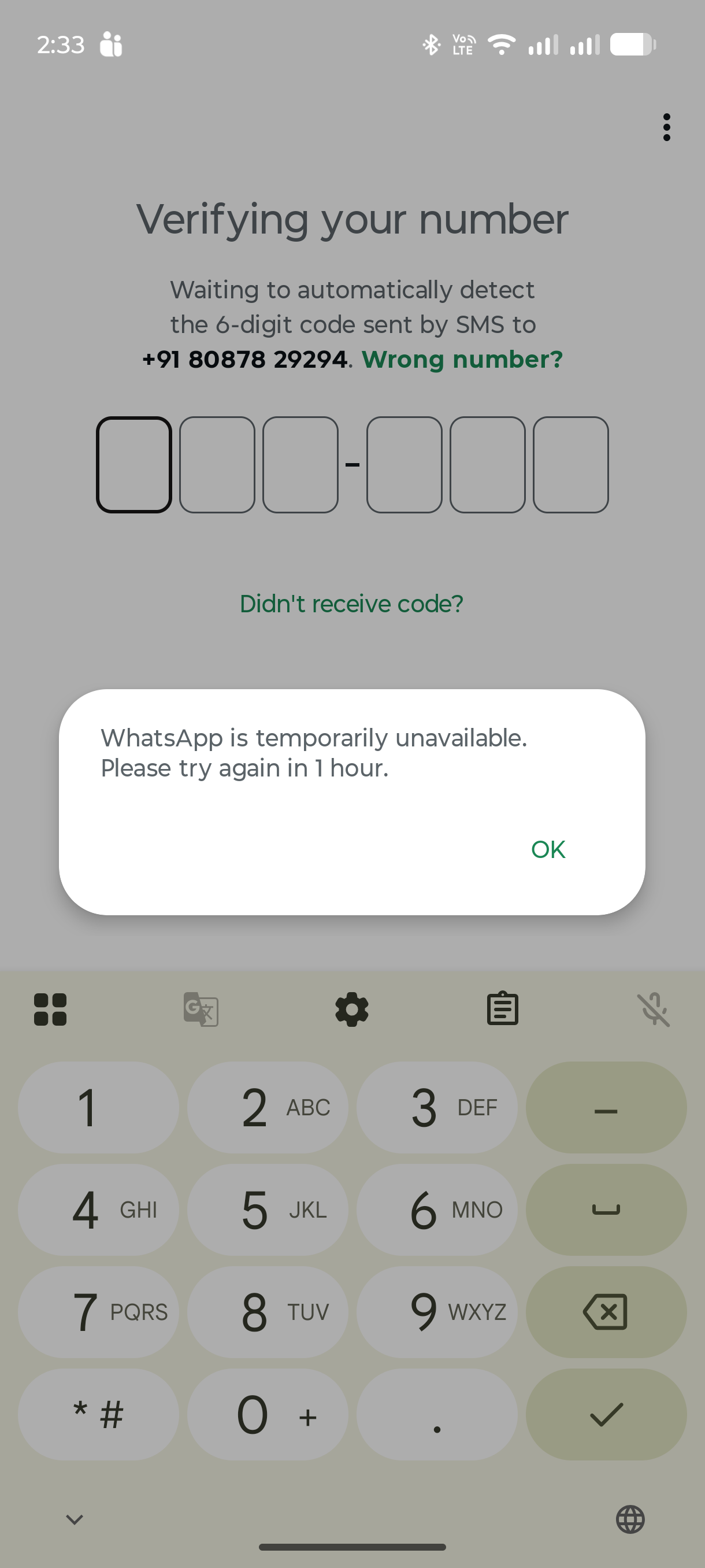
Currently, when I try to register the number in WhatsApp Business App, I receive this error:
"WhatsApp is temporarily unavailable. Please try again in 1 hour."
Could you please guide me through the following?
How can I safely release the existing standard Cloud API registration?
How can I activate the number in WhatsApp Business App without losing my existing Pabbly configuration?
Can I subsequently reconnect through WhatsApp Connect (Coexistence)?
Will my existing message templates, WABA configuration and automation workflows remain intact?
I want to ensure there is no loss of data or disruption to my existing WhatsApp automation.
Please provide the recommended migration procedure before I make any changes.
Thank you.