

• Instructions to Ask a Question

    For any assistance, please click the "Ask a Question" button and select the Pabbly product for which you require support.

    We offer seven comprehensive applications designed to help you efficiently manage and grow your business:

    Our support team endeavors to respond within 24 business hours (Monday to Friday, 10:00 AM to 6:00 PM IST). We appreciate your understanding and patience.

  • Due to Holi celebrations, our team will have limited availability. While we’ll continue to monitor threads, responses may be slightly delayed. Normal operations will resume on Thursday, 5th March 2026.

Paid for the plan, but didn't get task assigned to your account?

Status
Not open for further replies.
Once you have made the purchase for a plan and then it is not assigned to your account-
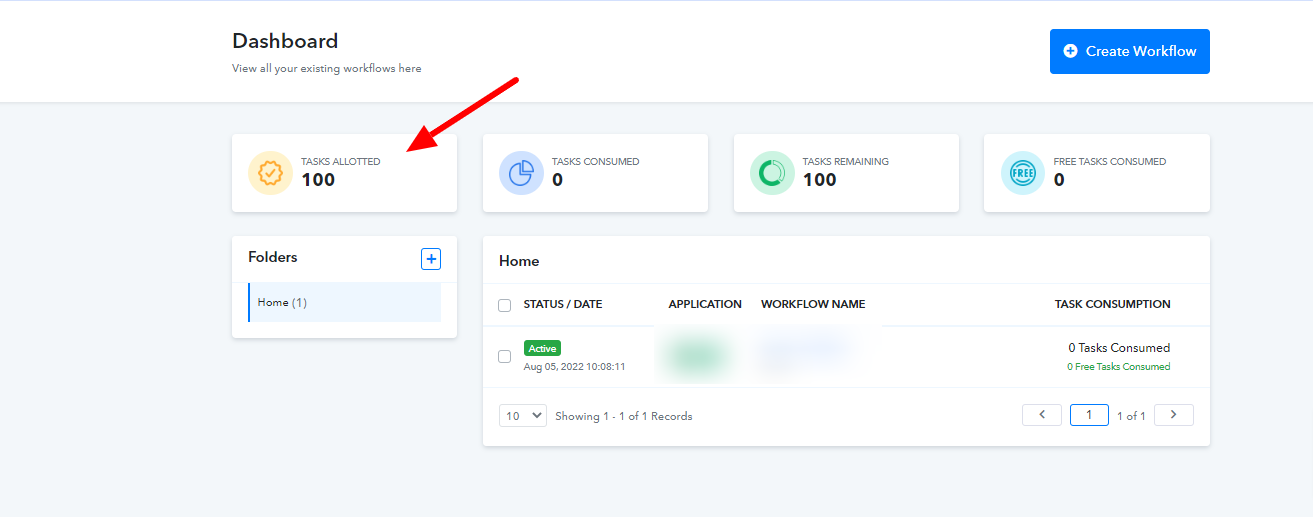
1669807616679.png


In this case, kindly logout from your Pabbly Connect account -
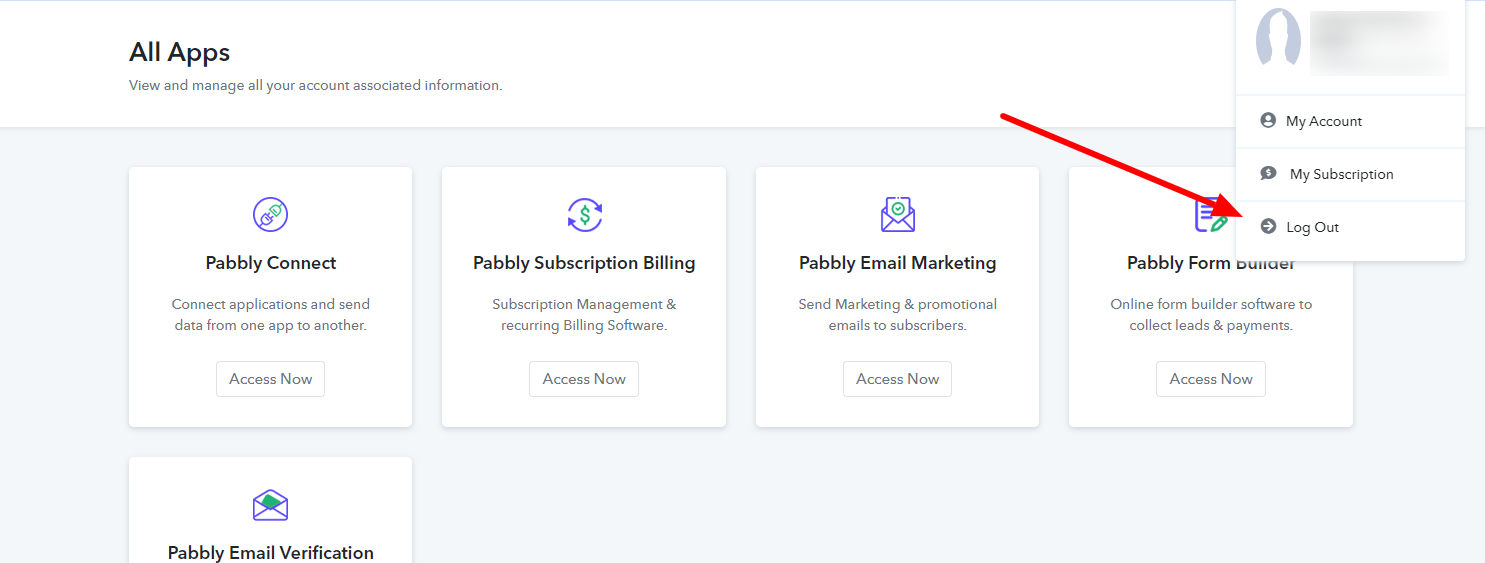
1669807317993.png


And then Login back, you will see your task assign to your account-
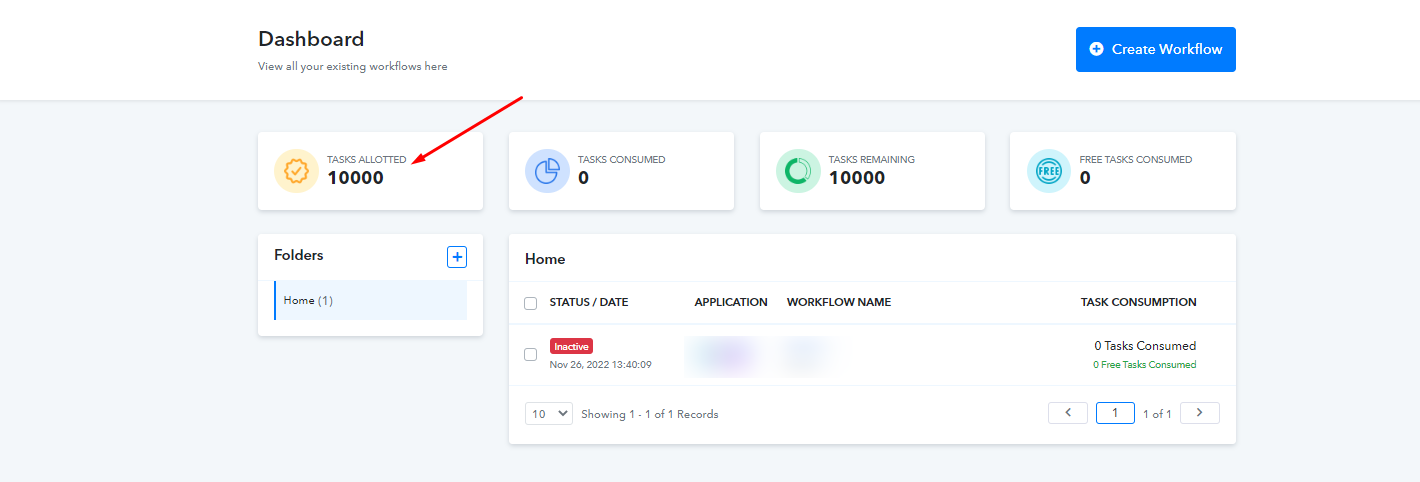
1669807500334.png


Hope, this thread solves your task concern
 

Attachments

  • 1669807394836.png
    1669807394836.png
    43.9 KB · Views: 174
Status
Not open for further replies.
Top