

• Instructions to Ask a Question

    For any assistance, please click the "Ask a Question" button and select the Pabbly product for which you require support.

    We offer seven comprehensive applications designed to help you efficiently manage and grow your business:

    Our support team endeavors to respond within 24 business hours (Monday to Friday, 10:00 AM to 6:00 PM IST). We appreciate your understanding and patience.

  • Due to Holi celebrations, our team will have limited availability. While we’ll continue to monitor threads, responses may be slightly delayed. Normal operations will resume on Thursday, 5th March 2026.

replying to google my business reviews

rana pratap

Member
hello,

I tried watching your video step by step and implemented it but I am unable to see the result.

Also, I
would like to give different reviews to everyone. for ex: 1 to 3-star review will get one set of reply & 4 to 5 will get another reply

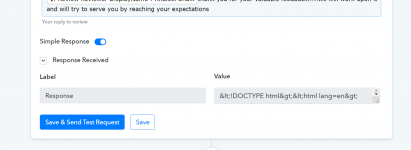
PFA of how it's showing on the pabbly dashboard.
 

Attachments

  • pabbly.png
    pabbly.png
    48 KB · Views: 153

Neeraj

Administrator
Staff member
Please share a full screenshot of the request with all the mapped data in it.
 

Neeraj

Administrator
Staff member
Do not map Name. Map the Review Name and check.

1624176401277.png


You are mapping Name field in the Name. Map the Review Name field.
 

rana pratap

Member
Thanks a ton...... it's working now...

Also, I would like to know how to give different reply to customers based upon their rating?
 
Top