Request to Review My Existing Facebook Leads, Calendly & WhatsApp Automation Setup
Status: Open · Asked by Anjali koli on · 0 views
Hi Pabbly Team,
I need your help in reviewing an automation setup that I had created earlier in my Pabbly account.
The automation I want to achieve is:
Leads are generated through a Facebook Lead Form.
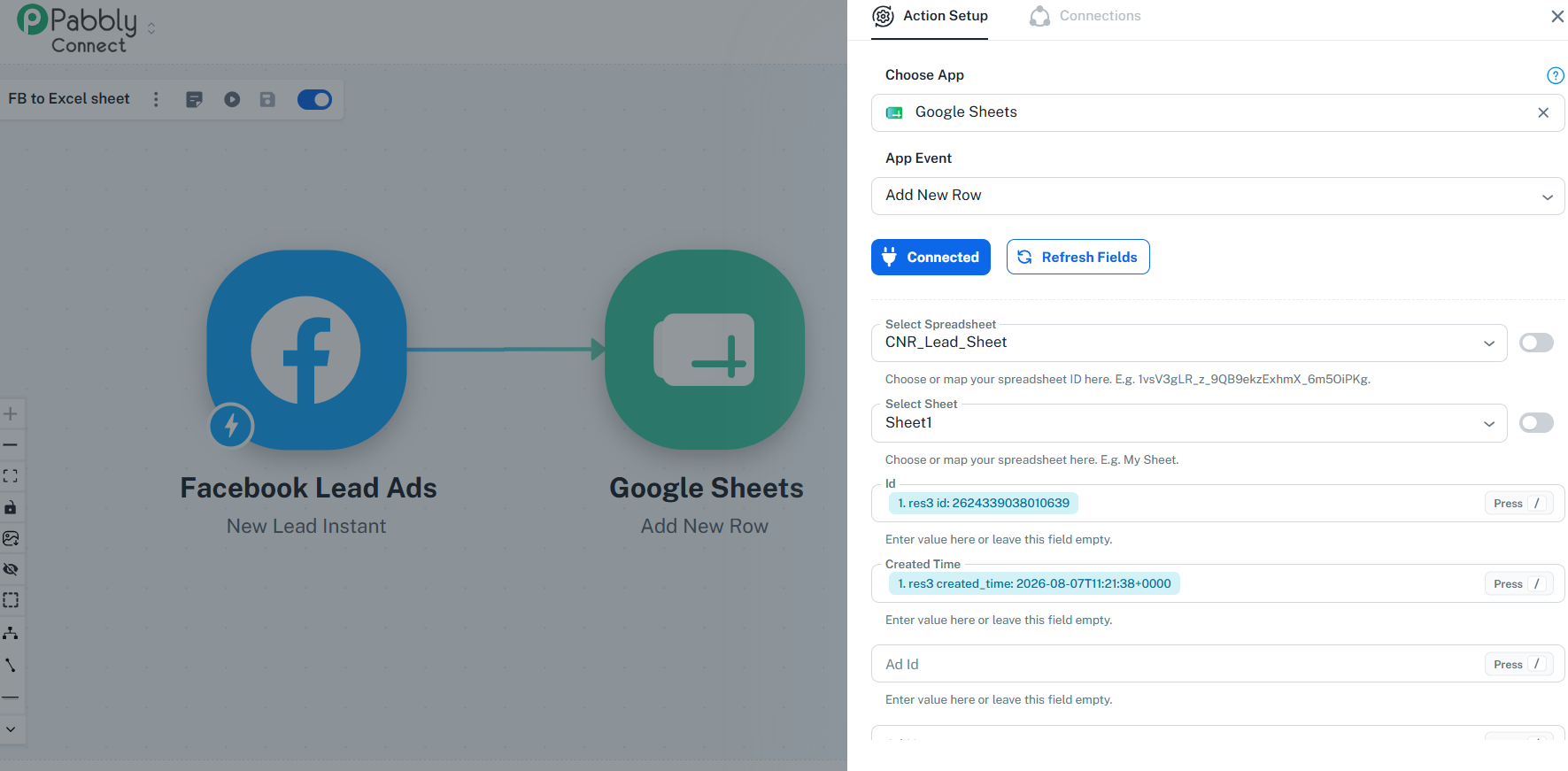
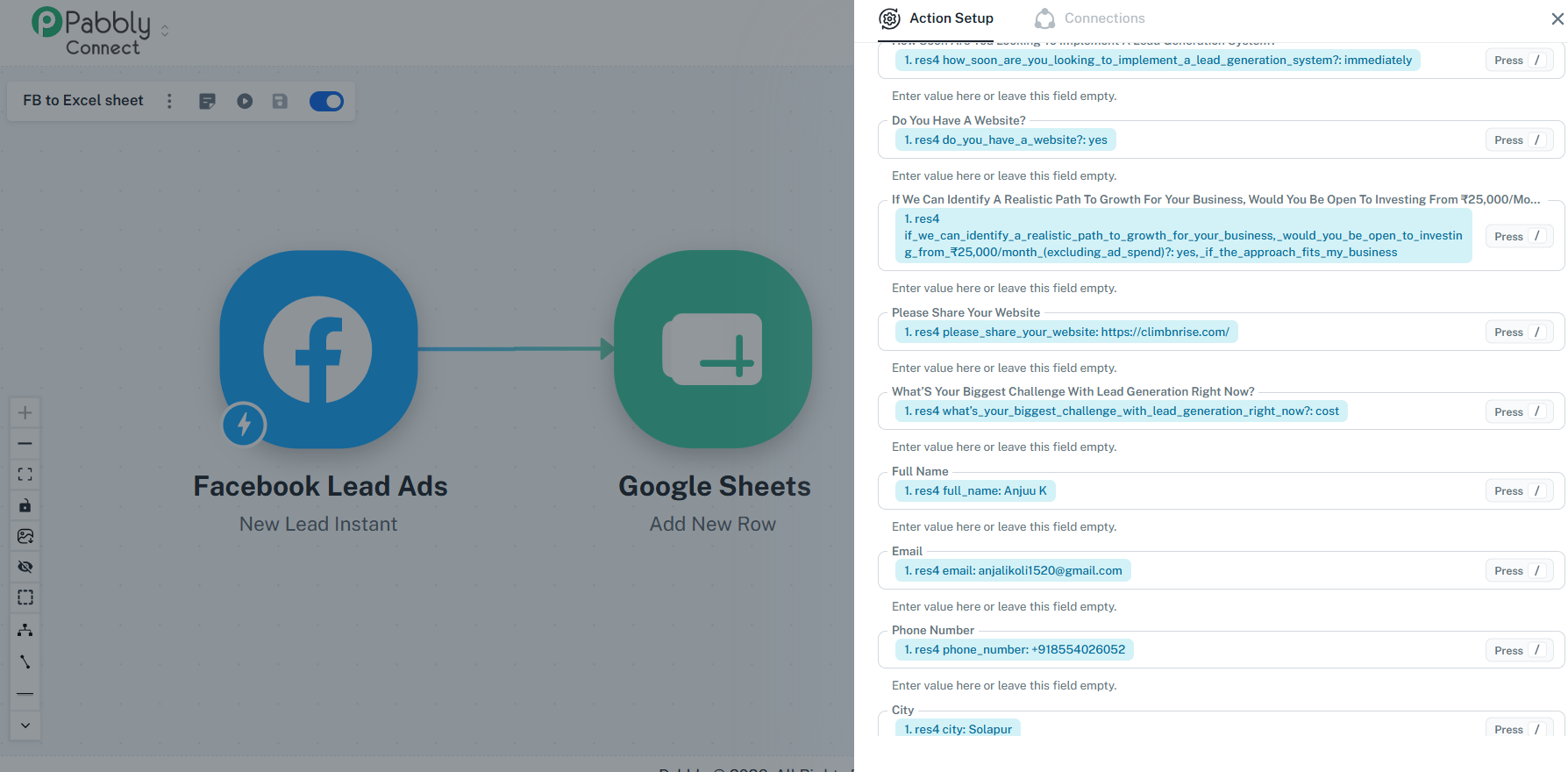
The lead details should automatically be added to a Google Sheet.
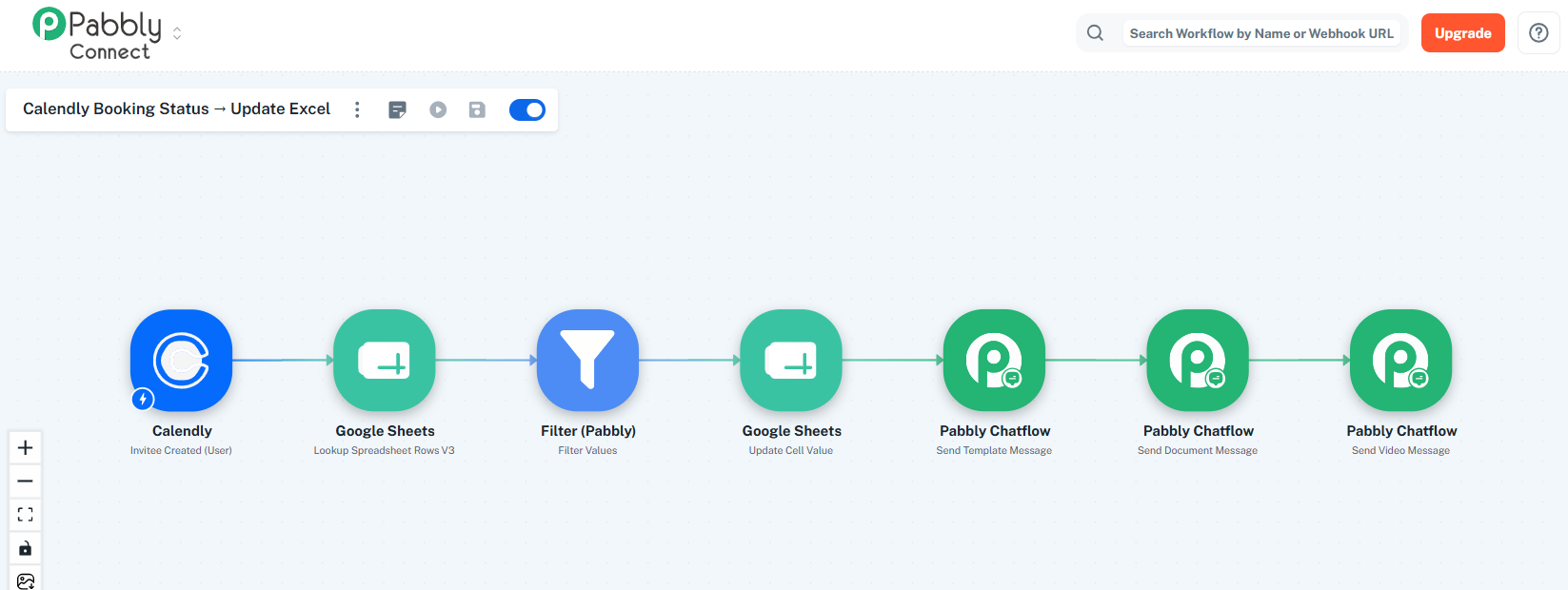
After that, I need to identify whether the person who filled the Facebook form has booked a call through Calendly or not.
If the lead has not booked a Calendly call, an automated WhatsApp follow-up message should be sent asking them to book the call.
If the lead has booked the Calendly call, a different WhatsApp confirmation message should be sent confirming their booking.
I had already started setting up this automation earlier, but I faced some issues during the process and had to stop working on it.
Could you please check my existing setup from your backend/account side and let me know:
Whether my current workflow/setup is correct.
Which parts of the workflow are already configured properly.
If anything is incorrect or incomplete, please tell me exactly what needs to be changed.
Please provide me with the step-by-step process for completing the remaining setup.
Also, please confirm the best method in Pabbly to match a Facebook lead with their Calendly booking, preferably using their phone number or email address.
I would prefer to continue with my existing setup instead of creating everything again from scratch, if possible.
Please review the workflow and guide me on the next steps.
Regards,
Sidharth
ClimbnRise Digital Marketing Pvt. Ltd.
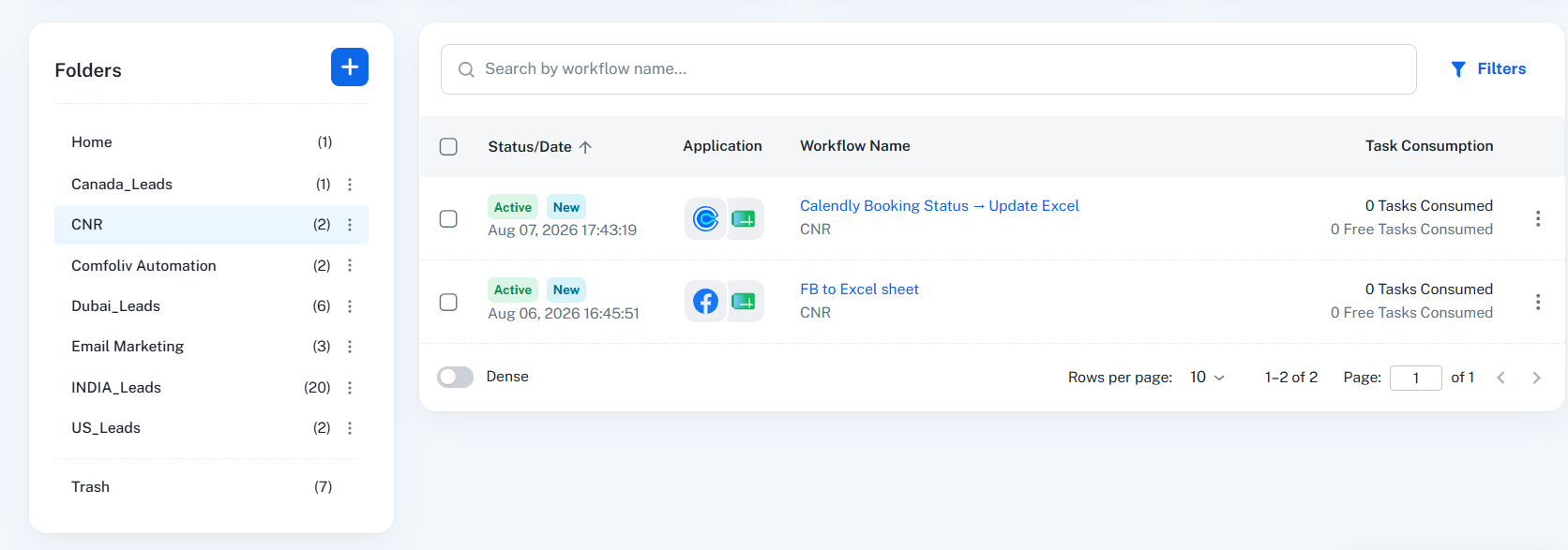
Your Workflow URL:
https://connect.pabbly.com/v2/app/workflow/share/XxdWZAVSUzBXHQhiAmcNKltPAAQEXgE9Bx4BE1JdXSVUDgNoAUBdNwBMVjwDUFIzA0oEblENVGhYTAYCAFZUJwYIARMDAFUvBElVLgBJDD9fAVZ-BWQ#
https://connect.pabbly.com/v2/app/workflow/share/WBBRY1QDB2RSGFM5AmdUcwwYVVFTCQk1XUQEFlNcBX1WDFU-A0JdNwlFU3EHSAVkUxoHbVINAmcJHVdTA1UBcgYfVlRQUwV_WhcFflMWX2xYBlF5VDU#