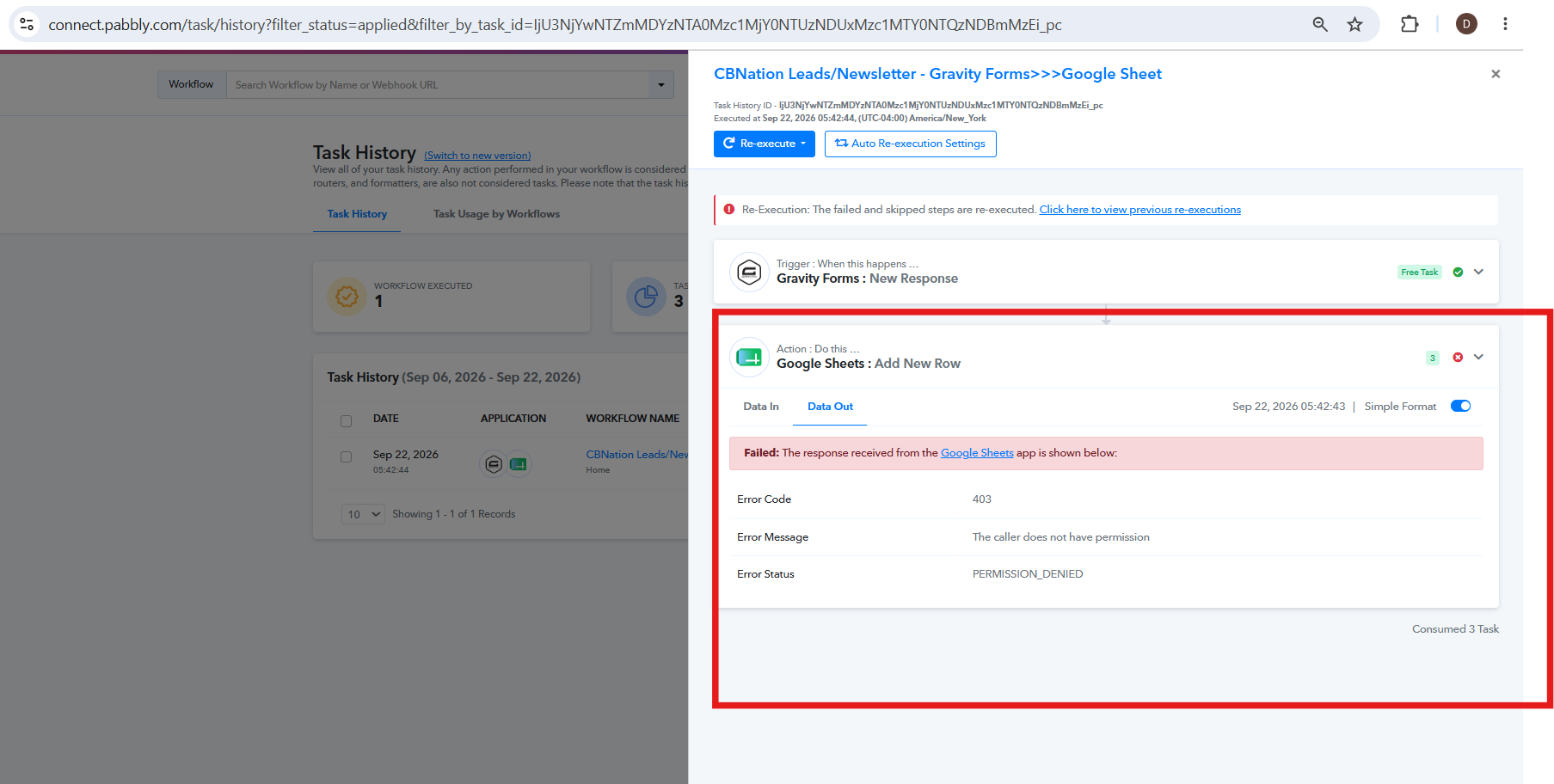
The caller does not have permission
Status: Open · Asked by Blue Sixteen on · 0 views
This is happening again. This step keeps failing. The step is just to add data to the Google Sheet, so I'm not sure why it says the caller does not have permission.
Hi,
The error indicates that the Google Sheets action is receiving a 403 – PERMISSION_DENIED response, which means the connected Google account does not currently have sufficient permission to access or add data to the selected Google Sheet.
Please ensure that the Google account connected with Pabbly has the required Editor access to the spreadsheet and that the sheet is accessible with that same account.
Once the permissions are updated, please re-test the workflow and let us know how it goes.