team member task alloted from admin task per month
Status: Open · Asked by Dilip Budhani on · 0 views
Hello Dilip,
Thanks for reaching out. Here's how task allocation works for team members in Pabbly Connect:
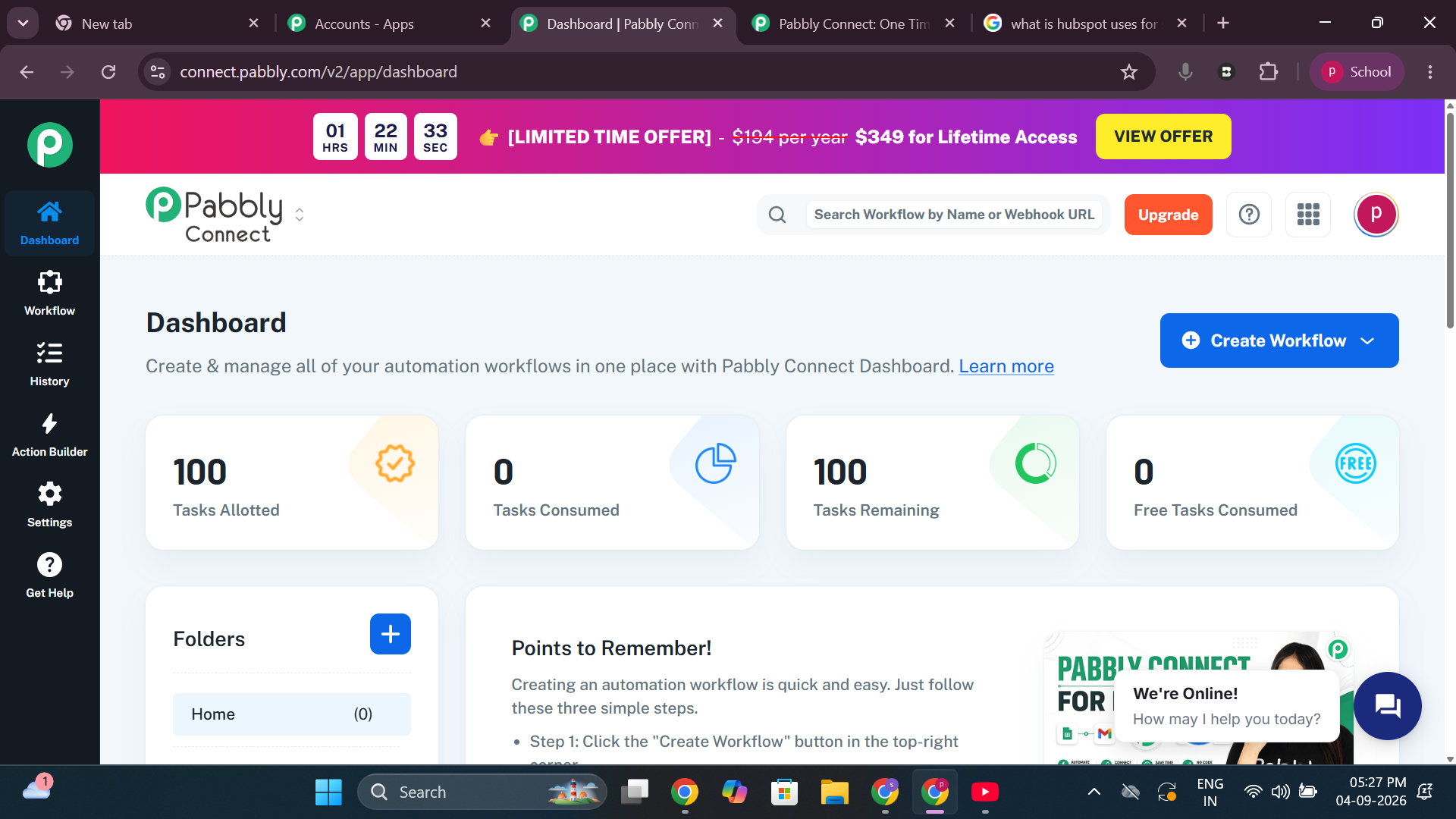
Task usage is tracked per individual account, not pooled across the admin and team members. When you share workflows with a team member, those workflows run under the team member's own account and consume that account's tasks, not yours. The task counter you see only reflects the currently logged-in account's usage.
On the standard/normal plan, the admin cannot assign or transfer tasks from their own balance to a team member's account. So your 10,000 tasks cannot be allotted to the team member directly.
To share tasks across team members from a single pool, you would need to upgrade to the Pabbly Connect Agency Plan, which is designed for this multi-user/team task-allocation use case. You can review the details here: https://www.pabbly.com/connect/agency/#pricing
Until then, your team member would need their own plan (or their free-plan tasks) for the shared workflows to run.
Please also make sure your team member has signed up, accessed Pabbly Connect once, and used the Access now option under Settings > Team Members > Workflows or Folders Shared With You to access the shared workflows.
Thanks & Regards,
Hrishabh
Customer Support Associate
🌐 Pabbly.com
👉 Rate your support