Urgent Help - Error - Failed to send message - Invalid phone number format
Status: Closed · Asked by Nitin A on · 0 views
Connect Connection is working
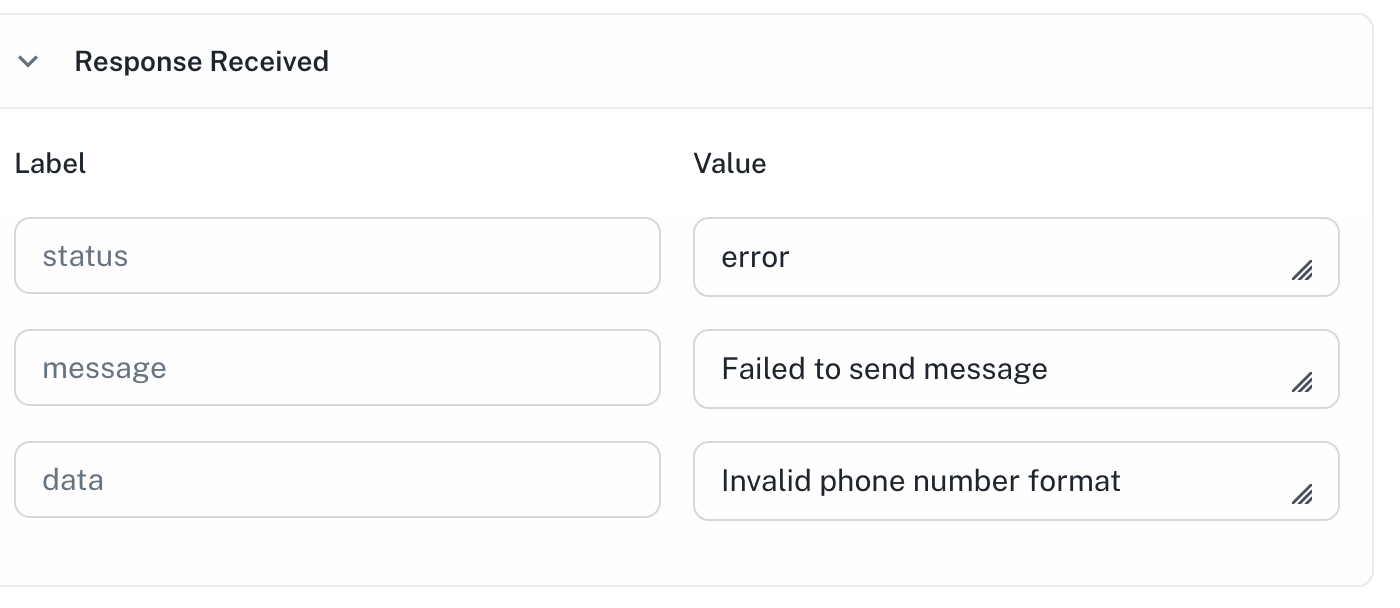
I Have maped Fields correctly , even the phone number is correct but am getting Error
Error - Failed to send message - Invalid phone number format
Hello Nitin,
Thank you for reaching out and sharing the details.
The "Failed to send message - Invalid phone number format" error usually occurs when the recipient number is not in the format WhatsApp requires. The number must be digits only, with the country code prefixed, and without any '+', spaces, dashes, parentheses, or leading zeros.
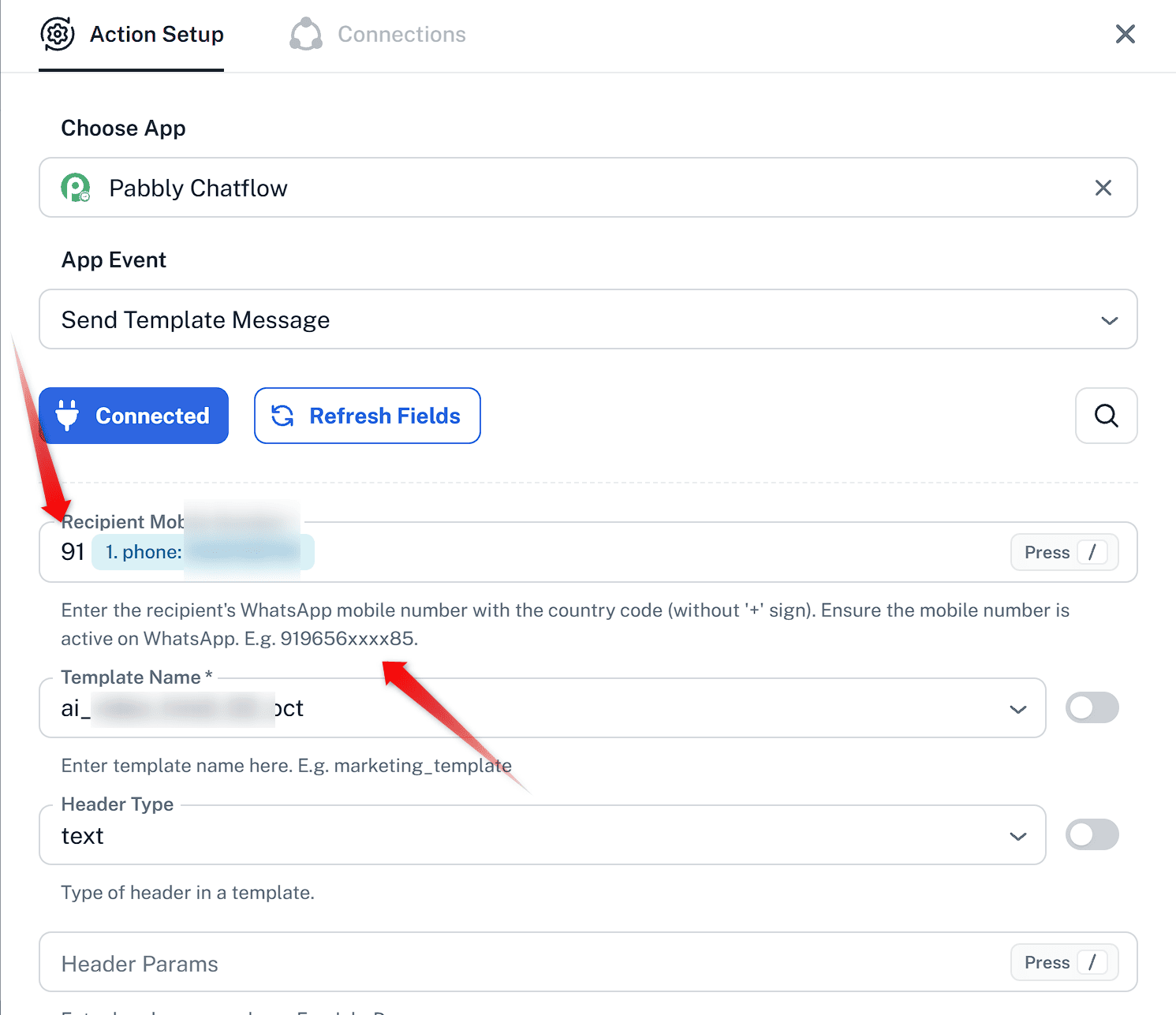
For example, an Indian number like 8298036570 will be rejected; the correct format is 918298036570 (country code 91 followed by the 10-digit number).
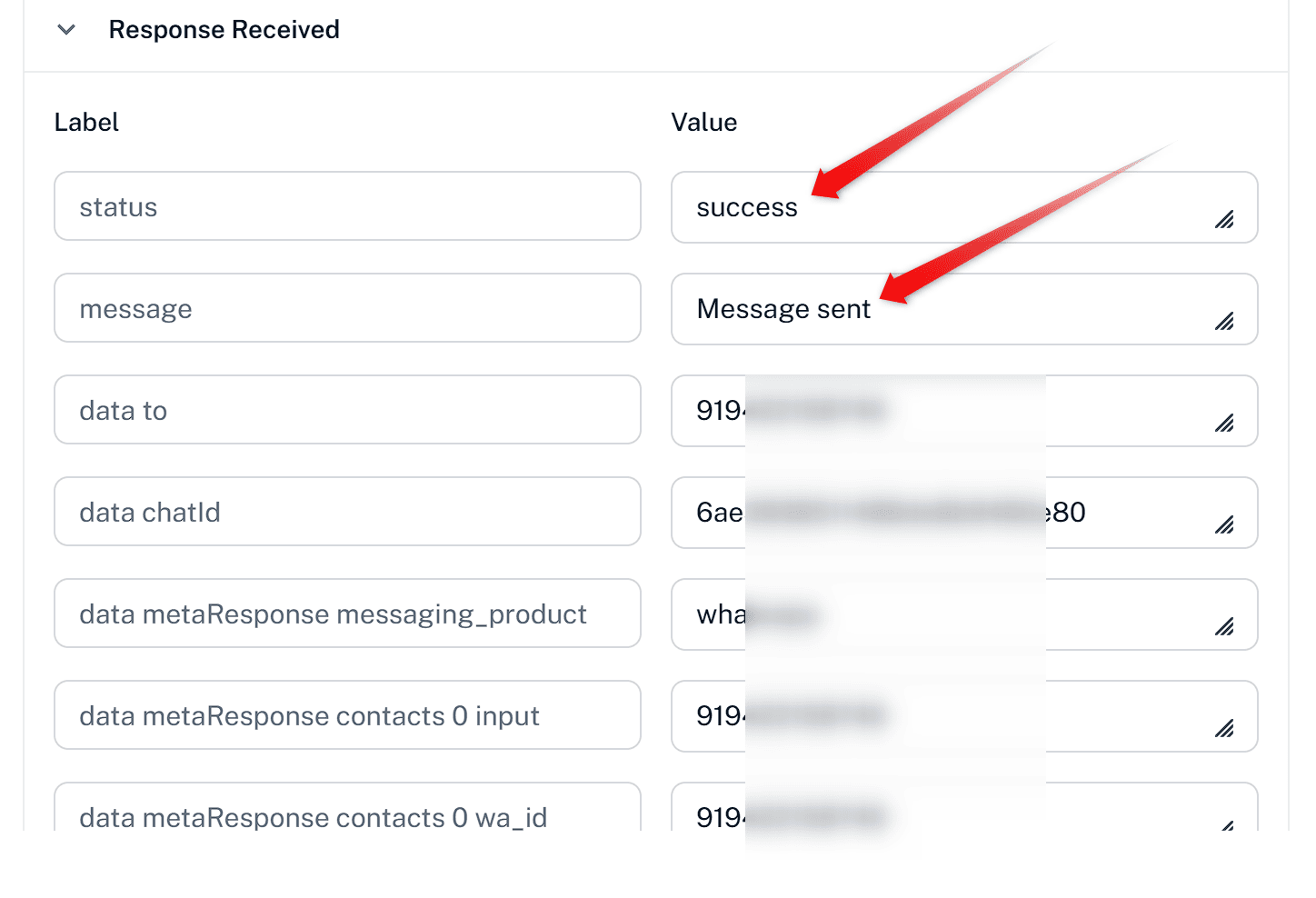
We checked the shared workflow and found that the Phone number is mapped without country code, so we added the country code manually and the action step executed successfully.

Thank you for your quick responce
You're welcome