What is this error happening with most of the execution
Status: Open · Asked by Bidesh Bhowmick on · 0 views
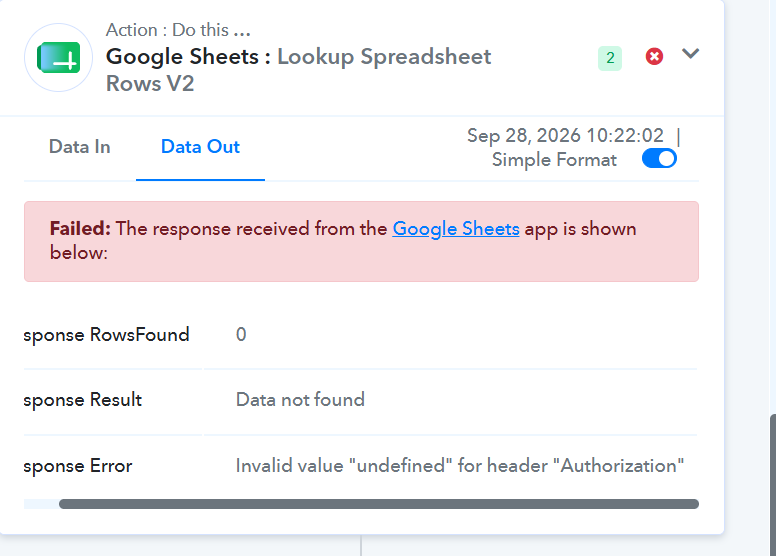
Also incloming webhook by pabblyis also not triggering
Hi Bidesh,
Thank you for sharing the details.
We’ve checked the response, and the issue is occurring because the Google Sheets authorization is not being passed correctly. The error Invalid value "undefined" for header "Authorization" indicates that the connection/token is not being picked up properly.
Please try the following:
Open the Google Sheets – Lookup Spreadsheet Rows V2 action.
Go to the Connection section and reconnect your Google Sheets account, or create a new connection.
Make sure you authorize the correct Google account and grant all the required permissions.
Select the newly connected account in the action step.
Save the step and run Save & Send Test Request again.
We also recommend trying the reconnection in an Incognito/Private browser window, especially if multiple Google accounts are logged in.
If the same error persists after reconnecting, please share a screenshot of the Connection section of this Google Sheets action so we can check it further.